Dental Clearance Form Template
Before certain medical procedures, dental clearance is required. A structured form makes the documentation process clear for both the patient and the dental provider.



Dental clearance is required before a range of medical procedures — cardiac surgery, organ transplantation, radiation therapy, and others. The challenge is that the process often lacks a clear structure: referrals are sent informally, documentation is inconsistent, and the requesting physician doesn't always receive a complete response in time.
This dental clearance form template standardizes the process. The referring provider's information, the procedure requiring clearance, and the patient's dental health status are all captured in a structured format. Conditional logic surfaces additional questions based on the findings — a patient with active dental infection will need more detailed documentation than one who's cleared without issue.
Customize for your clinical context, connect to your records system, and keep a complete audit trail of every clearance request and response.
A dental clearance form is a document completed by a dentist to confirm that a patient's oral health meets the standards required for a specific medical procedure. It's typically requested by a specialist or surgical team before proceeding with treatment.
Oral infections and untreated dental disease can complicate medical procedures, particularly those involving the heart, immune system, or radiation fields. A clearance form documents that dental health has been assessed and any active issues addressed before proceeding.
A complete dental clearance form covers the clinical assessment and the patient's status. Consider including:
- Patient's full name, date of birth, and referring provider
- Procedure requiring dental clearance
- Findings from oral examination
- Status of any active dental disease (treated, untreated, or not present)
- Clearance status (cleared, conditionally cleared, not cleared)
- Dental provider's name, credentials, and signature date
Conditionally cleared means the patient is approved to proceed with the medical procedure but with specific caveats — for example, an antibiotic protocol required before dental work, or a follow-up dental appointment within a defined timeframe. The conditions should be clearly documented in the form.
That depends on the urgency of the medical procedure and the patient's dental health. Elective procedures typically allow several weeks for dental evaluation and any necessary treatment. Urgent procedures may require clearance within days. Include a requested clearance date on the form so the dental provider understands the timeline.
Get inspired by relevant templates and categories
3200+ Templates, 300+ Integrations
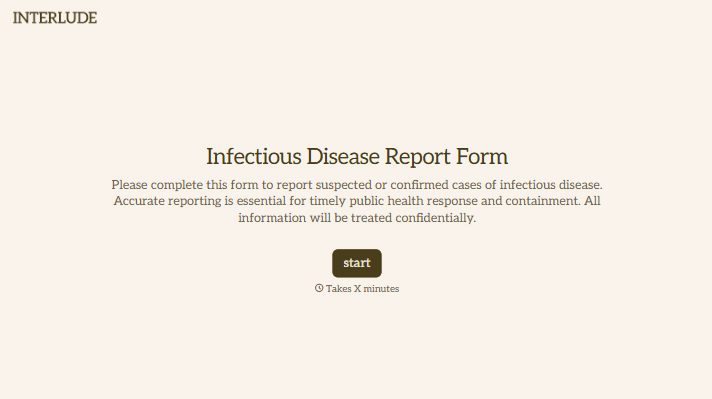
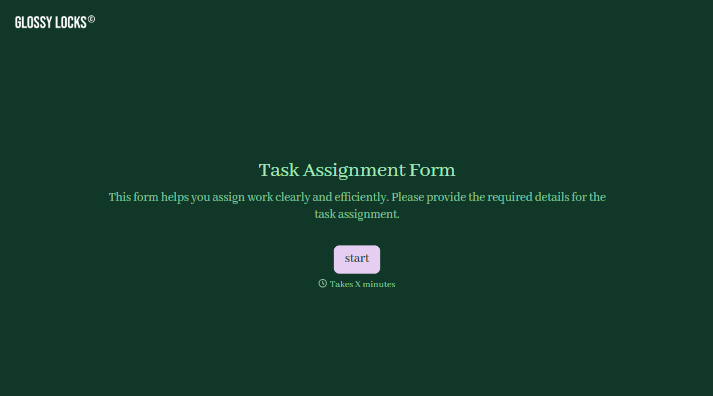
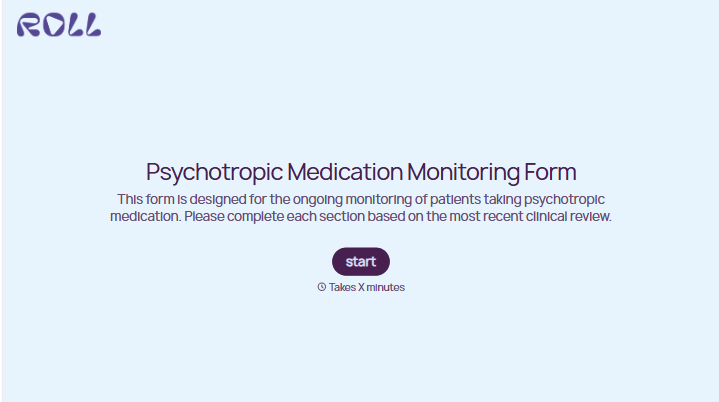
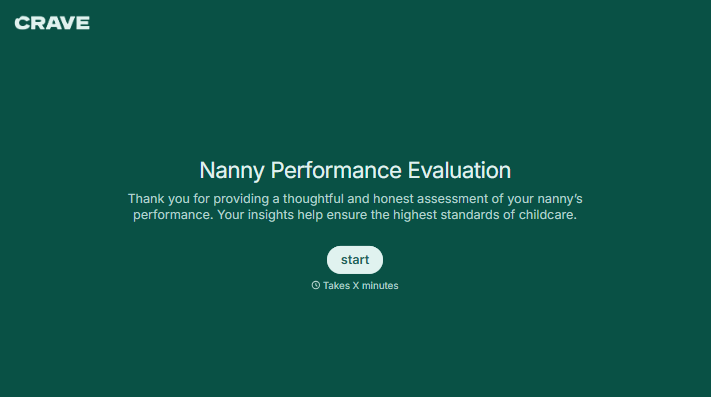
With Typeform, you can customize everything
Change text, colors, and even logos to match the look and feel of your brand. Then embed forms smoothly onto web and email.
Make forms feel effortless to fill out. Pace questions, call people by their name, and adapt the flow based on the data they share.
Stay efficient by connecting forms to your workflow. Typeform integrates with 300+ tools including Slack, Zapier, and HubSpot.


