CEU Evaluation Form
Give participants a clear way to review your continuing education activity. Collect feedback on the content, instruction, and relevance to their work so you can plan specific improvements.



A participant enjoyed the instructor but needed more time to practice. Another understood the material but couldn’t see how to apply it at work. A single satisfaction score makes those experiences look much the same. Typeform’s CEU evaluation form gives participants room to explain what helped them learn and what was missing.
Participants identify the course or session, reflect on its learning objectives, and assess the instruction and materials. You can ask about pacing, opportunities to participate, and how they expect to use what they learned. Leave space for suggestions while the experience is still fresh.
Your education team gets feedback tied to parts of the activity it can improve. Instructors get examples that help them refine their approach. The next session can build on what worked and address the points where participants needed more support.
A CEU evaluation form collects participant feedback after a continuing education activity associated with continuing education units. It typically asks about course content, instruction, learning objectives, and practical relevance. Education providers use the responses to review the activity and guide future improvements.
Attendance tells you who joined, but it doesn’t tell you whether the session met their learning needs. An evaluation form asks participants which parts were useful and where they struggled. It can also reveal recurring requests, such as more examples, clearer materials, or additional practice time.
Choose questions that help you assess the activity against its stated purpose:
- Course title, date, and instructor
- Relevance of the content to participants’ work
- How well the session addressed its learning objectives
- Clarity of instruction and materials
- Pacing and time allocated
- Opportunities for questions or practice
- What participants expect to apply
- Suggestions for improvement or future topics
Include a “Not applicable” option where needed, and keep any required completion details distinct from feedback questions.
Share the form at the end of the activity and give participants time to complete it. Keep ratings consistent and pair them with a few focused prompts. “What topic needed more explanation?” is easier to answer than “Any comments?” Explain how you’ll use the feedback and whether responses are anonymous.
Not by itself. An evaluation records feedback, while credit depends on the provider’s stated completion requirements. Explain whether the evaluation is one required step, what else participants must complete, and how they will receive confirmation or a certificate.
Get inspired by relevant templates and categories
3200+ Templates, 300+ Integrations



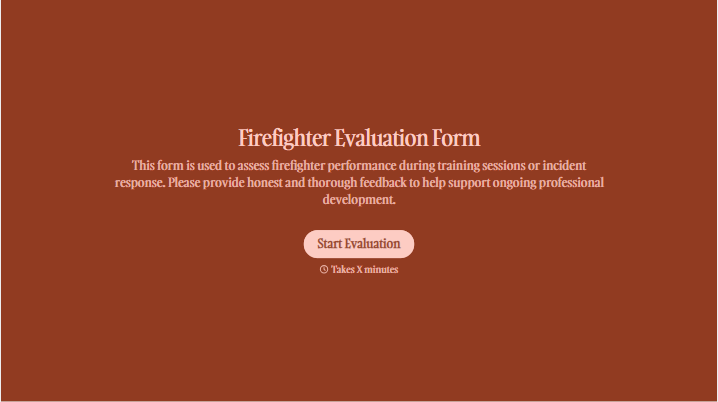
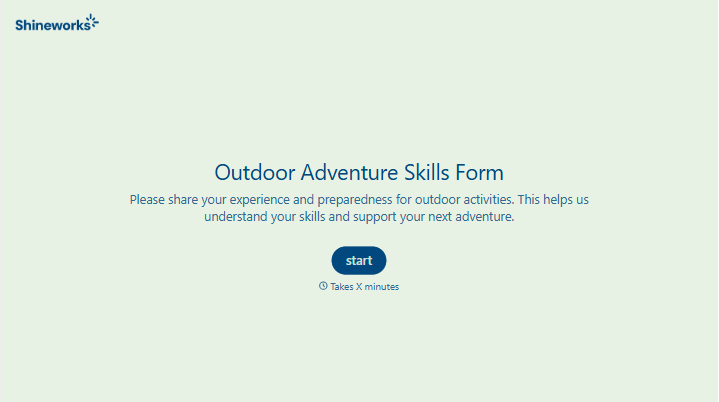
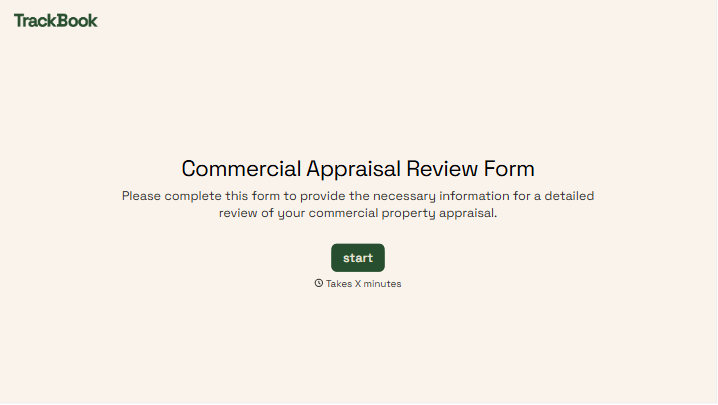
With Typeform, you can customize everything
Change text, colors, and even logos to match the look and feel of your brand. Then embed forms smoothly onto web and email.
Make forms feel effortless to fill out. Pace questions, call people by their name, and adapt the flow based on the data they share.
Stay efficient by connecting forms to your workflow. Typeform integrates with 300+ tools including Slack, Zapier, and HubSpot.


