Dental Implant Consent Form
Make sure your patients understand the procedure — and have a clear record that they do.



Informed consent is a clinical and legal requirement for dental implant procedures. This form walks patients through the procedure details, associated risks, alternatives, and post-treatment care expectations — and captures their signature confirming they understand and agree.
The template covers the proposed treatment plan, the nature of the implant procedure, risks and potential complications, available alternatives, recovery expectations, and financial consent. It concludes with a digital signature field and date.
Because the form is completed digitally, there's no risk of lost paper forms or illegible handwriting. The signed consent record is stored with the patient's submission and can be printed or exported to their file whenever needed.
In most jurisdictions, yes — digital signatures are recognized as legally binding under laws like the U.S. Electronic Signatures in Global and National Commerce Act. Consult your legal advisor to confirm requirements in your specific location.
Best practice is to review the consent form with the patient before they sign, even when it's completed digitally. The form can be filled out in the office on a tablet or sent to the patient before their appointment.
Typical disclosures include infection, nerve or sinus damage, implant failure, bone loss, anesthesia risks, and the possibility of needing additional procedures. Always have your legal and clinical team review the specific language.
Yes. Typeform allows you to customize colors, add a logo, and adjust the form's appearance to match your practice's branding.
Retention requirements vary by jurisdiction. In the U.S., most states require dental records to be kept for a minimum of 7 years. Store completed forms in your practice management system or secure digital archive.
Get inspired by relevant templates and categories
3200+ Templates, 300+ Integrations




With Typeform, you can customize everything
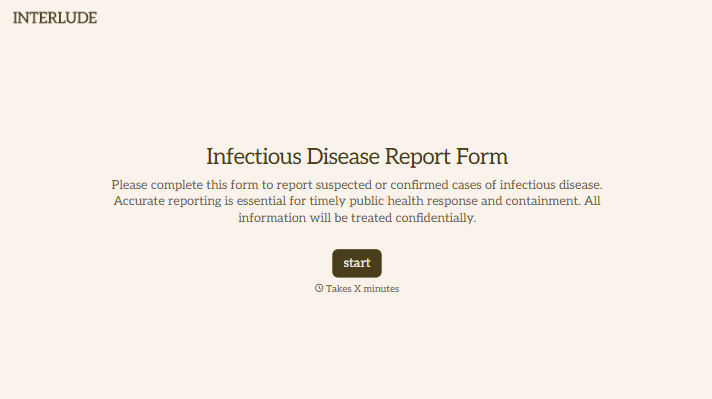
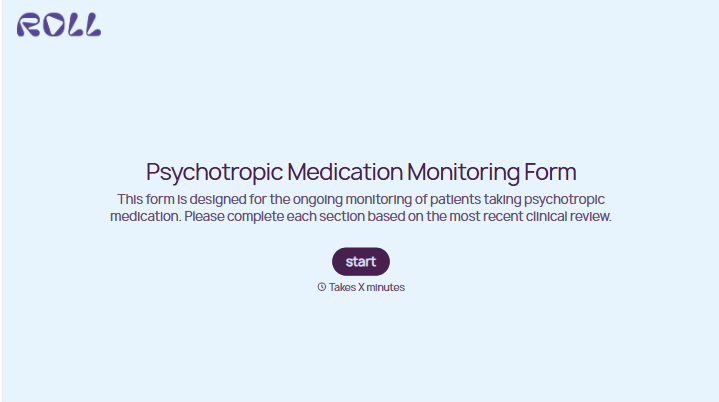
Change text, colors, and even logos to match the look and feel of your brand. Then embed forms smoothly onto web and email.
Make forms feel effortless to fill out. Pace questions, call people by their name, and adapt the flow based on the data they share.
Stay efficient by connecting forms to your workflow. Typeform integrates with 300+ tools including Slack, Zapier, and HubSpot.


