Doctor job application form template
Collect every credential a physician hire needs up front, so credentialing starts on day one instead of chasing paperwork for weeks. Gather licensure, board certification, and specialty experience in one application.



Before a physician can see a single patient, their credentials have to check out: an active medical license, board certification in the specialty, a DEA registration, a clean malpractice history, verifiable references. When those trickle in one email at a time, verification drags for weeks, and a strong candidate takes another offer while you wait. Typeform's doctor job application form collects the full credentialing picture at the point of application, so verification starts the day they apply.
Applicants share their licensure, board status, specialty, and practice history. A candidate applying in a surgical specialty answers about case volume and hospital privileges, while one in primary care answers about panel size and clinic settings, so each application reflects the work they'd actually do. Every application comes back in the same format, ready to compare.
With the credentialing details already in hand, you weigh candidates on specialty fit and track record from the start. Verification moves the moment an application lands, offers reach strong candidates before they're gone, and no promising hire stalls in a paperwork backlog.
A doctor job application form is an online form medical practices and hospitals use to collect applications for a physician role. It gathers each candidate's licensure, board certification, DEA registration, specialty, and practice history. Employers rely on it to start credentialing from complete information, so verification and offers move without weeks of chasing paperwork.
Without a doctor job application form, the details credentialing depends on arrive piecemeal, and verification can't start until they're all in. Weeks pass gathering a license copy here and a reference there, and the candidate you wanted signs elsewhere. A doctor job application form collects licensure, board status, and history at the point of application, so credentialing begins right away.
Capture what credentialing needs:
- Medical license and DEA registration
- Board certification and specialty
- Practice history and references
- Malpractice history
- Availability and desired setting
Candidates upload their license, board certificates, CV, or references with File Upload, available on paid Typeform plans. They add PDFs or images up to 10MB each, so credentialing has the source documents from the start instead of requesting them later. Every file arrives attached to the application.
Yes. Send every application straight to a spreadsheet or the systems your credentialing team works in, so verification starts the moment a candidate applies. Typeform connects to many tools directly, and thousands more through Zapier, so a strong candidate reaches your team before another offer does.
Get inspired by relevant templates and categories
3200+ Templates, 300+ Integrations

With Typeform, you can customize everything
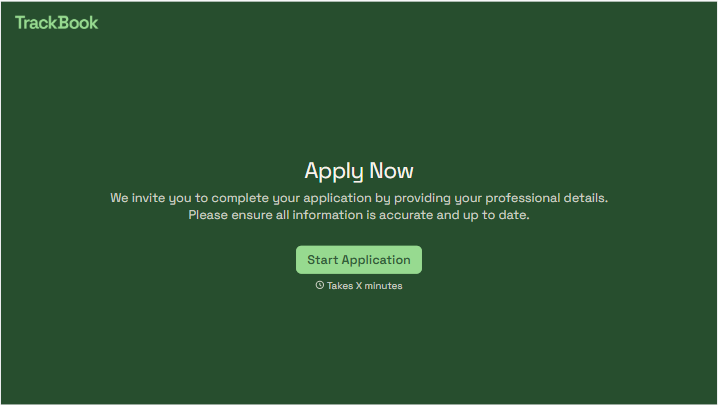
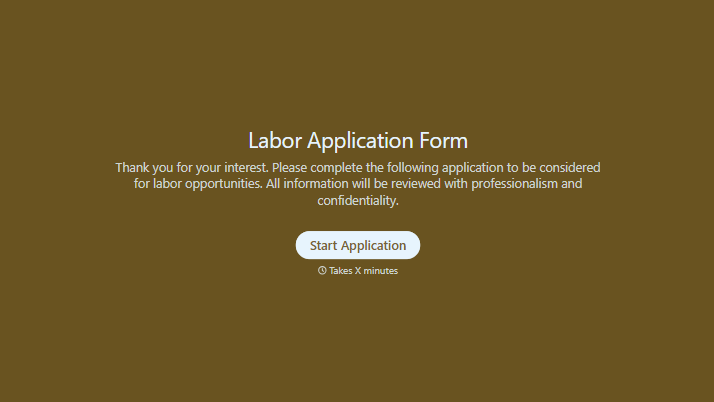
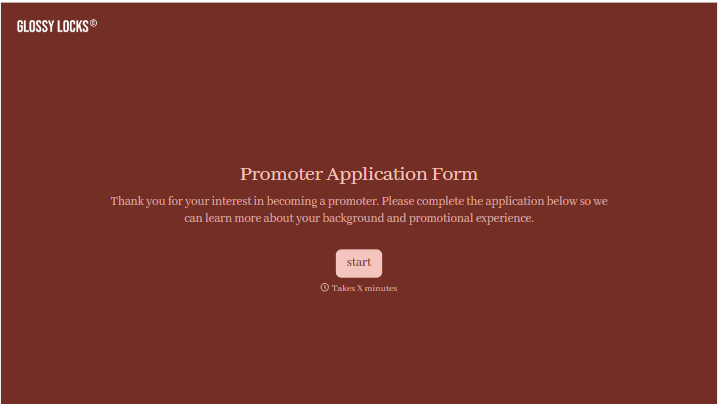
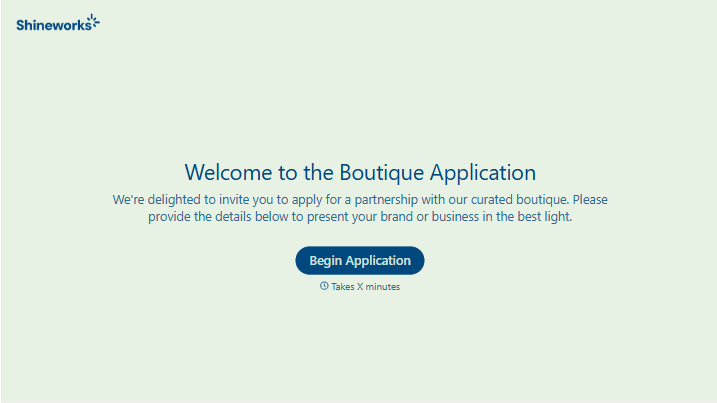
Change text, colors, and even logos to match the look and feel of your brand. Then embed forms smoothly onto web and email.
Make forms feel effortless to fill out. Pace questions, call people by their name, and adapt the flow based on the data they share.
Stay efficient by connecting forms to your workflow. Typeform integrates with 300+ tools including Slack, Zapier, and HubSpot.


