Easter Giveaway Form
Collect Easter giveaway entries in one place, so your team picks a winner without sorting through scattered replies.


Brands that run giveaways through comments or email replies spend more time sorting entries than engaging with participants. Duplicate entries, invalid submissions, and missing contact details make picking a fair winner harder than it needs to be. Typeform's Easter giveaway form gives brands a clean, shareable entry page that keeps all submissions in one place.
The form captures entrant name, email address, any Easter-themed challenge or question, social confirmation, and terms acceptance. Entrants move through one question at a time, keeping the entry process quick and completion rates high. Conditional logic personalizes the entry based on how participants answer, keeping the experience fun rather than a standard data form. Participants who share the giveaway post see a bonus entry question automatically.
Customize the form with your Easter theme, brand colors, prize details, entry rules, and any campaign-specific questions. Share it via email, post the link on your social channels, or embed it on your campaign page. Every entry logs in Google Sheets via Zapier, giving your team a complete entrant list when the giveaway closes. More entries, less chaos—the winner announcement is the easy part.
An Easter giveaway form collects entries for an Easter-themed prize draw or competition. It captures participant name, email address, any required entry actions, and acceptance of the giveaway terms. Think of it as the organized entry hub for your campaign, from the first submission to the final draw.
Easter giveaways give brands a high-engagement moment to grow their audience, build excitement, and reward loyal customers. Running entries through a form rather than comments means every participant's contact details land somewhere you can actually use them. A structured form also lets you add qualifying questions, confirm entry conditions, and filter out duplicate submissions. Use it for Easter prize draws, egg hunt competitions, seasonal promotions, and any spring campaign with a giveaway element.
Gather everything needed for a clean entry list:
- Entrant full name
- Email address (for winner notification)
- Phone number (optional, for additional contact)
- Location or region (if the giveaway is region-specific)
- Easter-themed question or challenge (optional)
- Social follow or share confirmation (if required for entry)
- Consent to marketing communications (optional but recommended)
- Acceptance of entry terms and conditions
Share the form link across every channel where your audience is active, including email, Instagram, Facebook, and your website. Embedding the form on your campaign page keeps entries centralized and reduces drop-off compared to social comment entries. Keep entries to four or five questions so the form is quick on mobile and easy to share across channels.
When the giveaway closes, use your Google Sheets entrant list to select a winner with a random number generator. Email the winner directly from the address captured in the form, or automate the notification via Zapier. Keep your entrant list after the campaign closes so you have a verified audience for future seasonal promotions.
Get inspired by relevant templates and categories
3200+ Templates, 300+ Integrations
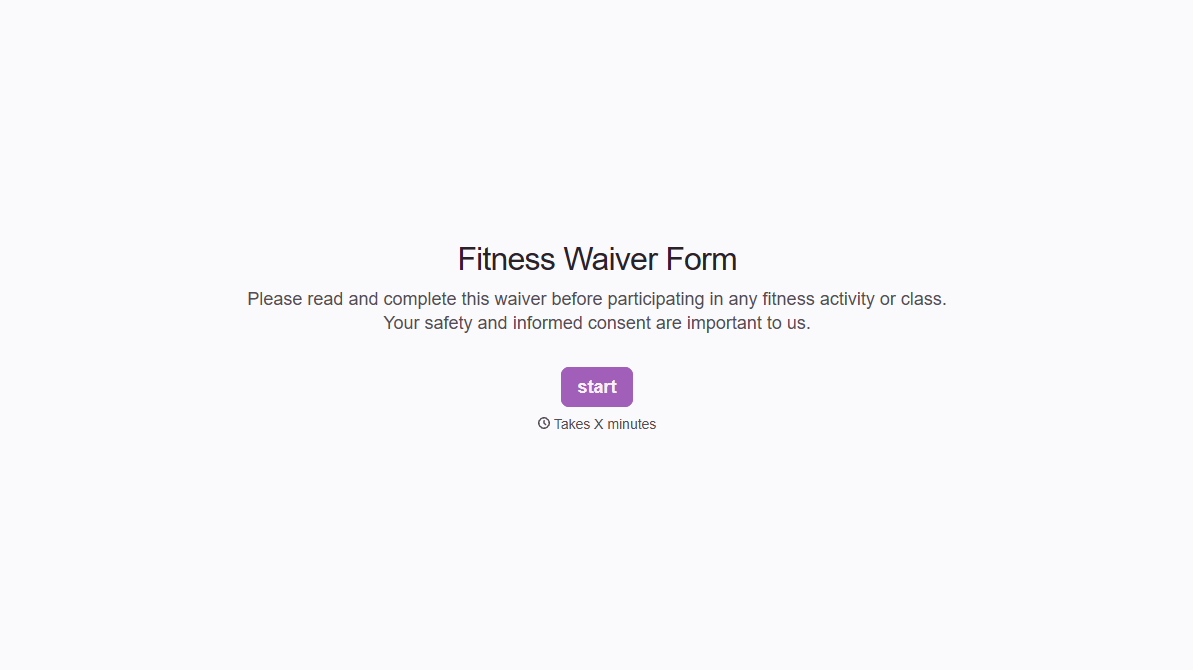
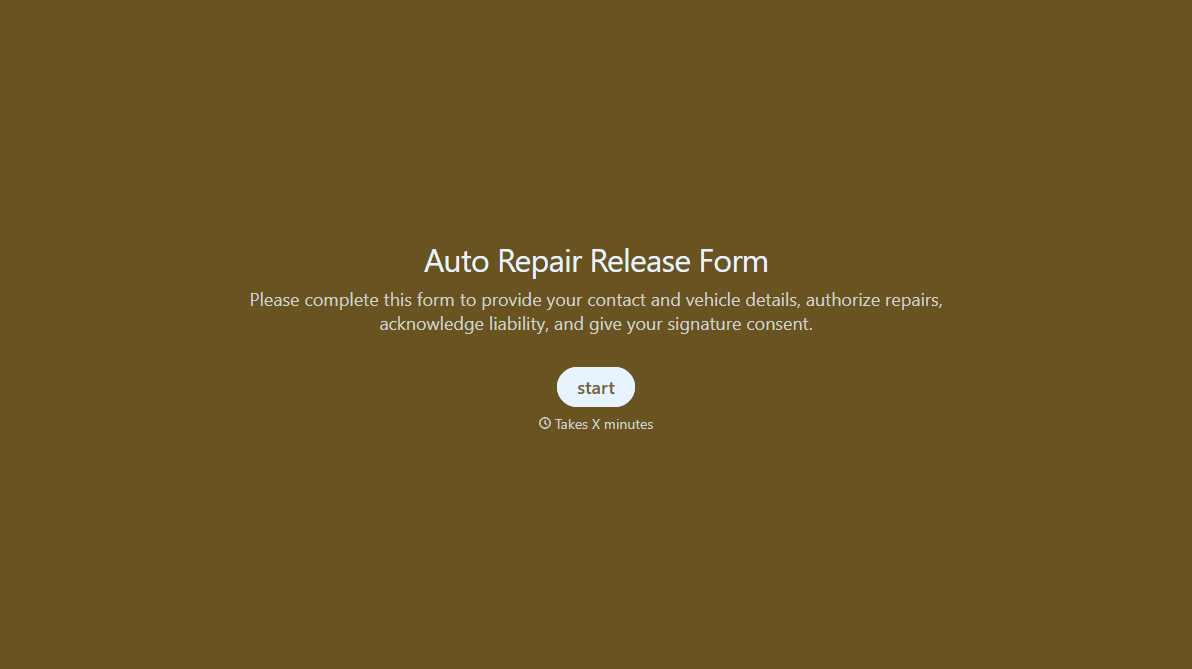
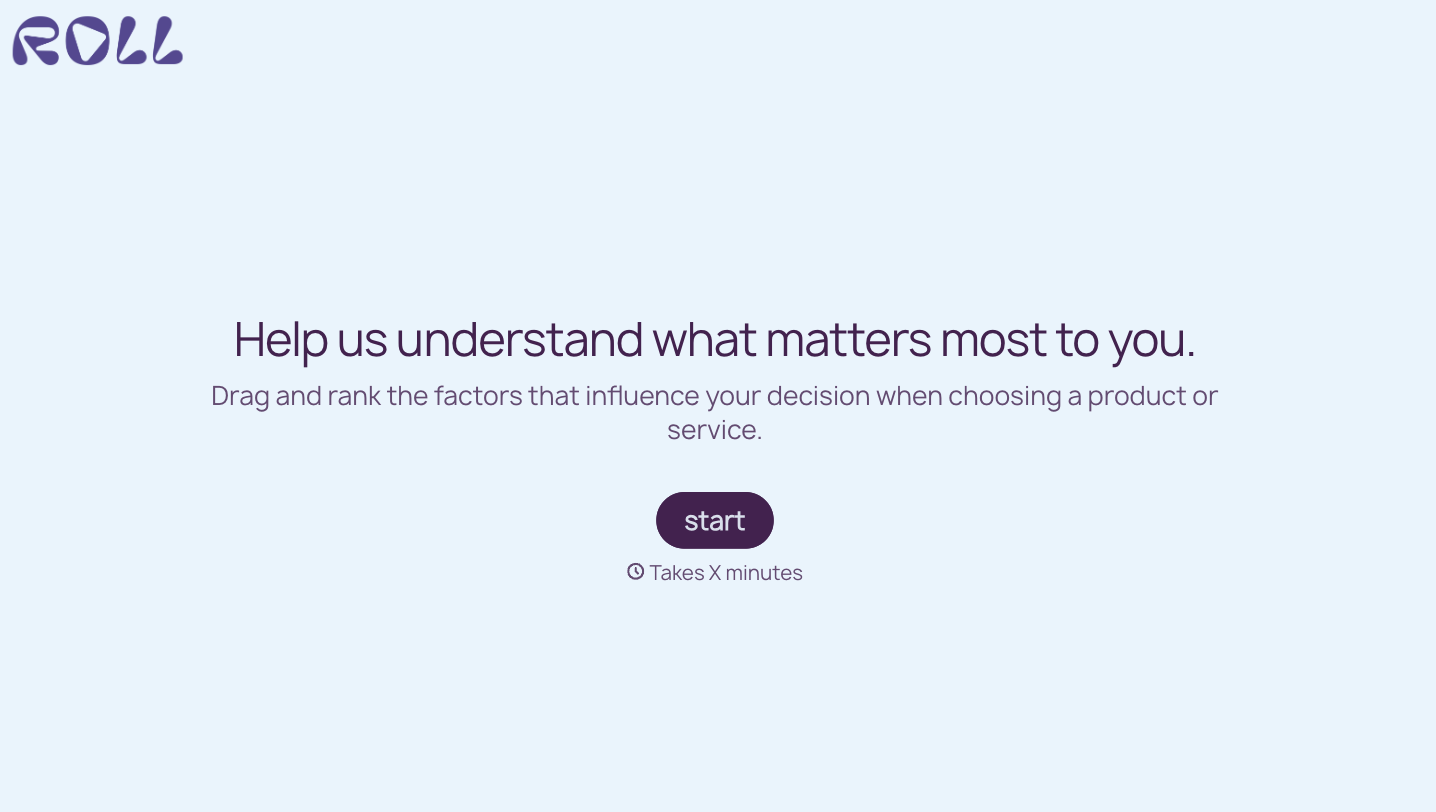
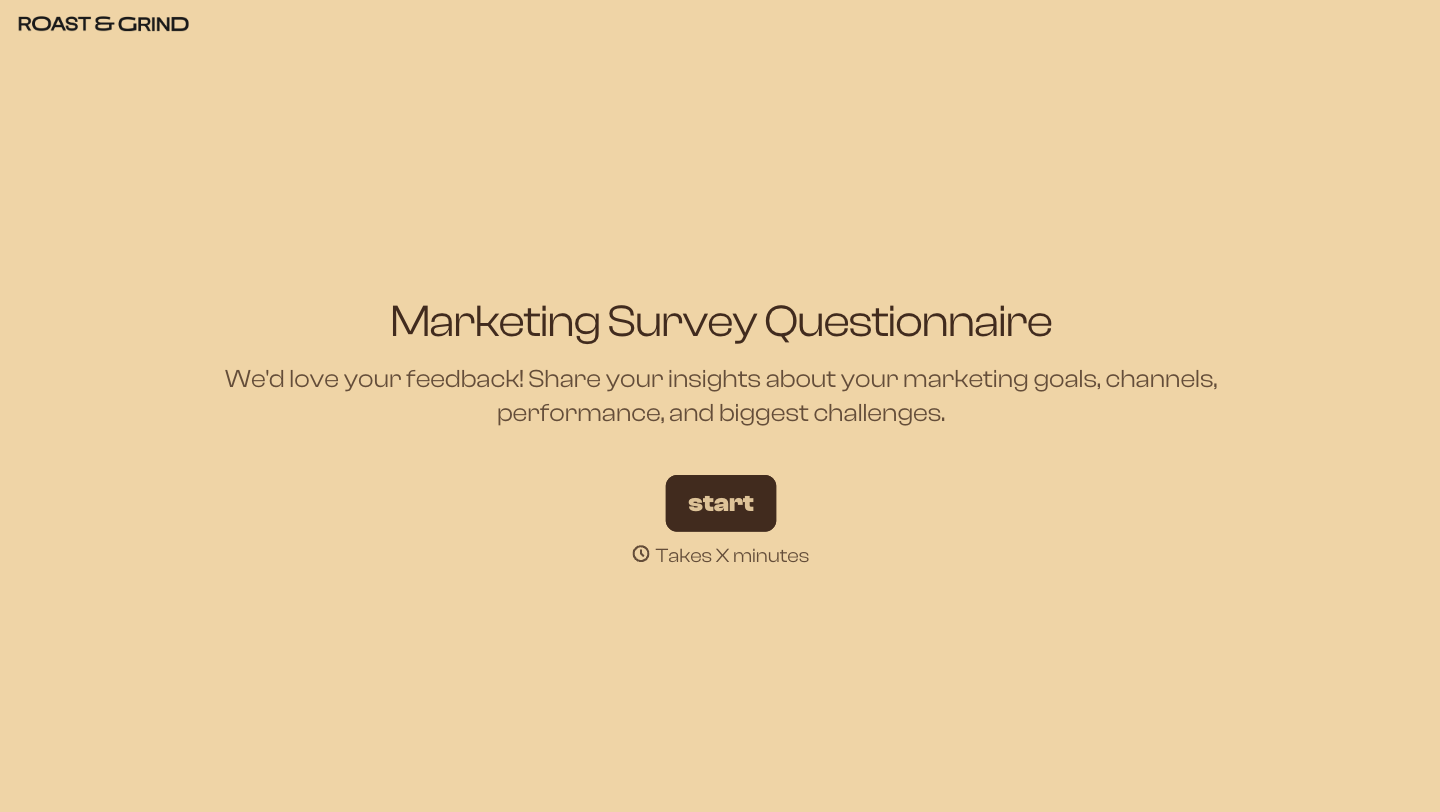

With Typeform, you can customize everything
Change text, colors, and even logos to match the look and feel of your brand. Then embed forms smoothly onto web and email.
Make forms feel effortless to fill out. Pace questions, call people by their name, and adapt the flow based on the data they share.
Stay efficient by connecting forms to your workflow. Typeform integrates with 300+ tools including Slack, Zapier, and HubSpot.


