Employee Benefit Enrollment Form
Collect every employee's benefit elections in one place, so your HR team processes enrollments accurately and on time.



HR teams that manage benefit enrollment by email spend the final days before the deadline chasing missing elections. A late or incorrect enrollment costs an employee the coverage they expected. Typeform's employee benefit enrollment form gives HR teams a clear process for collecting complete elections from every employee on time.
The form captures employee details, eligible dependents, health plan elections, dental and vision preferences, retirement contribution, and supplemental coverage choices. Employees move through one question at a time, so every election feels manageable rather than a scramble. Conditional logic maps each employee to the options relevant to their situation. An employee adding a dependent sees additional fields for dependent details and coverage tier, while solo enrollees move straight through.
Customize the form with your benefits plan names, eligible coverage tiers, enrollment windows, and any required acknowledgment fields. Share it via email during open enrollment or send it to new hires during onboarding. Connect it to Google Sheets or your HR system via Zapier so every election logs automatically, ready to process. Your HR team closes the enrollment window with complete records, not a stack of missing responses.
An employee benefit enrollment form collects coverage elections from employees during open enrollment or at the time of hire. It gathers health plan selection, dependent details, dental and vision preferences, and retirement contribution in one submission. It functions as the official election record your HR and benefits teams use to process coverage for every employee.
Enrollment errors are expensive to fix. A missed election can leave an employee without the coverage they expected until the next enrollment window. A structured form reduces errors by requiring every field before the submission is accepted. Use it for annual open enrollment, new hire onboarding elections, and qualifying life event updates.
A complete employee benefit enrollment form covers:
- Employee name, ID, and department
- Health insurance plan selection and coverage tier
- Eligible dependents (name, date of birth, relationship)
- Dental and vision plan elections
- Life insurance and AD&D coverage selection
- Retirement plan contribution rate
- Supplemental or voluntary benefit selections
- Employee acknowledgment and signature
Set up conditional logic to show dependent fields only for employees enrolling beyond individual coverage. An employee adding dependents sees fields for dependent details and coverage tier. Individual enrollees skip those fields entirely. No employee answers questions that don't apply to their enrollment.
Connect it to Google Sheets or your HR system via Zapier so every election logs with employee details and plan selections. Use Typeform's email notifications to confirm receipt automatically, so every employee knows their election is on record. Add a status column to track which employees have submitted, which are outstanding, and which require follow-up. Your HR team closes enrollment without chasing a single missing submission.
Get inspired by relevant templates and categories
3200+ Templates, 300+ Integrations



With Typeform, you can customize everything
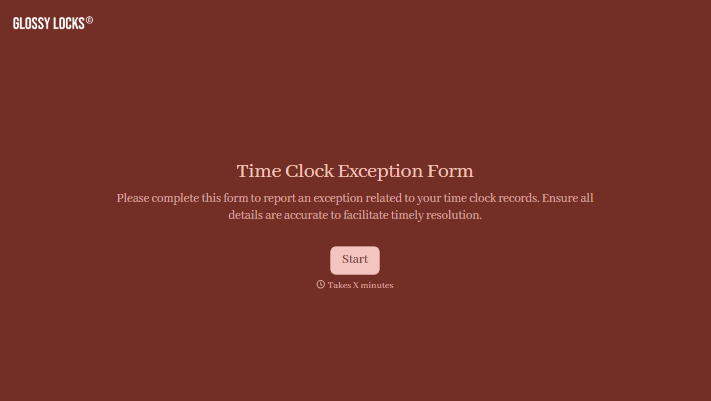
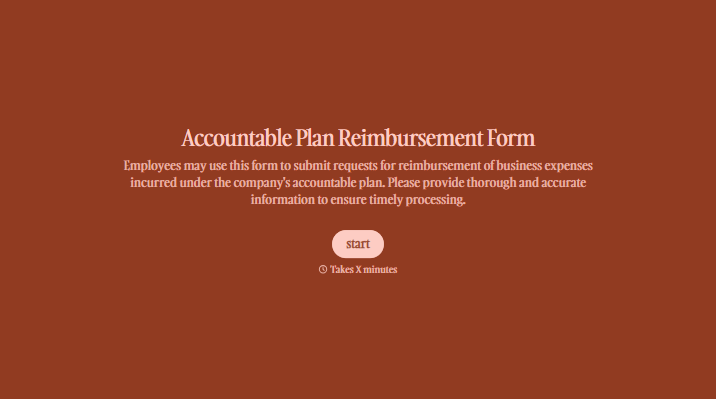
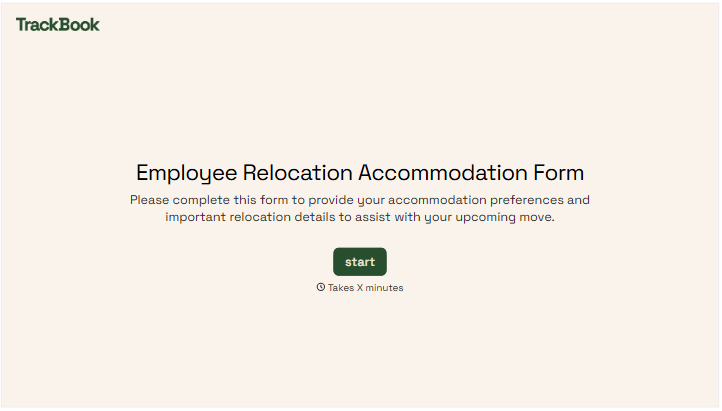
Change text, colors, and even logos to match the look and feel of your brand. Then embed forms smoothly onto web and email.
Make forms feel effortless to fill out. Pace questions, call people by their name, and adapt the flow based on the data they share.
Stay efficient by connecting forms to your workflow. Typeform integrates with 300+ tools including Slack, Zapier, and HubSpot.


