Employment Income Verification Form
Verify what someone actually earns, including the part that varies. Collect base pay, commission, overtime, and employment status in one form.



Base salary is the easy half of an income verification and often the smaller one. On a job paid partly on commission, overtime, or tips, a figure that reports base pay alone can be twenty thousand dollars away from what the person actually earned last year, and whoever's underwriting off it is working from the wrong number. Typeform's employment income verification form asks the employer to break the income down rather than summarize it.
With this employment income verification form, the employer confirms the role, start date, employment status, and how the person is paid. A salaried employee brings up the annual figure, pay frequency, and any bonus history, while an employee on commission, tips, or overtime brings up year-to-date and prior-year totals, because a single rate says nothing useful about either. Both confirm whether employment is permanent, temporary, or still within a probationary period.
Every verification comes back with the income separated into what's fixed and what isn't, plus the employment status behind it. A lender or landlord can see the shape of someone's earnings rather than one figure standing in for all of it.
An employment income verification form is an online form an employer completes to confirm someone's employment and what they earn. It collects the role and start date, employment status, base pay, and any commission, overtime, bonus, or tips, with year-to-date and prior-year figures where income varies. Lenders, landlords, and benefits administrators use employment income verification forms to assess income that isn't a single fixed number.
Without an employment income verification form, you send an open request to verify income figures, and get back different numbers. The employer writes down base salary because that's the number on the contract, but nobody asked about the commission that made up a third of last year's earnings. An employment income verification form asks for each component separately, so what comes back describes the income rather than approximating it.
Break the income into its parts:
- Role, start date, and employment status
- Base pay and pay frequency
- Commission, overtime, bonus, or tips
- Year-to-date and prior-year totals
- Whether employment is permanent or temporary
There's no HR department to ask, so the proof comes from the person and their clients. Ask for tax returns, 1099s, bank statements showing deposits, and a signed letter from the clients they work for regularly. Add a question up front asking whether the person is an employee or self-employed, and let conditional logic show the right set of requests, so a freelancer isn't staring at a question about their manager's email address.
Usually, and the employer will often insist on seeing it before they answer anything. Include the employee's authorization as part of the request, dated, so the employer has what they need to respond without going back to the applicant for permission. Requirements vary by jurisdiction and by what you'll do with the information, so confirm what applies before you send it.
Get inspired by relevant templates and categories
3200+ Templates, 300+ Integrations
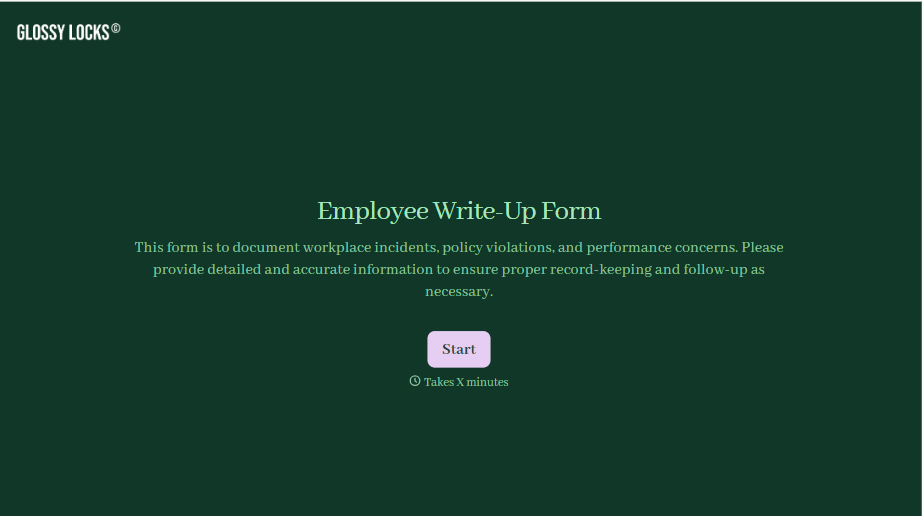
Employee Write-Up Form
A verbal warning that never makes it into a written record isn't the kind of documentation that holds up if a termination is challenged later. Collect the specific incident, policy violated, and corrective action while it's fresh, so a pattern of issues doesn't go undocumented until it's too late to matter.
View template
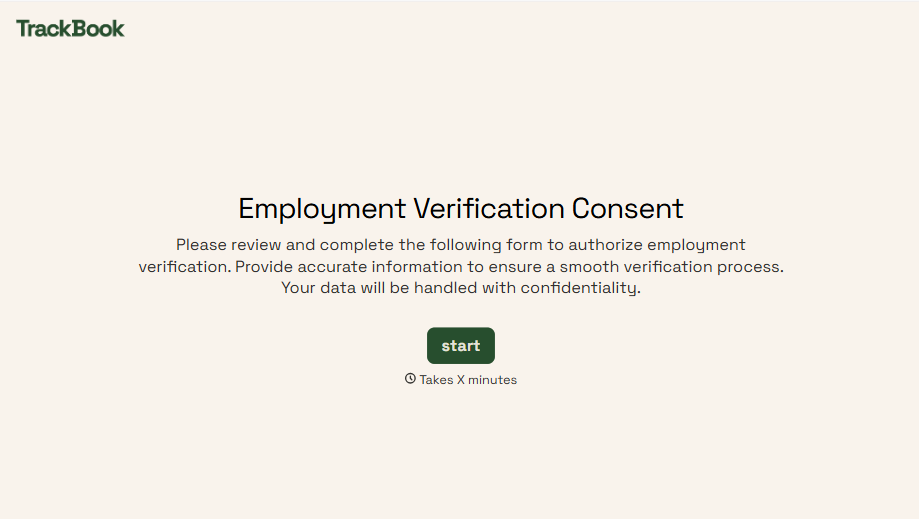
Employment Verification Release Form
A verification request that comes in as a phone call to HR doesn't tell anyone whether the employee actually agreed to have their salary shared with whoever's asking. Collect what your company actually needs, the employee's authorization, what's being released, and to whom, before HR says anything back.
View template
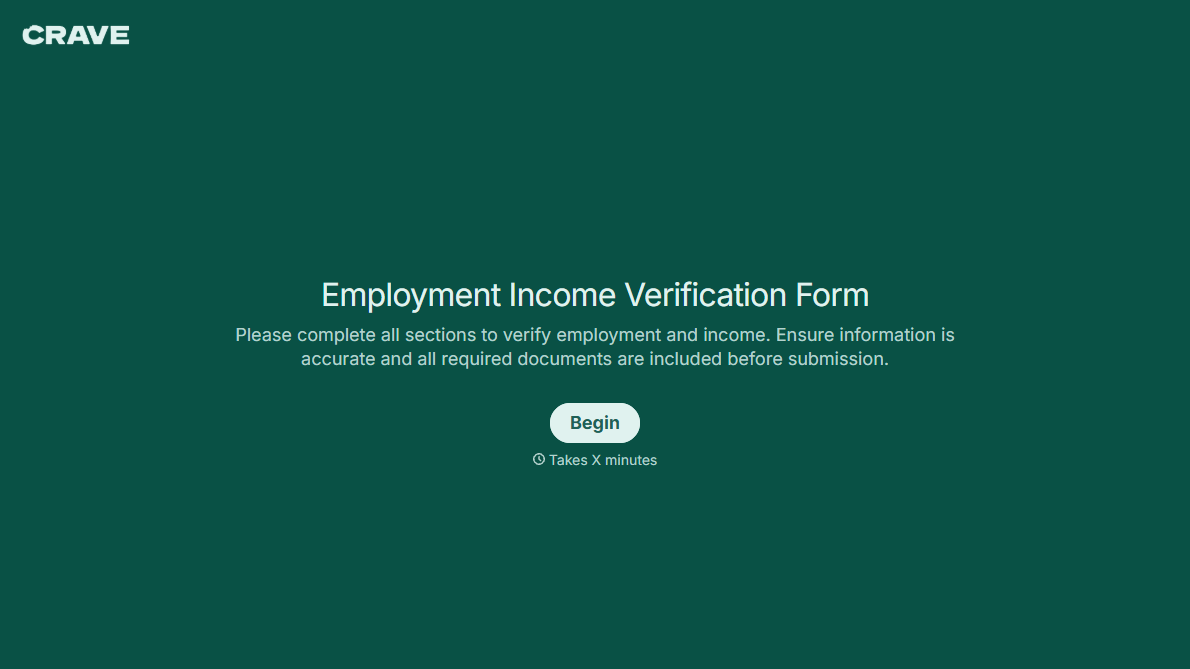
With Typeform, you can customize everything
Change text, colors, and even logos to match the look and feel of your brand. Then embed forms smoothly onto web and email.
Make forms feel effortless to fill out. Pace questions, call people by their name, and adapt the flow based on the data they share.
Stay efficient by connecting forms to your workflow. Typeform integrates with 300+ tools including Slack, Zapier, and HubSpot.


