Employee Monitoring Consent Form
Tell employees exactly what you monitor, and record that they were told. Collect the systems covered, what's captured, when it applies, and who to ask about it.



A blanket line saying an employee consents to monitoring covers nothing in particular. Monitoring screens isn’t the same as logging keystrokes, and logging keystrokes isn’t the same as tracking a vehicle. An acknowledgment that doesn't name which one you do can't show anyone understood what they were agreeing to. Typeform's employee monitoring consent form sets out each activity separately, so what an employee acknowledges matches what actually happens.
Employees read what each form of monitoring covers and acknowledge it item by item. Monitoring on a company device sets out the systems, what's captured, and the hours it applies to. Monitoring that reaches a personal device brings up what's in scope, what isn't, and how someone can opt for a company device instead. Every acknowledgment records the date and the version of the policy it refers to.
You can show which employee was told what, and when, and which version of the policy was in force at the time. When someone asks why you recorded their location on a Saturday, the answer is a document they acknowledged, not a paragraph in a handbook nobody opened.
An employee monitoring consent form is an online form employees complete to acknowledge what their employer monitors and how. It sets out each monitored system or activity, what it captures, when it applies, and who to contact with questions, then records the employee's acknowledgment and the date. Employers use it to document that each person was told specifically what happens, rather than pointing at a handbook.
Without one, your record is a clause in a handbook and a signature on an onboarding pack from three years ago. Nobody can say which version that person saw, whether it mentioned the tool you introduced last spring, or whether they read the part about personal devices. An employee monitoring consent form records each activity separately with a date, so the scope someone acknowledged is the scope you can point to.
A form like this should capture what each activity covers:
- Which systems and devices are monitored
- What each one captures
- When monitoring applies
- How long data is retained
- Who to contact with questions
Often not, which is worth knowing before you build a process around it. Under GDPR, regulators treat employee consent as rarely valid, because the power imbalance means refusal isn't genuinely free. Most employers rely on legitimate interests with a documented assessment instead. Consent holds up where an activity is genuinely optional and declining costs nothing, such as monitoring tied to a voluntary scheme. Elsewhere, the form's job is documented notice. That’s still required, and worth confirming with counsel for each jurisdiction you operate in.
In many places, yes. Several US states require employers to give notice of electronic monitoring. Call recording rules go further: some states require every party on a call to consent. Notice beforehand is also the practical position regardless of the rule, because a monitoring practice someone learns about after the fact is the one that generates a complaint. Check the requirements for each jurisdiction your people work in, including the ones they work from remotely.
Get inspired by relevant templates and categories
3200+ Templates, 300+ Integrations
Work From Home Request Form
A Slack message asking to work from home on Thursday isn't a request anyone can track, especially once the same employee has asked five different ways over a month. Collect the request type, dates or schedule, and manager approval in one place, so HR isn't reconstructing who's working where from a scattered inbox.
View template
Return of Property Form
A property checklist stapled to an exit interview packet isn't a record anyone can rely on when a laptop turns up missing three weeks later. Collect itemized equipment details, condition at return, and a signed acknowledgment before an employee's last day, so IT isn't chasing down a laptop that already walked out the door.
View template
Early Retirement Form
A retirement mentioned to a manager in conversation doesn't give HR anything to actually process, and if there's an incentive deadline attached, the date that conversation happened can matter more than anyone realized at the time. Collect what your HR team actually needs, employee information, requested date, and benefit elections, before a window closes.
View template
Staff Leave Application Form
A vacation request approved with a thumbs-up emoji in Slack isn't the kind of record payroll can work from when it's time to reconcile someone's leave balance. Collect the leave type, dates, and manager approval in one place, so a team doesn't accidentally double-book someone's time off.
View template
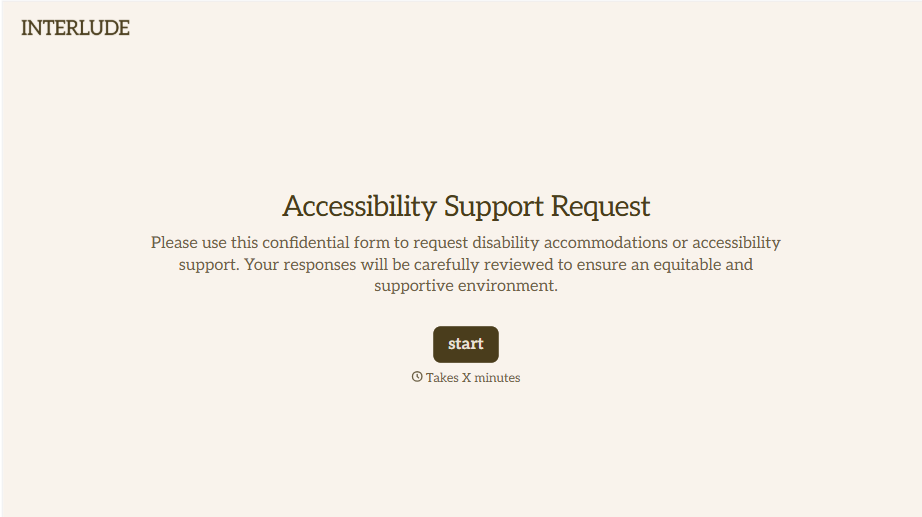
Disability Accommodation Request Form
A quiet word to a manager about needing a different desk setup isn't the kind of request that starts a documented process. Collect the specific accommodation needed and any supporting information before a decision gets made informally, so a request doesn't get lost between a hallway conversation and HR's desk.
View template
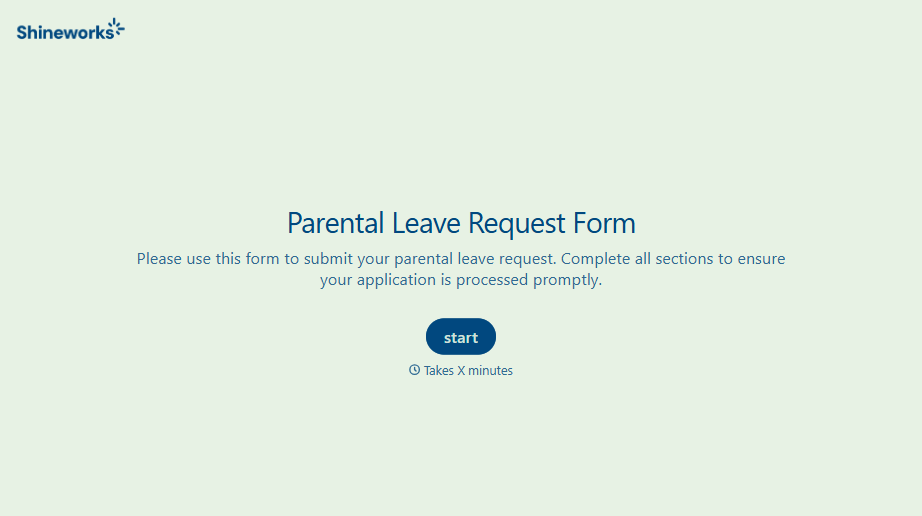
With Typeform, you can customize everything
Change text, colors, and even logos to match the look and feel of your brand. Then embed forms smoothly onto web and email.
Make forms feel effortless to fill out. Pace questions, call people by their name, and adapt the flow based on the data they share.
Stay efficient by connecting forms to your workflow. Typeform integrates with 300+ tools including Slack, Zapier, and HubSpot.


