Employee Onboarding Questionnaire Form Template
Set new employees up for success — by understanding what they need from day one.



The onboarding experience shapes how new employees feel about joining your organization. A pre-start questionnaire lets you personalize their first week — understanding how they learn, what support they need, and what they're most excited or nervous about — before they walk through the door.
The template covers the new employee's preferred learning style, what they're most looking forward to about the role, any concerns or questions before starting, what kind of support helps them most, their communication preferences, any equipment or accessibility needs, and anything about their background they'd like the team to know.
New employees who feel seen and prepared from day one integrate faster, perform better, and stay longer.
After the offer is accepted, typically 1 to 2 weeks before the start date. This gives HR and the manager time to act on the responses and prepare a personalized first week.
Yes — the manager should review responses before the first day. They're the person best positioned to act on what the new employee shares about their needs and preferences.
Avoid questions that could be discriminatory or that were already addressed during the hiring process. Focus on work-related preferences, needs, and goals rather than personal background.
Reference specific responses in the first week — 'You mentioned you're a visual learner, so I've put together a process map for you.' This signals that the questionnaire was read and that the employee's preferences matter.
Yes. A new hire form collects administrative information (banking for payroll, tax forms, emergency contacts). An onboarding questionnaire is about the person and how to support them — it's a relationship tool, not a compliance document.
Get inspired by relevant templates and categories
3200+ Templates, 300+ Integrations

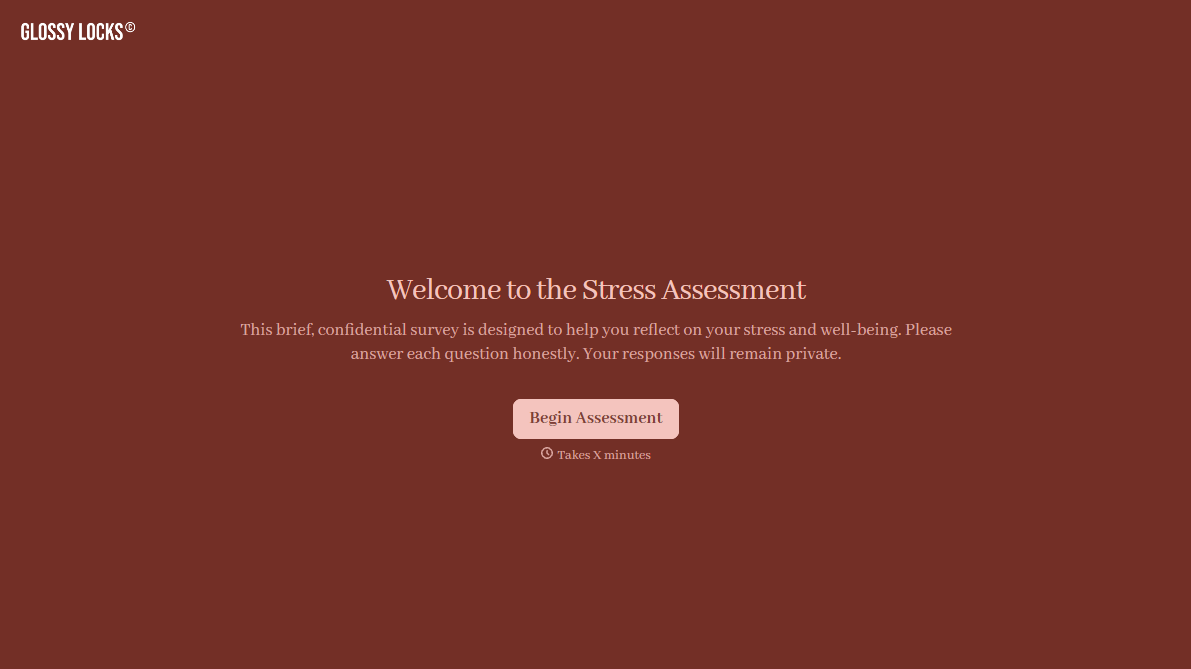
With Typeform, you can customize everything
Change text, colors, and even logos to match the look and feel of your brand. Then embed forms smoothly onto web and email.
Make forms feel effortless to fill out. Pace questions, call people by their name, and adapt the flow based on the data they share.
Stay efficient by connecting forms to your workflow. Typeform integrates with 300+ tools including Slack, Zapier, and HubSpot.


