Employee Favorites Questionnaire
Know what someone actually likes before the moment you need to know it. Collect each employee's favorites once, and use them for birthdays, milestones, and welcome gifts all year.



You can't ask someone what they'd like for their work anniversary without giving away that you're planning something. So the gift either arrives generic, which reads as obligatory, or you spend a week asking their teammates what they like to drink. Typeform's employee favorites questionnaire collects it once, up front, so you have it every time an occasion comes around.
Employees list their coffee order, the snacks they'd actually eat, their interests, and anything to avoid. Someone who flags a dietary restriction is asked what it rules out, while others without, move straight on. Nobody has to explain an allergy twice, and nobody receives a gift they can’t enjoy.
When a birthday, an anniversary, or a first day comes round, the answer is already on file. You hit the mark because the gift is something they already specified they enjoy.
An employee favorites questionnaire is an online form employees fill in to share the things they like—from their coffee order to how they prefer to be recognized. It collects favorite snacks and drinks, hobbies and interests, dietary restrictions, and the kind of recognition they'd actually appreciate. People teams and managers use employee favorites questionnaires to make birthdays, milestones, and welcome gifts personal rather than generic.
Without one, you find out what someone likes by asking them, which spoils the surprise, or by guessing, which produces the same gift card everyone else got. Recognition that misses the mark reads as an obligation, rather than an appreciated gesture. An employee favorites questionnaire collects the answers about your employees’ favorites before you need them, so you don’t have to scramble when it comes time.
Cover what makes recognition land:
- Favorite coffee or drink order
- Snacks they'd actually eat
- Dietary restrictions and allergies
- Hobbies and interests
- How they like to be recognized
Yes, and it's often the more useful answer. Public praise at an all-hands lands well for some people and badly for others, and there's no way to tell which works for which employees without asking them. When you ask employees directly, you learn whether someone wants their milestone announced to the company or handled with a quiet praise and a card.
Yes. Add an address question and remote employees fill it in alongside their favorites, so you can send out appreciation gifts without anyone asking where they live, the week of their anniversary. Keep it optional, since some of your team would rather not put a home address on a form.
Get inspired by relevant templates and categories
3200+ Templates, 300+ Integrations
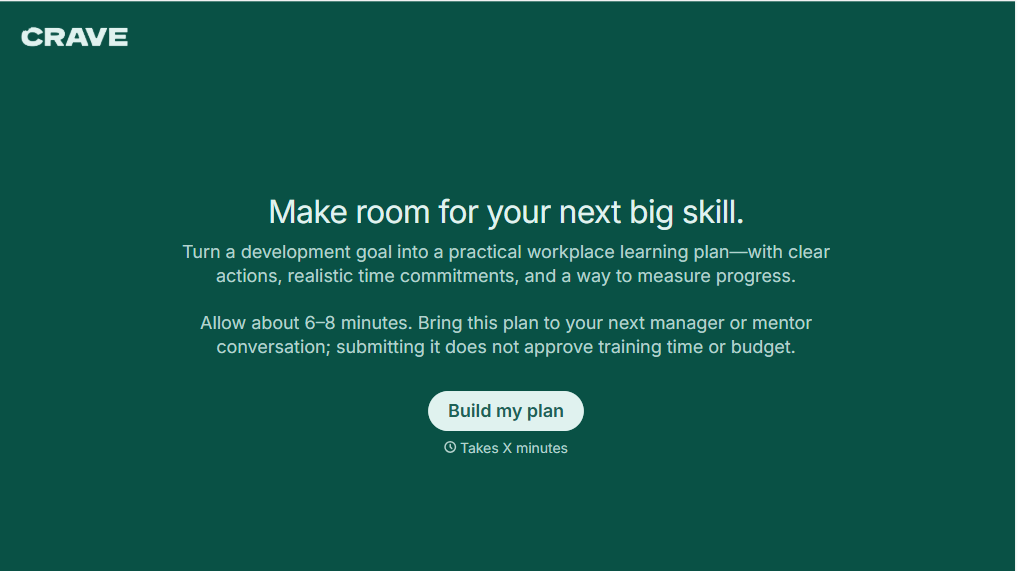
Workplace Learning Plan Form
Help employees and managers create structured professional development plans with a form that collects learning goals, skill gaps, and training preferences. Keep development priorities organized so teams can track progress, identify learning opportunities, and support employee growth in the workplace.
View template

Skills Assessment Consent Form
Give employers, training providers, and educational organizations a straightforward way to obtain consent for skills assessments with a form that collects participant information, assessment details, and authorization. Keep consent records organized so administrators can communicate evaluation procedures, explain how results will be used, and confirm participation before assessments begin.
View template
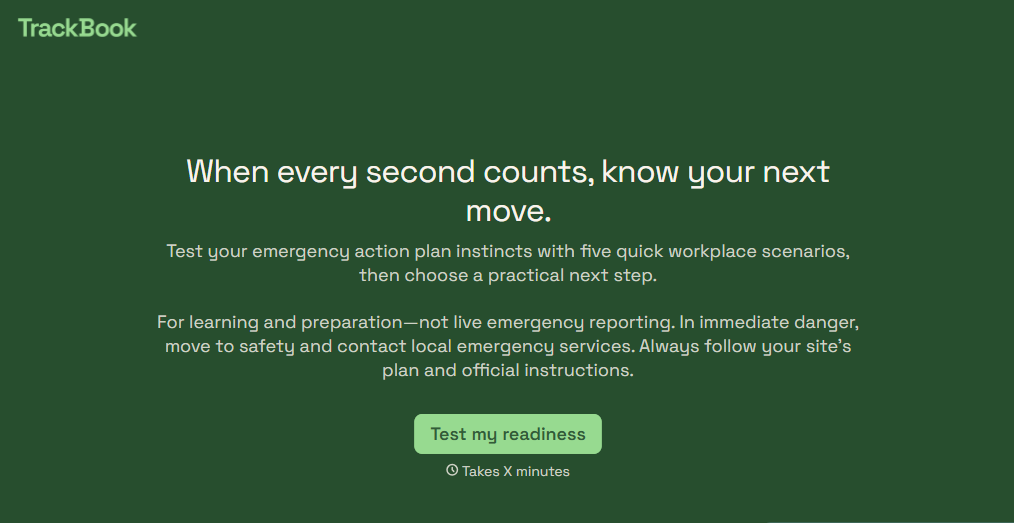
Emergency Action Plan Quiz Form
Give employees an easy way to test their emergency preparedness knowledge with a quiz that covers evacuation procedures, emergency contacts, and workplace safety protocols. Keep the results organized so your team can identify knowledge gaps, reinforce training, and improve emergency response readiness.
View template

Camp Volunteer Staff Reference Form
Give camp coordinators an easy way to collect references for prospective volunteers with a form that gathers information about reliability, relevant experience, and interpersonal skills. Keep reference responses organized so camp administrators can evaluate applicants, identify strengths, and make informed volunteer selection decisions.
View template
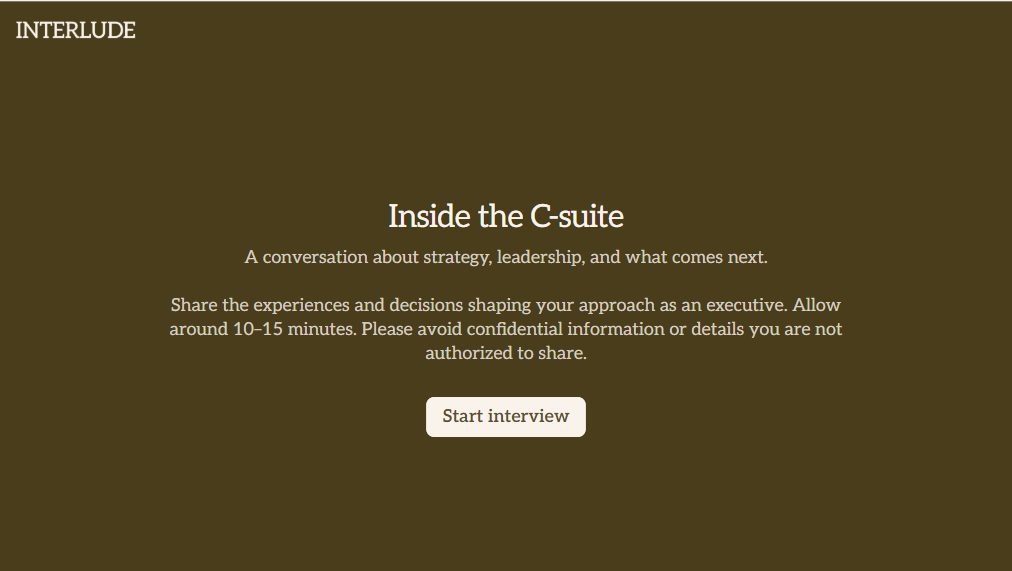
C Suite Interview Form
Give hiring teams a structured way to evaluate executive candidates with a form that collects leadership experience, strategic priorities, and management approaches. Keep the interview feedback organized so decision-makers can compare qualifications and make informed hiring decisions.
View template
With Typeform, you can customize everything
Change text, colors, and even logos to match the look and feel of your brand. Then embed forms smoothly onto web and email.
Make forms feel effortless to fill out. Pace questions, call people by their name, and adapt the flow based on the data they share.
Stay efficient by connecting forms to your workflow. Typeform integrates with 300+ tools including Slack, Zapier, and HubSpot.


