Employee Suggestion Form Template
Give your team a structured, safe way to share ideas so good suggestions don't get lost in the noise.



Most employees have ideas for improving how things work. Most of those ideas never get heard. Informal suggestion boxes go ignored, verbal ideas get forgotten, and people quickly learn that sharing doesn't lead to anything — so they stop. The cost to your organization is real.
A structured suggestion form gives every employee a reliable channel to share ideas, regardless of their relationship with their manager or their comfort speaking up in meetings. It signals that feedback is genuinely welcome. Conditional logic can ask different follow-up questions depending on the category of suggestion — operational improvements, product ideas, culture feedback — so the information you receive is organized and actionable.
Responses can route to the right team lead automatically. Customize the form with your company's branding and share the link in your internal communications.
An employee suggestion form is a tool that allows staff to submit ideas, improvements, or feedback to their organization in a structured format. It creates a consistent channel for bottom-up input.
When employees see a clear path for their ideas to be heard, they're more likely to engage and contribute. Suggestion forms also help leadership identify patterns in employee feedback that informal channels would miss.
An effective suggestion form captures context without being burdensome:
- Employee name (or anonymous option)
- Department or team
- Suggestion category (process improvement, product, culture, tools, etc.)
- Description of the suggestion and the problem it solves
- Any estimated impact or supporting data
- Whether they'd like to be involved in implementing the idea
Close the loop. Even a brief update — "We reviewed this suggestion and here's what we decided" — makes a significant difference. Consider publishing a monthly summary of ideas received and actions taken, even if the action is "not right now, and here's why."
Offering anonymity as an option tends to increase both the volume and honesty of submissions. Some employees won't share critical feedback unless it's anonymous. That said, non-anonymous submissions allow for follow-up conversations, so giving employees the choice is usually the best approach.
Get inspired by relevant templates and categories
3200+ Templates, 300+ Integrations
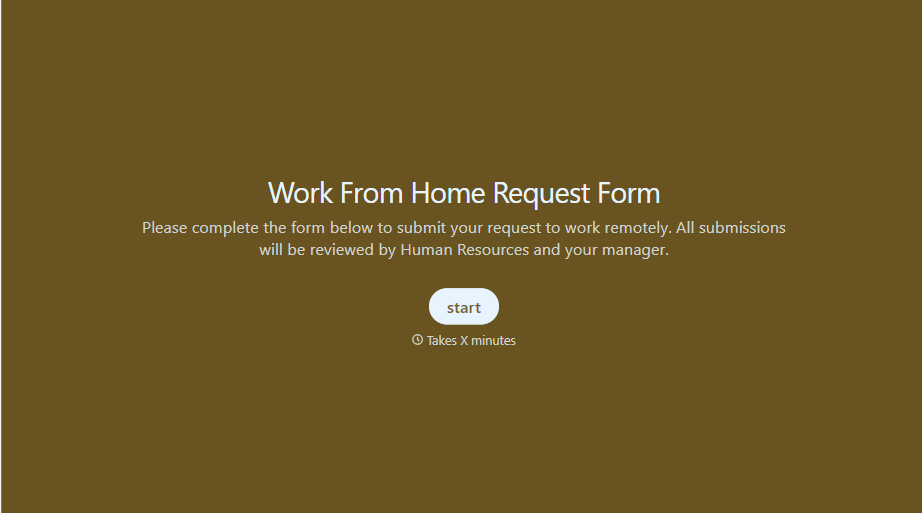
Work From Home Request Form
A Slack message asking to work from home on Thursday isn't a request anyone can track, especially once the same employee has asked five different ways over a month. Collect the request type, dates or schedule, and manager approval in one place, so HR isn't reconstructing who's working where from a scattered inbox.
View template
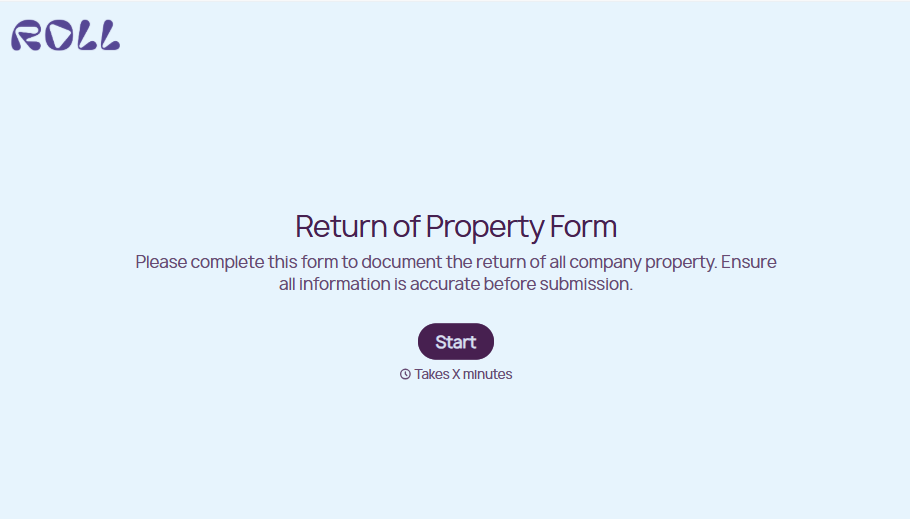
Return of Property Form
A property checklist stapled to an exit interview packet isn't a record anyone can rely on when a laptop turns up missing three weeks later. Collect itemized equipment details, condition at return, and a signed acknowledgment before an employee's last day, so IT isn't chasing down a laptop that already walked out the door.
View template
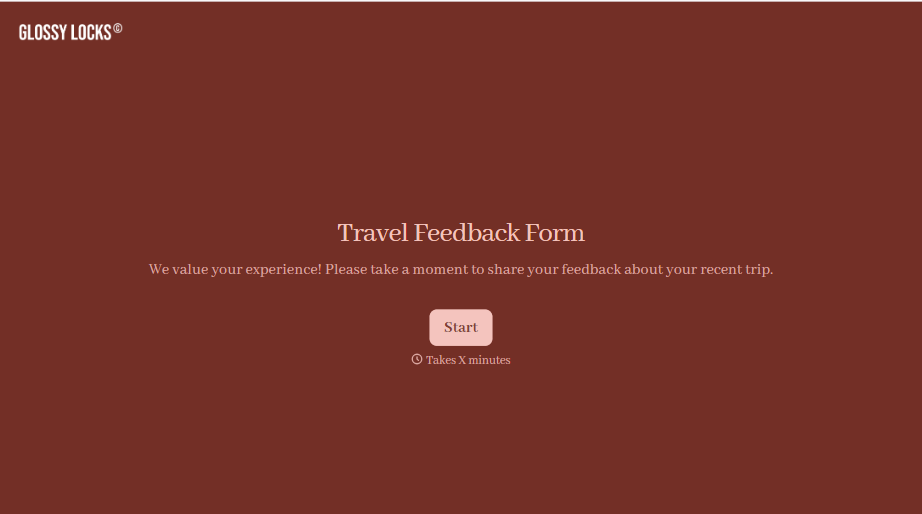
Travel Feedback Form
A quick "so, how was the trip?" when someone's back in the office doesn't tell your travel team which hotel to stop booking or which flight change actually caused the headache. Collect what your team actually needs, trip details, what worked, and what didn't, once the traveler's had a minute to think about it.
View template
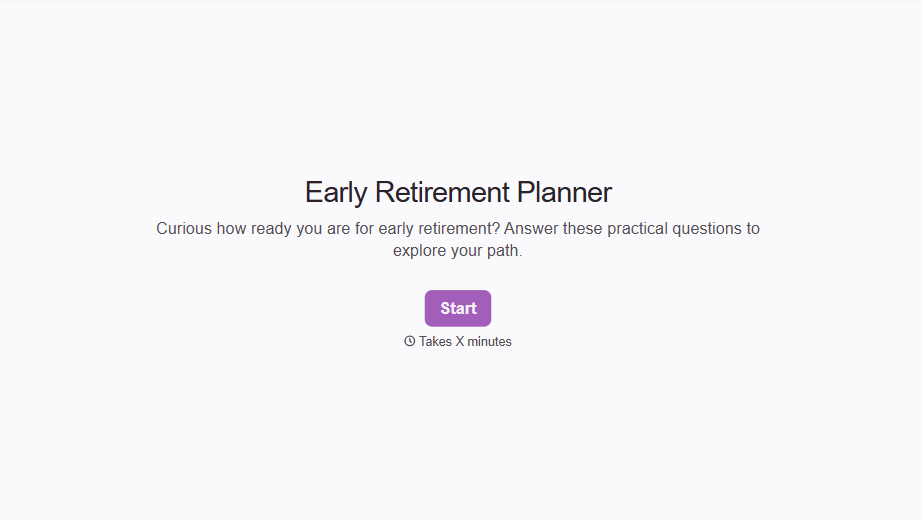
Early Retirement Form
A retirement mentioned to a manager in conversation doesn't give HR anything to actually process, and if there's an incentive deadline attached, the date that conversation happened can matter more than anyone realized at the time. Collect what your HR team actually needs, employee information, requested date, and benefit elections, before a window closes.
View template
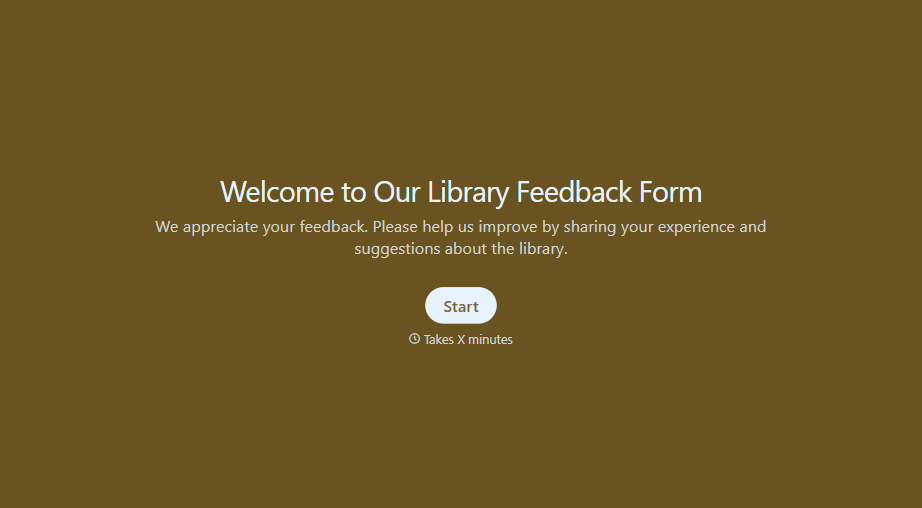
Library Feedback Form
A comment card dropped in a suggestion box isn't a channel your staff can act on quickly, especially when nobody can tell if it's about a broken chair or a request for more audiobooks. Collect the specific feedback, which branch and department it concerns, and a way to follow up before the card gets buried under next week's stack.
View template
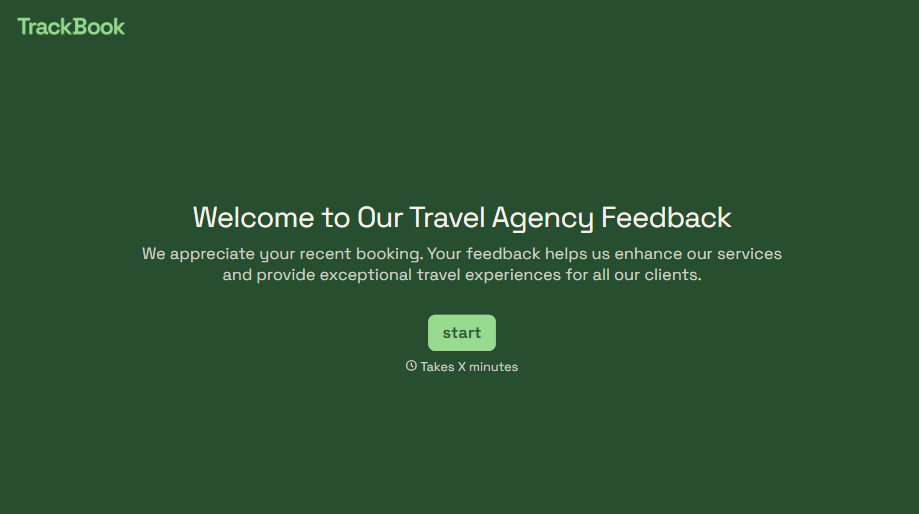
Travel Agency Feedback Form
A generic satisfaction survey emailed three weeks after a trip isn't the kind of feedback an agency can act on, especially once the specifics of a rough hotel transfer have faded. Collect feedback on the specific parts of a trip while it's still fresh, so a complaint that needs immediate follow-up doesn't sit behind a stack of routine responses.
View template
With Typeform, you can customize everything
Change text, colors, and even logos to match the look and feel of your brand. Then embed forms smoothly onto web and email.
Make forms feel effortless to fill out. Pace questions, call people by their name, and adapt the flow based on the data they share.
Stay efficient by connecting forms to your workflow. Typeform integrates with 300+ tools including Slack, Zapier, and HubSpot.


