Emergency Action Plan Quiz Form
Give employees an easy way to test their emergency preparedness knowledge with a quiz that covers evacuation procedures, emergency contacts, and workplace safety protocols. Keep the results organized so your team can identify knowledge gaps, reinforce training, and improve emergency response readiness.



A warehouse manager wants to verify that employees understand evacuation procedures, while an office safety coordinator needs to assess staff knowledge of emergency communication protocols. Both want to improve workplace preparedness, but their teams face different risks and responsibilities. An emergency action plan quiz form helps organizations evaluate employee understanding of established emergency procedures.
Participants answer questions about evacuation routes, assembly locations, emergency contacts, and response responsibilities. You can include scenarios involving fires, severe weather, medical emergencies, and other workplace hazards. Multiple-choice questions and knowledge checks help employees demonstrate their understanding of the procedures outlined in their organization's emergency action plan.
Your team receives organized quiz results without relying on paper assessments or manual scoring. Safety managers review responses, identify common mistakes, and determine where additional training is needed. Organizations get a structured way to reinforce emergency procedures, evaluate training effectiveness, and support ongoing workplace safety initiatives.
An emergency action plan quiz form assesses employee knowledge of workplace emergency procedures and safety responsibilities. It typically includes questions about evacuation routes, emergency notifications, assembly points, and appropriate responses to different incidents. Organizations use it to reinforce safety training, evaluate employee understanding, and identify areas requiring additional instruction.
Employees need to understand their responsibilities before an emergency occurs. A structured quiz helps safety coordinators evaluate whether workers know how to respond to workplace hazards and follow established procedures. Results highlight knowledge gaps, support targeted training, and encourage employees to become familiar with emergency protocols before facing a real incident.
Include questions that evaluate employee knowledge of emergency procedures, like:
- What is the purpose of an emergency action plan?
- How should employees report a workplace emergency?
- Where can you find designated evacuation routes?
- What should you do when an evacuation alarm sounds?
- Where is your designated emergency assembly point?
- Who is responsible for coordinating evacuations?
- How should you respond to a blocked emergency exit?
- What procedures apply during severe weather?
- When should emergency services be contacted?
- What information should you provide when reporting an emergency?
- How should employees respond to a medical emergency?
- What should you do if someone needs evacuation assistance?
- How are employees accounted for after an evacuation?
- When is it safe to reenter an evacuated building?
- Where can you access the organization's emergency action plan?
You can customize the questions to reflect your workplace hazards, emergency procedures, and employee training requirements.
Start by reviewing your organization's emergency action plan and identifying the procedures employees need to understand. Use multiple-choice questions, true-or-false statements, and realistic workplace scenarios to evaluate knowledge. Keep instructions clear and focus on actions employees are expected to take. Include explanations for correct answers and provide additional training when results reveal misunderstandings about emergency procedures.
Yes. An emergency action plan quiz form helps organizations measure employee understanding after safety training sessions, onboarding, or emergency preparedness reviews. Managers can compare scores, identify frequently missed questions, and determine which procedures need additional explanation. Repeating assessments after training updates helps track improvements in employee knowledge. Quizzes also support training documentation, although they don't replace required emergency drills, practical exercises, or other applicable safety obligations.
Get inspired by relevant templates and categories
3200+ Templates, 300+ Integrations
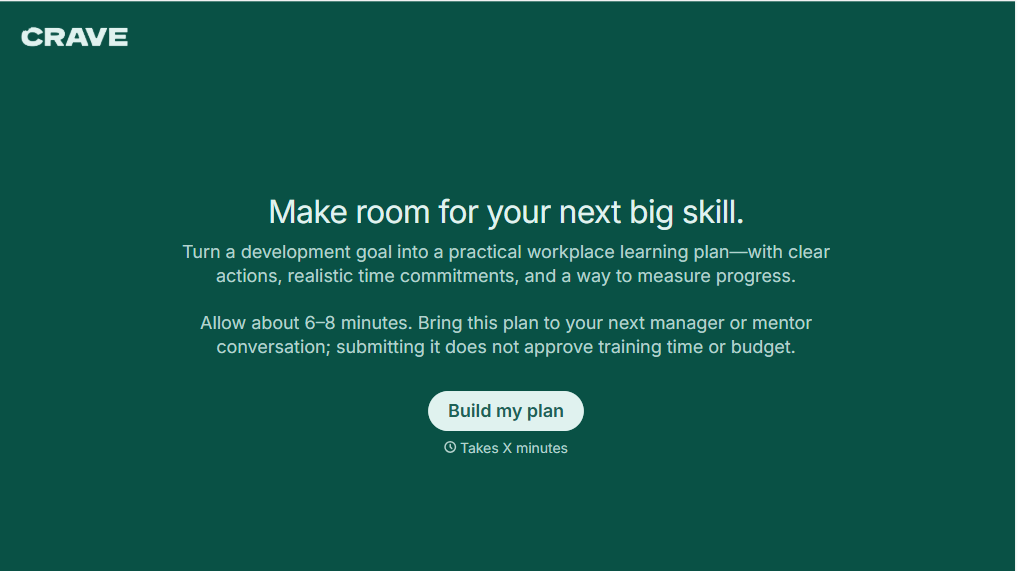
Workplace Learning Plan Form
Help employees and managers create structured professional development plans with a form that collects learning goals, skill gaps, and training preferences. Keep development priorities organized so teams can track progress, identify learning opportunities, and support employee growth in the workplace.
View template

Skills Assessment Consent Form
Give employers, training providers, and educational organizations a straightforward way to obtain consent for skills assessments with a form that collects participant information, assessment details, and authorization. Keep consent records organized so administrators can communicate evaluation procedures, explain how results will be used, and confirm participation before assessments begin.
View template
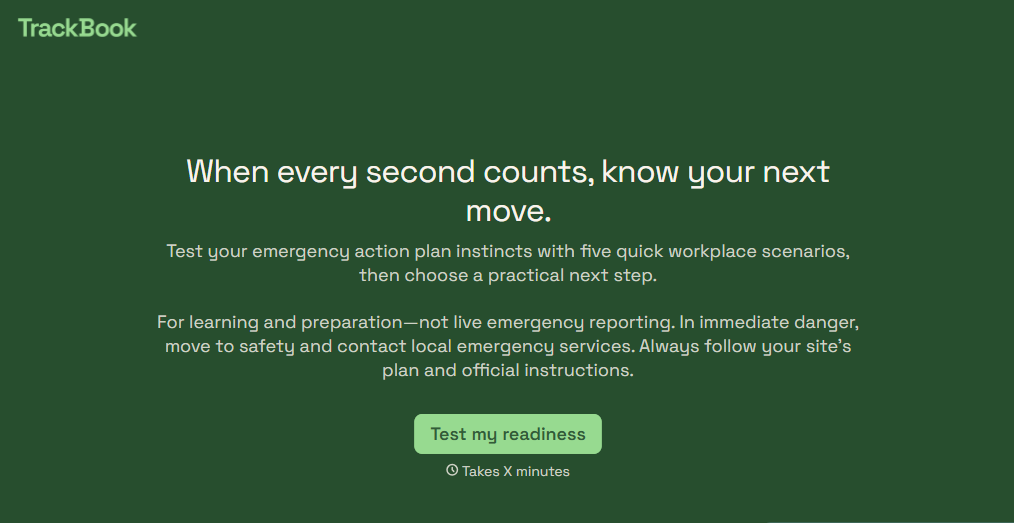
Emergency Action Plan Quiz Form
Give employees an easy way to test their emergency preparedness knowledge with a quiz that covers evacuation procedures, emergency contacts, and workplace safety protocols. Keep the results organized so your team can identify knowledge gaps, reinforce training, and improve emergency response readiness.
View template

Camp Volunteer Staff Reference Form
Give camp coordinators an easy way to collect references for prospective volunteers with a form that gathers information about reliability, relevant experience, and interpersonal skills. Keep reference responses organized so camp administrators can evaluate applicants, identify strengths, and make informed volunteer selection decisions.
View template
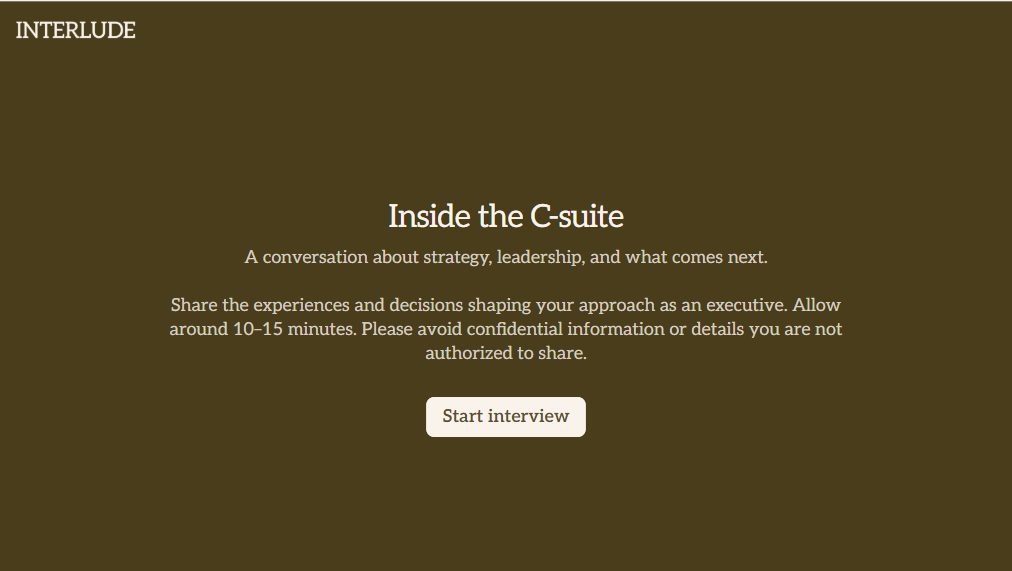
C Suite Interview Form
Give hiring teams a structured way to evaluate executive candidates with a form that collects leadership experience, strategic priorities, and management approaches. Keep the interview feedback organized so decision-makers can compare qualifications and make informed hiring decisions.
View template
With Typeform, you can customize everything
Change text, colors, and even logos to match the look and feel of your brand. Then embed forms smoothly onto web and email.
Make forms feel effortless to fill out. Pace questions, call people by their name, and adapt the flow based on the data they share.
Stay efficient by connecting forms to your workflow. Typeform integrates with 300+ tools including Slack, Zapier, and HubSpot.


