Employee Write-Up Form
A verbal warning that never makes it into a written record isn't the kind of documentation that holds up if a termination is challenged later. Collect the specific incident, policy violated, and corrective action while it's fresh, so a pattern of issues doesn't go undocumented until it's too late to matter.



A performance or conduct issue often gets addressed verbally, a conversation between a manager and an employee that never makes it into writing. Different managers document things differently, some write detailed notes, others jot down a vague "not meeting expectations" or nothing at all, and HR often doesn't find out there's a pattern until a manager is already considering termination and there's little on file to support it. That gap becomes a real problem if a termination is ever challenged, since a company's ability to show a documented, consistent history of addressing an issue matters a great deal in that situation.
Typeform's employee write-up form asks for what HR and legal actually need on record: the employee's information, the date and description of the specific incident, the policy or expectation involved, and the corrective action or improvement plan. Conditional logic branches from there. A repeat incident, or one that meets a certain severity, can route to a required HR review step before it's finalized instead of a manager handling it alone, and a write-up connected in time to something like a recent accommodation request or medical leave can route to a mandatory legal review flag, since disciplinary action too close to a protected activity carries real retaliation risk regardless of intent. Every write-up lands in one documented, timestamped record instead of a conversation nobody wrote down.
Connect the form to your HR system through Zapier, and a completed write-up can automatically create a record in the employee's file. HR gets visibility into a pattern across write-ups as they happen, instead of discovering one only once a manager is already asking about termination.
An employee write-up form is a document managers and HR use to formally record a performance or conduct issue, the specific incident, the policy or expectation involved, and the corrective action expected, creating a documented record instead of relying on an undocumented conversation.
A verbal conversation leaves no record of what was actually said, when it happened, or what corrective action was expected, which makes it very difficult to show a consistent pattern later if it matters. A written form creates that record at the time the issue happens, rather than trying to reconstruct it after the fact.
Ask for what HR and legal will actually need on file:
- Employee name and department
- Date and description of the specific incident
- Policy or expectation involved
- Prior related incidents, if any
- Corrective action or improvement plan
- Employee acknowledgment and signature
Not necessarily. Documentation can help show a legitimate, non-discriminatory reason for later action, but it doesn't guarantee protection, especially if write-ups are applied inconsistently across similar situations, or issued close in time to a protected activity like a complaint, an accommodation request, or medical leave, which can look retaliatory regardless of the paperwork behind it. Consult employment counsel on your specific documentation and disciplinary practices rather than relying on a generic template to manage this risk.
Yes. Add a file upload question and managers can attach a relevant email, policy excerpt, or other supporting documentation in the same submission, no separate email required. Pair it with conditional logic so the upload only appears when it's actually relevant to the incident.
Get inspired by relevant templates and categories
3200+ Templates, 300+ Integrations
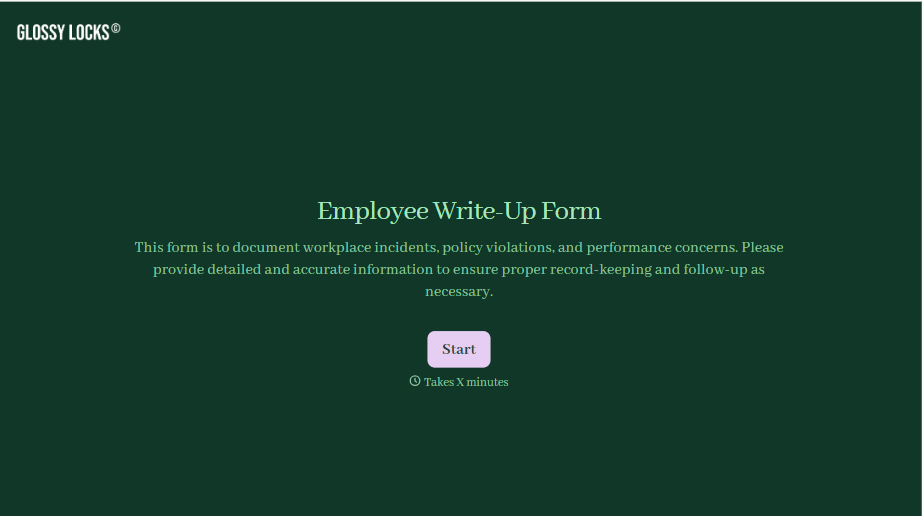
Employee Write-Up Form
A verbal warning that never makes it into a written record isn't the kind of documentation that holds up if a termination is challenged later. Collect the specific incident, policy violated, and corrective action while it's fresh, so a pattern of issues doesn't go undocumented until it's too late to matter.
View template
Employment Verification Release Form
A verification request that comes in as a phone call to HR doesn't tell anyone whether the employee actually agreed to have their salary shared with whoever's asking. Collect what your company actually needs, the employee's authorization, what's being released, and to whom, before HR says anything back.
View template
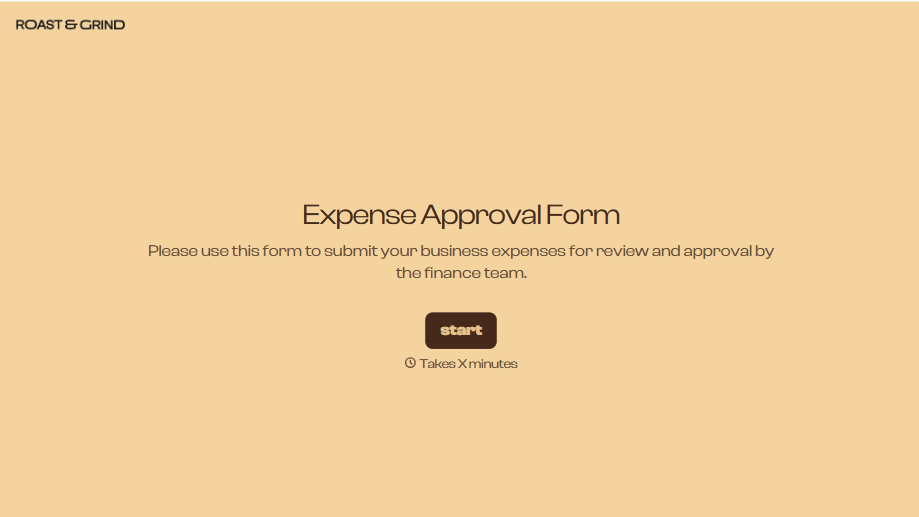
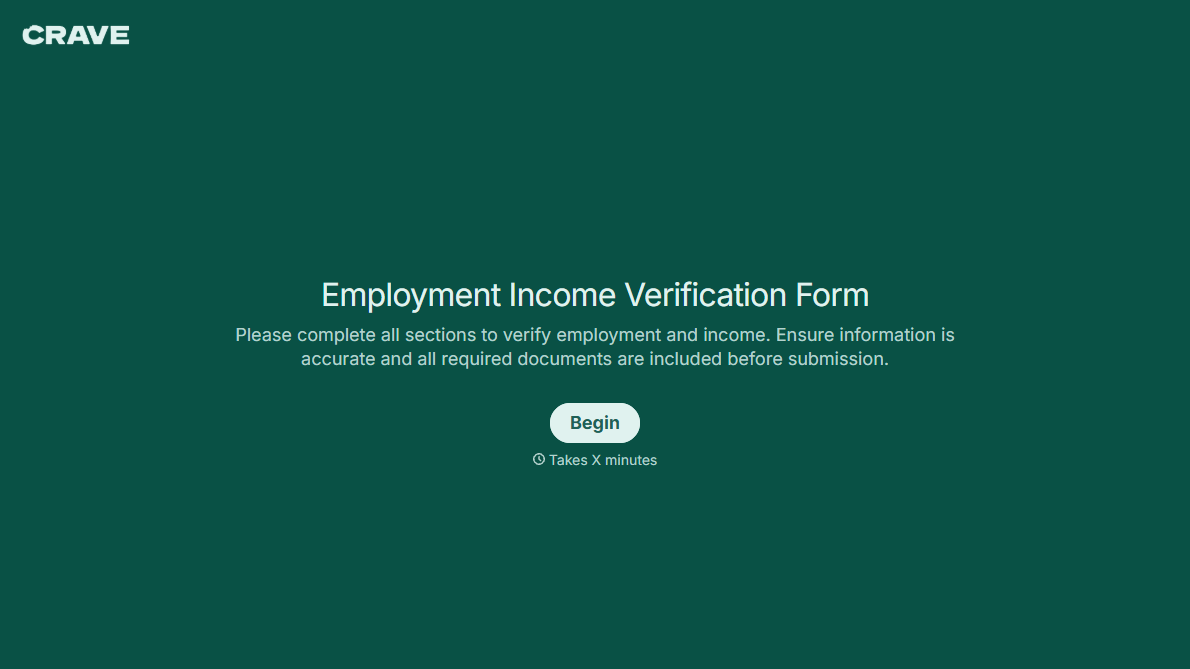
With Typeform, you can customize everything
Change text, colors, and even logos to match the look and feel of your brand. Then embed forms smoothly onto web and email.
Make forms feel effortless to fill out. Pace questions, call people by their name, and adapt the flow based on the data they share.
Stay efficient by connecting forms to your workflow. Typeform integrates with 300+ tools including Slack, Zapier, and HubSpot.


