Employment Verification Release Form
A verification request that comes in as a phone call to HR doesn't tell anyone whether the employee actually agreed to have their salary shared with whoever's asking. Collect what your company actually needs, the employee's authorization, what's being released, and to whom, before HR says anything back.



Verification requests show up however the requester happens to reach the company, a phone call to HR, a fax from a lender, an email from a background check firm, and half the time nobody's sure whether the person on the other end actually has the employee's permission to hear anything beyond dates of employment. HR ends up guessing at what's safe to share, or defaults to a blanket policy that confirms almost nothing, which then leaves an employee's mortgage or apartment application stalled while everyone sorts out who's actually allowed to say what.
Typeform's employment verification release form asks for what your company actually needs, employee information, what's being released, dates of employment, title, or salary, and who it's being released to, then uses conditional logic to branch from there. An employee who wants to limit the release to dates and title only can select that instead of a blanket authorization, and a request from a specific type of requester, a lender, a background check company, a landlord, can route to the fields that requester actually needs. Every authorization lands in one signed record instead of a verbal "yeah that's fine" over the phone.
Connect the form to your HR platform through Zapier, and a signed authorization can attach itself to the employee's file automatically, so HR can pull it the moment a verification request comes in instead of asking the employee to sign something all over again. Ask for it once, when it's needed, and HR can respond to a request the same day instead of putting a lender or landlord on hold while someone tracks down a signature.
An employment verification release form is an online form employees sign to authorize their employer to release specific employment information, like dates of employment, title, or salary, to a named third party. Instead of HR guessing what's safe to confirm over the phone, the employee's own authorization spells it out.
Confirming employment details over the phone means HR is relying on the caller's word that they have permission to hear whatever they're asking about, with nothing in writing to point to if that turns out not to be true. A release form documents exactly what the employee agreed to share, and with whom, before the call ever comes in.
Ask for what your company will actually need before disclosing anything:
- Employee name and contact information
- What's being released, like dates of employment, title, or salary
- The specific party or organization it's being released to
- Purpose of the request
- Signed authorization
Not necessarily. A signed release only covers what the employee actually authorized, and an employer can still limit disclosure to that scope even if the requester asks for more. What employers are required or permitted to share can also depend on state law, so it's worth reviewing your specific policy with legal counsel or HR rather than relying on a generic template as-is.
Yes. Add a file upload question and employees can attach a pay stub, an ID, or another supporting document in the same submission, no separate email required. Pair it with conditional logic so the upload only appears when the type of request actually calls for it.
Get inspired by relevant templates and categories
3200+ Templates, 300+ Integrations
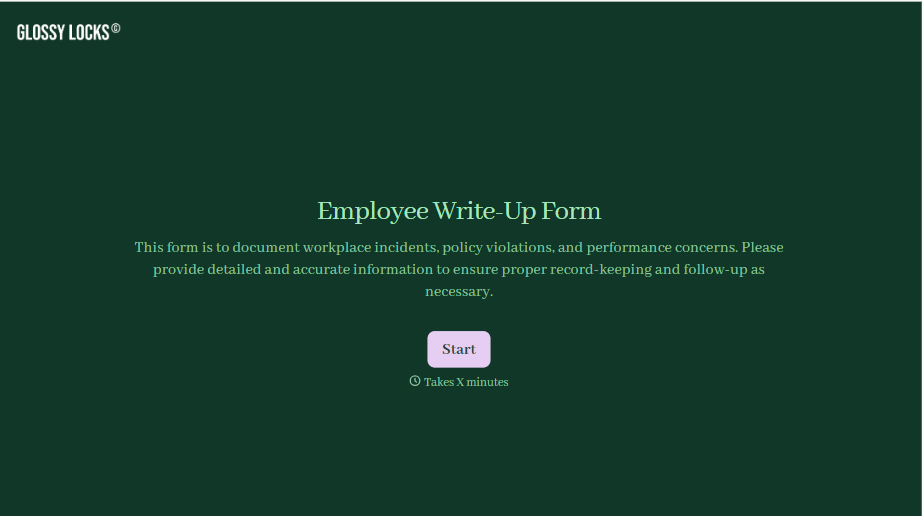
Employee Write-Up Form
A verbal warning that never makes it into a written record isn't the kind of documentation that holds up if a termination is challenged later. Collect the specific incident, policy violated, and corrective action while it's fresh, so a pattern of issues doesn't go undocumented until it's too late to matter.
View template
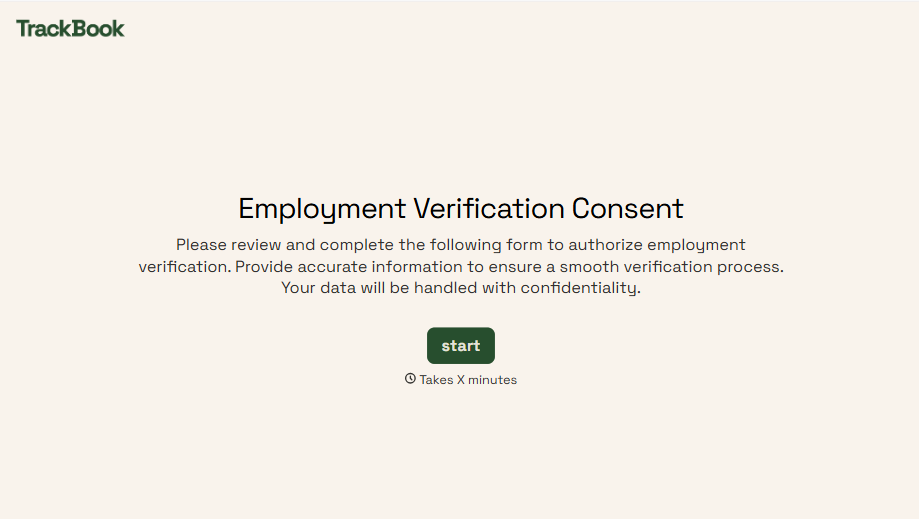
Employment Verification Release Form
A verification request that comes in as a phone call to HR doesn't tell anyone whether the employee actually agreed to have their salary shared with whoever's asking. Collect what your company actually needs, the employee's authorization, what's being released, and to whom, before HR says anything back.
View template
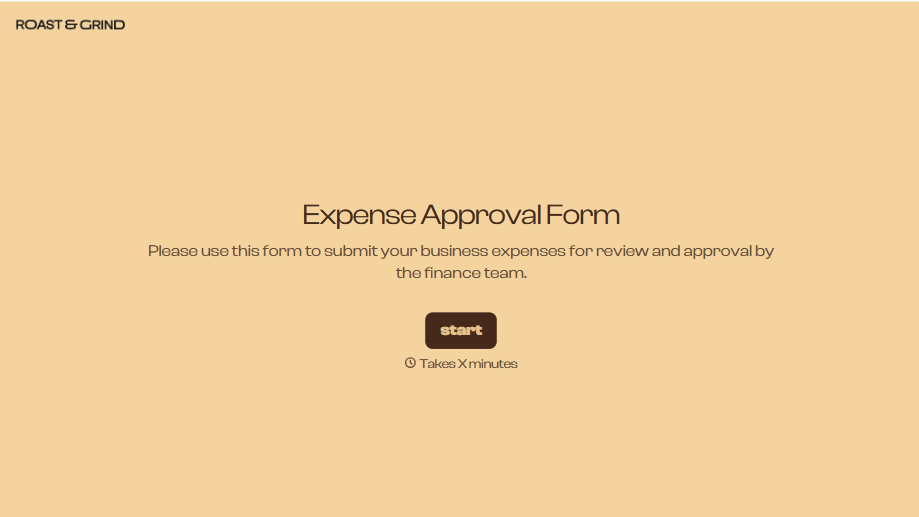
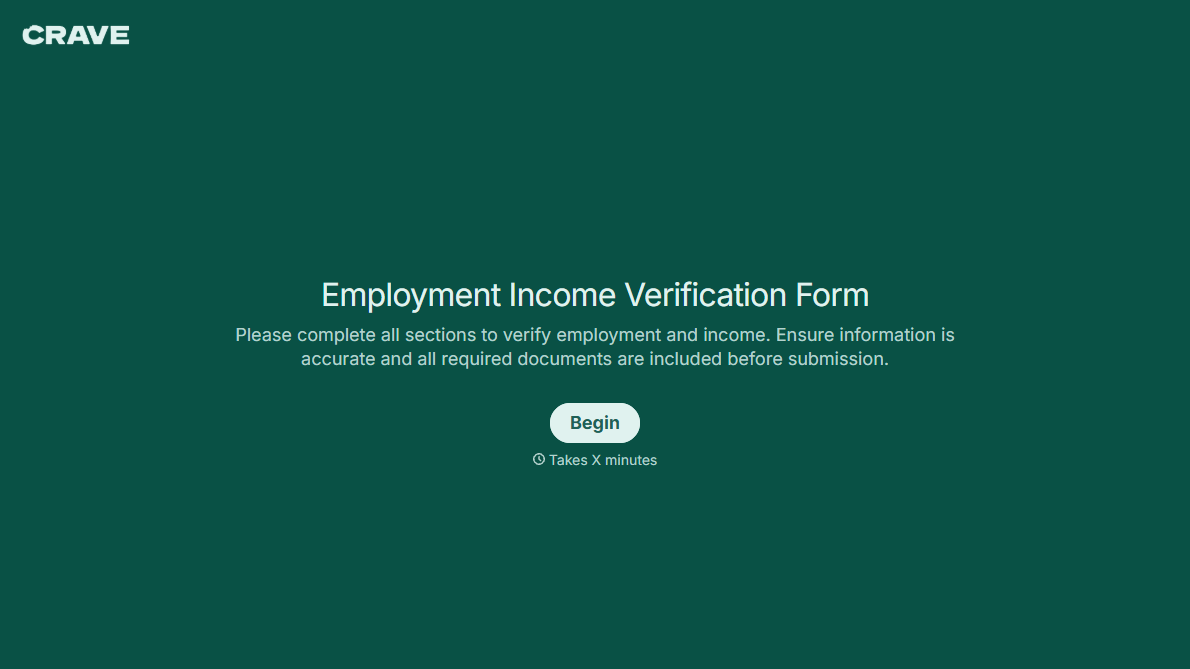
With Typeform, you can customize everything
Change text, colors, and even logos to match the look and feel of your brand. Then embed forms smoothly onto web and email.
Make forms feel effortless to fill out. Pace questions, call people by their name, and adapt the flow based on the data they share.
Stay efficient by connecting forms to your workflow. Typeform integrates with 300+ tools including Slack, Zapier, and HubSpot.


