Equipment Checkout Form Template
Track who has what — and when they need to bring it back.



When equipment goes out without a paper trail, it tends to stay out. Whether you're managing cameras, laptops, tools, or lab gear, a checkout form creates the record you need to know what's available, who borrowed it, and when it's due back.
This template captures the borrower's name and contact, the item being checked out, the serial number or asset tag, the checkout and expected return dates, and a signature confirming responsibility. Optional fields for condition notes at checkout and return help you document any damage without relying on memory.
The form works on any device, so staff can check equipment in and out from a phone without hunting down a clipboard. Responses sync to a spreadsheet in real time, giving you a running log of every loan without any manual data entry.
At minimum: borrower name, contact info, item name, serial or asset tag number, checkout date, expected return date, and a signature. Condition fields at checkout and return are worth adding if damage disputes are a concern.
Yes. For high-value items, add a condition rating field at checkout so you have a documented baseline. You can also require a photo upload of the item before it leaves — useful if disputes arise about pre-existing damage.
Connect the form to a spreadsheet and set up an automated reminder that fires when the return date passes without a return entry. This keeps follow-up consistent without requiring manual checking.
Each checkout is its own form submission, so yes — the form handles concurrent loans without any conflicts. Your response log will show every active loan with its associated borrower and due date.
Yes. Schools, libraries, and community organizations frequently use checkout forms for devices, books, and shared resources. You can customize the item categories and add a parent or guardian consent field for minor borrowers if needed.
Get inspired by relevant templates and categories
3200+ Templates, 300+ Integrations


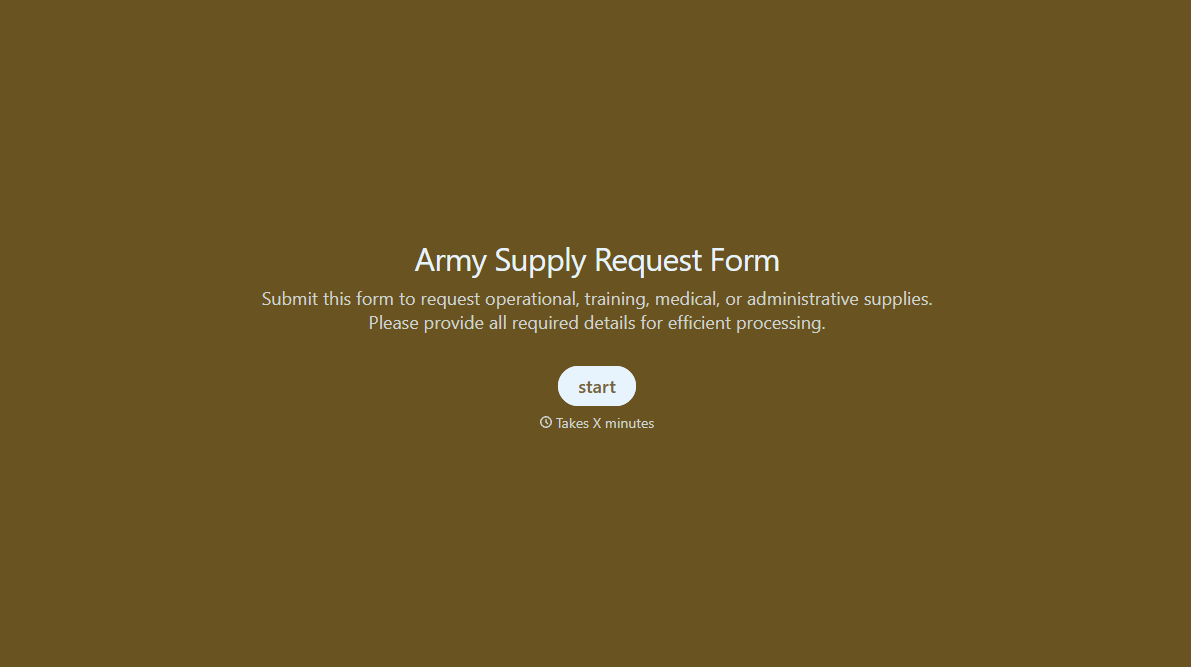
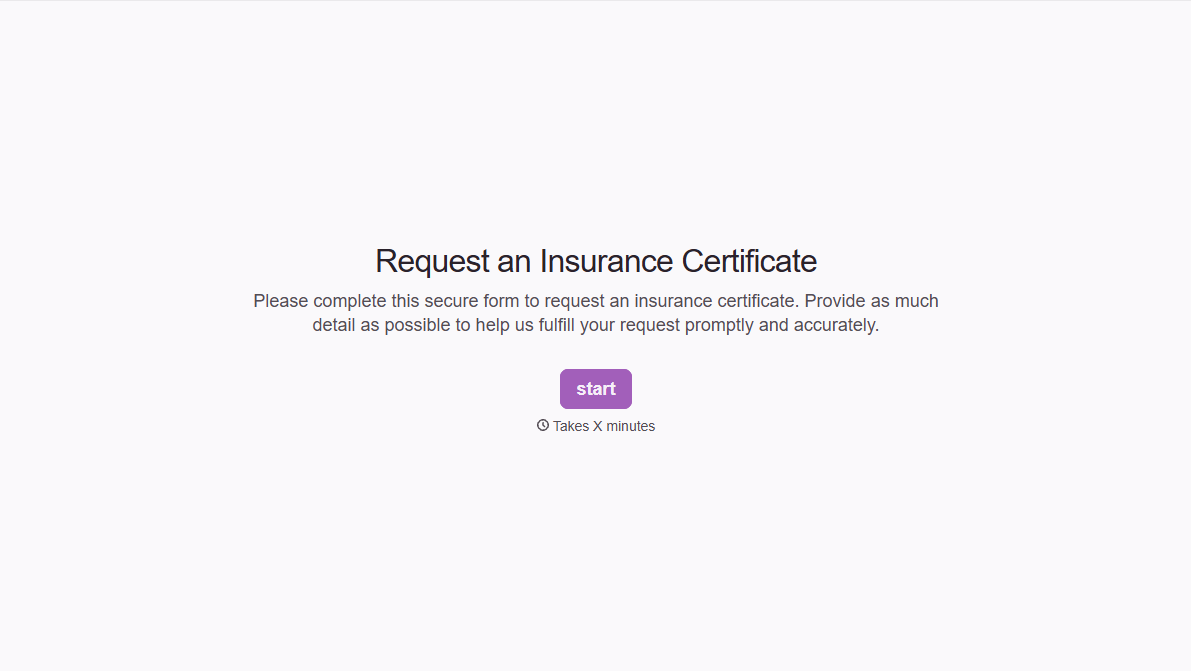


With Typeform, you can customize everything
Change text, colors, and even logos to match the look and feel of your brand. Then embed forms smoothly onto web and email.
Make forms feel effortless to fill out. Pace questions, call people by their name, and adapt the flow based on the data they share.
Stay efficient by connecting forms to your workflow. Typeform integrates with 300+ tools including Slack, Zapier, and HubSpot.


