Free Event Booking Form Template
Let people book spots at your event online without the back-and-forth of manual confirmations.



Managing event bookings through email or phone means you're manually tracking who's coming, confirming attendance, and updating your guest list constantly. As the event gets closer and inquiries increase, it becomes difficult to stay on top of.
An online booking form puts the entire process on autopilot. Attendees select their tickets, provide their details, and receive an automated confirmation. You see a real-time count of registrations and have a complete guest list ready before the day arrives. Conditional logic can surface additional questions for group bookings, accessibility requirements, or meal preferences — only for the people who need them.
Connect to your email tool to send reminders automatically as the event approaches. Customize the form with your event's branding and share it anywhere.
An event booking form is an online form that allows individuals to register or reserve a spot at an event. It collects attendee information, ticket or session preferences, and any other details needed before the event.
An online booking form gives you accurate attendance data in advance and removes the manual work of confirming each registration. It also creates a consistent record of who's coming that your team can access at any time.
A complete event booking form should include:
- Attendee name and contact information
- Ticket type or session selection
- Number of attendees (for group bookings)
- Dietary requirements or accessibility needs
- Where they heard about the event
- Any questions for speakers or facilitators
Set a response limit on the form to close bookings automatically once capacity is reached. You can also set up a waitlist form that activates when the primary form closes, so you're capturing demand even after spots are full.
Yes. Add a ticket type selection question and use conditional logic to direct paid ticket selections to a payment step and free tickets directly to confirmation. This keeps the form clean for all attendees.
Get inspired by relevant templates and categories
3200+ Templates, 300+ Integrations
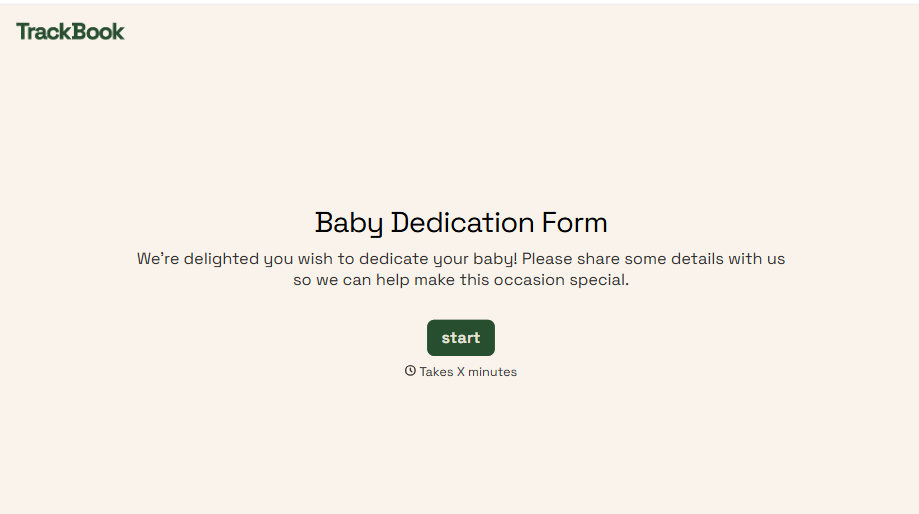
Baby Dedication Form
A sign-up sheet passed around during announcements isn't the kind of detail you want to compile into a Sunday program from memory. Collect the baby's information, requested ceremony date, and any required class attendance before the service, so your team isn't confirming a name's spelling the morning of.
View template
With Typeform, you can customize everything
Change text, colors, and even logos to match the look and feel of your brand. Then embed forms smoothly onto web and email.
Make forms feel effortless to fill out. Pace questions, call people by their name, and adapt the flow based on the data they share.
Stay efficient by connecting forms to your workflow. Typeform integrates with 300+ tools including Slack, Zapier, and HubSpot.


