Babysitting Registration Form
Provider parents and guardians a simpler way to register their children for babysitting services with a form that collects contact information, childcare needs, and scheduling preferences. Keep registration records organized so babysitters and childcare providers can prepare for appointments, understand each child's needs, and provide a safe, comfortable environment.



A parent needs a babysitter for an evening event, while another family needs recurring childcare during weekday afternoons. They both need dependable supervision for their children, but their schedules, care requirements, and household routines differ. A babysitting registration form helps childcare providers collect essential information and prepare for upcoming appointments.
Parents or guardians provide their contact information, children's ages, and requested babysitting dates. You can include fields for emergency contacts, allergies, medical considerations, and daily routines. Questions about feeding schedules, bedtime preferences, behavioral needs, and authorized pickup arrangements help babysitters understand each child's requirements and follow family instructions.
Your team receives organized registration information without relying on scattered text messages or handwritten notes. Babysitters and childcare coordinators review submissions, confirm availability, and prepare for scheduled appointments. Childcare providers get a structured way to manage bookings, maintain accurate family records, and communicate expectations before babysitting services begin.
A babysitting registration form collects information from parents or guardians requesting childcare services for their children. It usually includes family contact details, children's ages, requested care dates, emergency contacts, and important care instructions. Independent babysitters, childcare agencies, and organizations offering babysitting services use it to organize registrations, coordinate schedules, and prepare for children's individual needs.
Managing babysitting requests through individual phone calls, emails, or text messages can make it difficult to track schedules and remember important childcare instructions. A structured registration form collects consistent information about each family, including emergency contacts, care requirements, and appointment preferences. It helps babysitters prepare for scheduled visits, identify special considerations, and communicate with parents while reducing administrative work and minimizing misunderstandings.
Include questions that help childcare providers understand family needs and prepare for babysitting appointments, like:
- What is the parent or guardian's full name?
- What is your preferred contact email?
- What is your phone number?
- What is the address where babysitting services will take place?
- How many children require babysitting services?
- What are the names of the children?
- What are the children's ages?
- What date do you need babysitting services?
- What time should babysitting begin?
- What time will babysitting end?
- Do you need one-time or recurring childcare?
- Does any child have allergies or dietary restrictions?
- Are there any medical conditions the babysitter should know about?
- Does any child require medication or special care instructions?
- Are there any accessibility or developmental support needs?
- What are the children's usual meal or snack routines?
- Are there any bedtime or nap schedules to follow?
- What activities do the children enjoy?
- Are there any household rules or screen time restrictions?
- What is the name and phone number of an emergency contact?
- Who should the babysitter contact if a parent or guardian cannot be reached?
- Who is authorized to pick up the children?
- Are there any pets in the home?
- Are there any special instructions for entering or securing the home?
- Have you reviewed the babysitting rates and cancellation policies?
- Is there any additional information the babysitter should know?
You can customize the questions to match your babysitting services, age groups, and childcare policies.
Use dropdown menus for childcare schedules, service types, and the number of children requiring care. Include multiple-choice questions for recurring appointments, meal arrangements, and special care requirements. Conditional logic can display additional questions when families register multiple children or report allergies, medical considerations, or specific support needs. Keep instructions clear and organize questions into sections for family information, scheduling, and childcare preferences. Explain rates, cancellation policies, and emergency procedures before submission. Protect sensitive family and child information with appropriate privacy and security measures.
Yes. A babysitting registration form helps childcare providers collect essential information about children's needs, emergency contacts, and household instructions before appointments begin. Babysitters can review submissions, identify potential safety concerns, and discuss important care arrangements with parents or guardians. The collected information also supports emergency preparedness, allergy awareness, and clear communication about authorized pickups and daily routines.
By maintaining organized registration records, childcare providers can prepare for each family's expectations and reduce confusion during appointments. However, a registration form does not replace appropriate caregiver screening, training, supervision, or emergency planning. Babysitters should confirm critical instructions directly with parents and follow applicable childcare regulations and safety requirements.
Get inspired by relevant templates and categories
3200+ Templates, 300+ Integrations


Pet Boarding Waiver and Consent Form
Give pet owners a straightforward way to authorize boarding services with a form that collects pet information, emergency contacts, and care instructions. Keep consent records organized so boarding facilities can understand each pet's needs, confirm owner permissions, and provide a safe and comfortable boarding experience.
View template
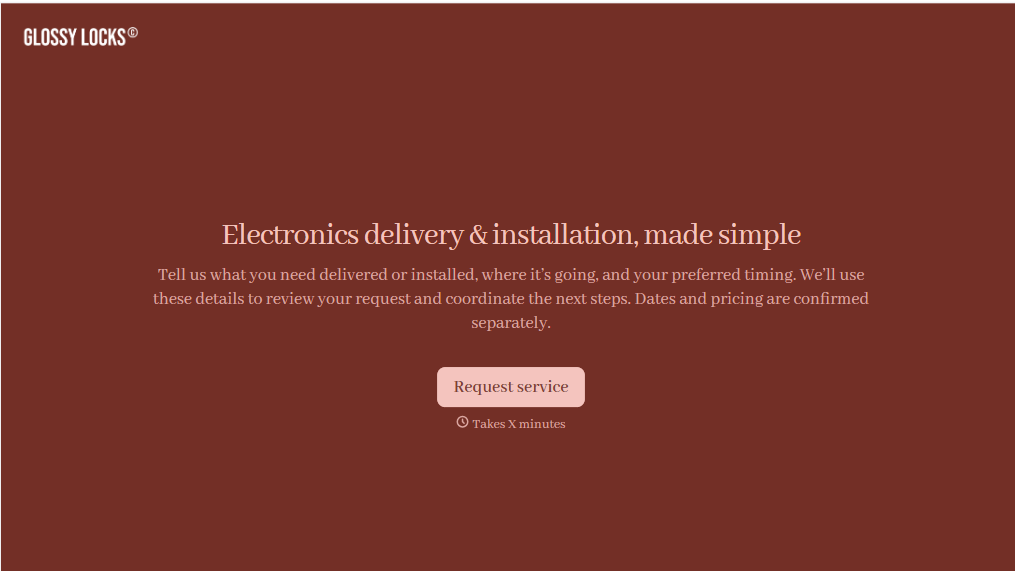
Electronics Installation Delivery Form
Give customers a straightforward way to schedule electronics delivery and installation services with a form that collects product details, delivery addresses, and setup requirements. Keep service requests organized so retailers and installation teams can coordinate appointments, prepare equipment, and complete deliveries efficiently.
View template
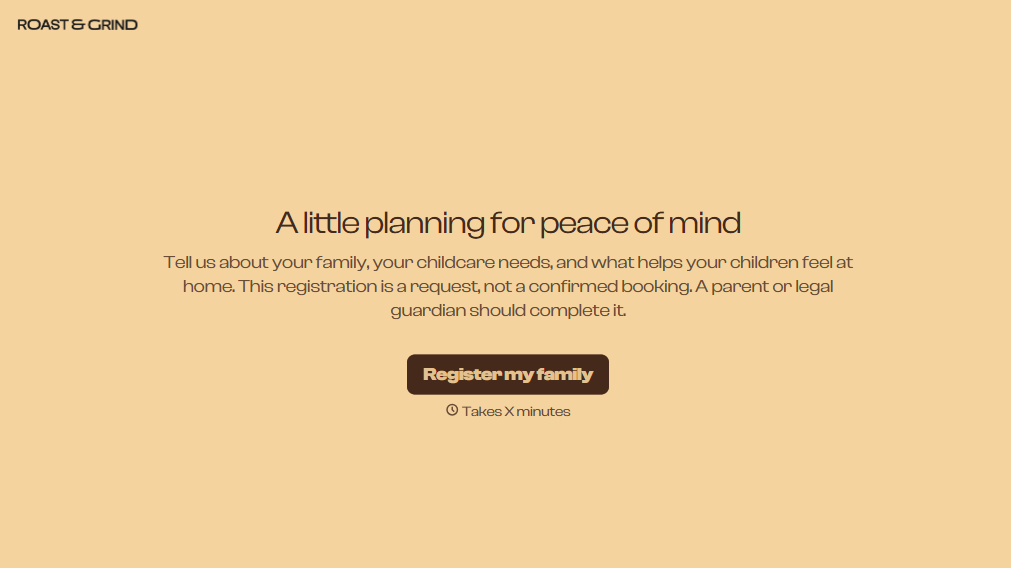
Babysitting Registration Form
Provider parents and guardians a simpler way to register their children for babysitting services with a form that collects contact information, childcare needs, and scheduling preferences. Keep registration records organized so babysitters and childcare providers can prepare for appointments, understand each child's needs, and provide a safe, comfortable environment.
View template

Airport Transfer Booking Form
Give travelers a straightforward way to arrange airport transportation with a form that collects flight details, pickup locations, and passenger preferences. Keep reservations organized so transportation providers can coordinate drivers, plan routes, and provide reliable transfers between airports, hotels, and other destinations.
View template
With Typeform, you can customize everything
Change text, colors, and even logos to match the look and feel of your brand. Then embed forms smoothly onto web and email.
Make forms feel effortless to fill out. Pace questions, call people by their name, and adapt the flow based on the data they share.
Stay efficient by connecting forms to your workflow. Typeform integrates with 300+ tools including Slack, Zapier, and HubSpot.


