Table and Chair Rental Agreement Form
Move past a handshake and a hastily texted headcount. Document who's responsible for damage, confirm the equipment's warranty is disclaimed the way the law actually requires, and keep a timestamped record of exactly what was rented and returned in what condition.



When you rent out tables and chairs as a business, the law assumes something you might not have thought about: an implied warranty that the equipment is merchantable, meaning it works as expected for ordinary use. Under UCC 2A-212, that warranty attaches automatically to a lease of goods when the lessor is a merchant dealing in that kind of equipment, which most rental companies are. You can disclaim it, but only in writing, conspicuously, and either naming "merchantability" specifically or using clear language like "as is" or "with all faults," under UCC 2A-214, a vague line buried in a paragraph of fine print may not hold up.
Everything else about who pays for what is entirely up to the agreement, not a default legal rule. Real rental agreements typically make the renter responsible for any damage beyond normal wear and tear regardless of cause, charge replacement cost for anything lost or stolen, and require the renter to indemnify the company for injuries or claims connected to how the equipment gets used at the event. None of that happens automatically, if it's not written into the agreement, it's a much harder argument to make after the fact.
Typeform's table and chair rental agreement form captures what's being rented, quantities, delivery or pickup arrangements, and the condition the equipment needs to be returned in, alongside the damage, replacement, and indemnification terms the renter is agreeing to before the trucks get loaded, with conditional logic adding delivery-specific questions, like stairs or elevator access, only when relevant. Every submitted agreement becomes a timestamped record of what was rented, what condition it left in, and what the renter agreed to pay for and be responsible for, the file you want if equipment comes back damaged, a deposit gets disputed, or a claim comes in after the event.
A table and chair rental agreement form documents what a customer is renting, the dates and delivery or pickup details, the rental fee and any deposit, and the terms the renter agrees to around damage, loss, and liability while the equipment is in their care.
Possibly, unless you've disclaimed it correctly. Under UCC 2A-212, an implied warranty of merchantability attaches to a lease of goods when the lessor is a merchant dealing in that kind of equipment, meaning most rental businesses. You can exclude that warranty, but UCC 2A-214 requires the exclusion to be in writing and conspicuous, either naming "merchantability" directly or using clear language like "as is" or "with all faults." A disclaimer that isn't clearly written or is hidden in dense terms may not actually protect you.
Whatever your agreement says, since there's no default rule assigning that automatically. Most rental agreements make the renter responsible for damage beyond normal wear and tear, charge replacement cost for lost or stolen items, and require the renter to indemnify the rental company for injuries or claims tied to how the equipment was used. Put these terms in the agreement itself rather than assuming they're understood.
Capture enough to document the rental and avoid a dispute after the event:
- Renter name and contact information
- Itemized list of equipment and quantities
- Rental period, delivery or pickup details, and return condition requirements
- Rental fee, deposit amount, and damage or replacement charges
- Warranty disclaimer and indemnification terms
- Signature and date
Yes. Typeform's signature question lets renters sign by typing, drawing, or uploading their signature, time-stamps it the moment they submit, and locks the response so it can't be changed afterward, generating a PDF you can keep on file. It's available on Typeform's Growth Flow, Growth Custom, and Enterprise plans.
Get inspired by relevant templates and categories
3200+ Templates, 300+ Integrations
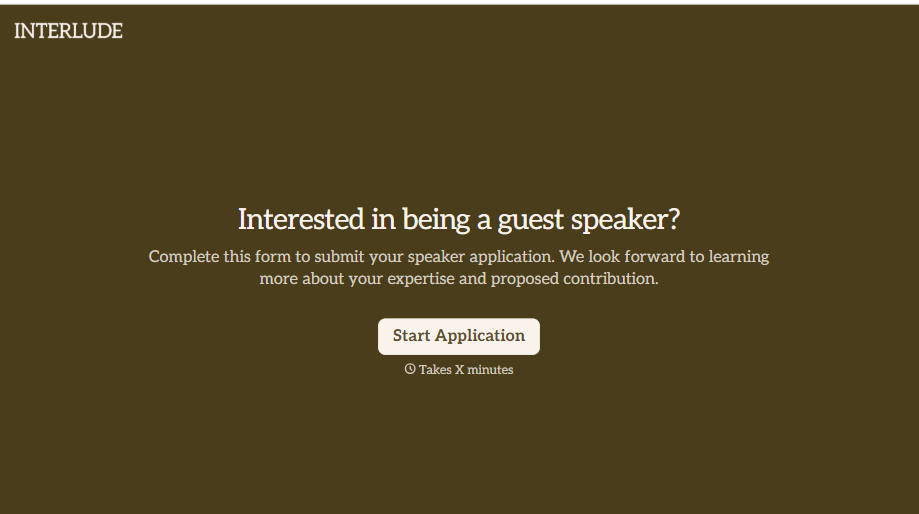
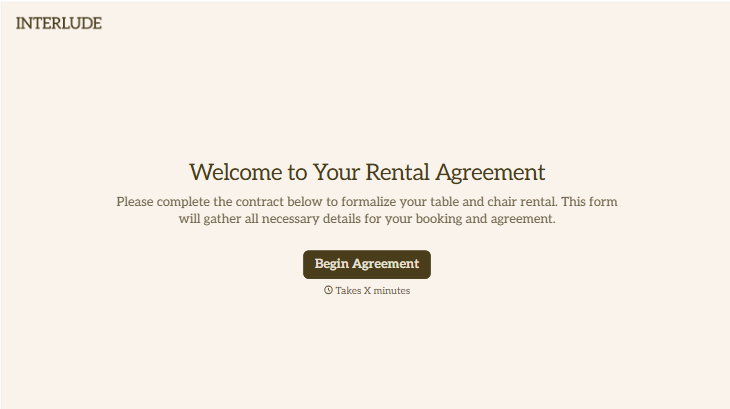
Table and Chair Rental Agreement Form
Move past a handshake and a hastily texted headcount. Document who's responsible for damage, confirm the equipment's warranty is disclaimed the way the law actually requires, and keep a timestamped record of exactly what was rented and returned in what condition.
View template
With Typeform, you can customize everything
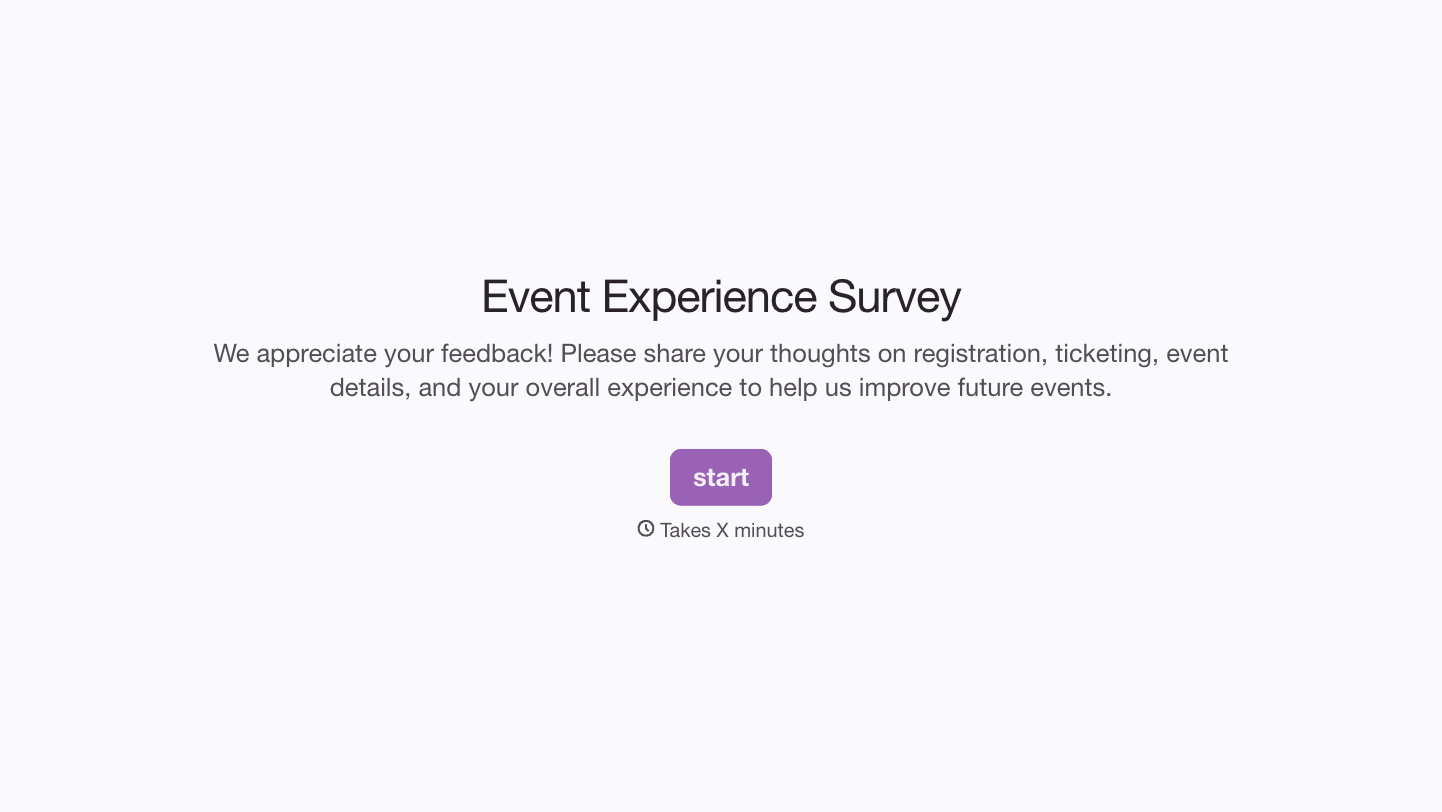
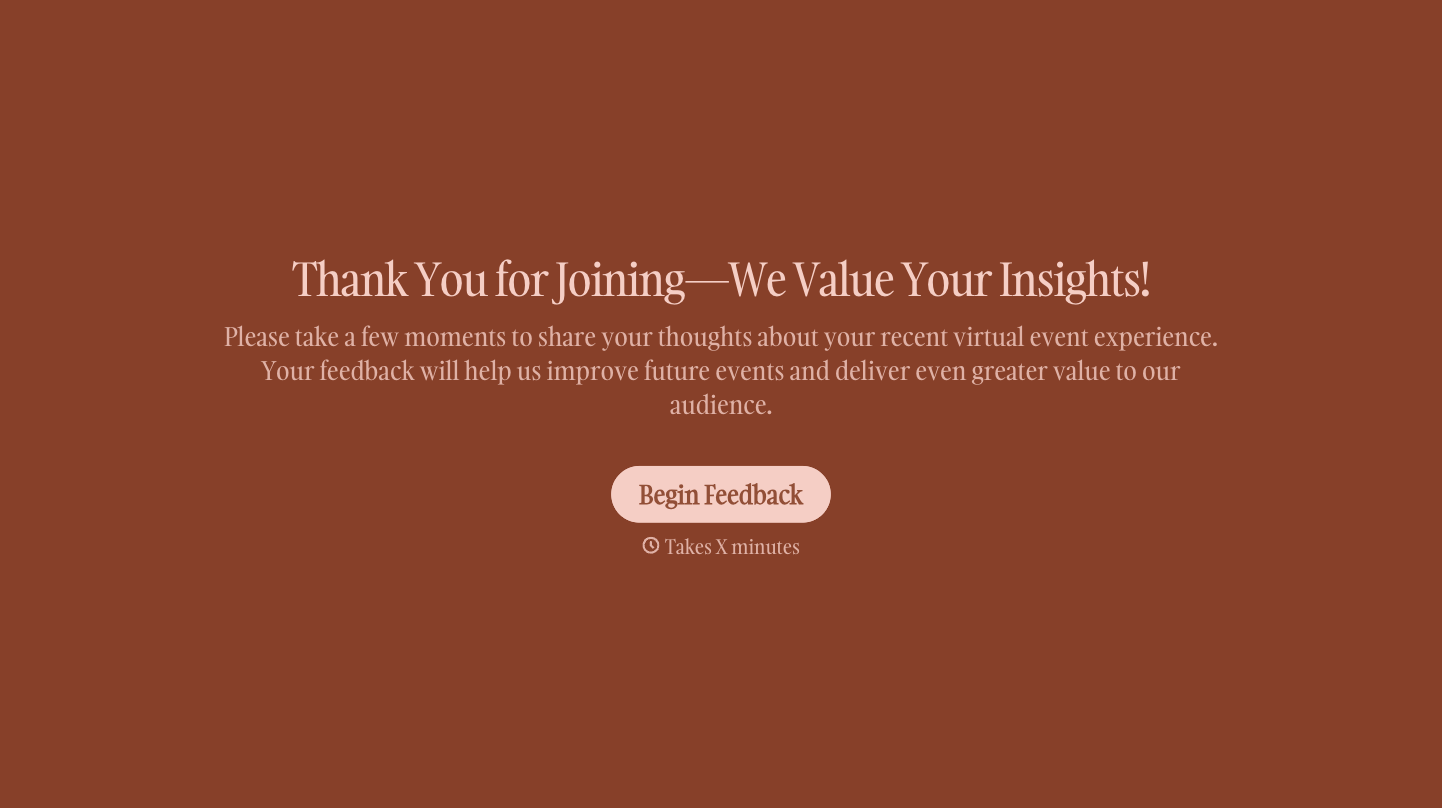
Change text, colors, and even logos to match the look and feel of your brand. Then embed forms smoothly onto web and email.
Make forms feel effortless to fill out. Pace questions, call people by their name, and adapt the flow based on the data they share.
Stay efficient by connecting forms to your workflow. Typeform integrates with 300+ tools including Slack, Zapier, and HubSpot.


