Guest Speaker Form
An email asking "can you send your bio and headshot" isn't the kind of intake that gets a green room ready on time. Collect the topic, bio, AV needs, and availability before the event's locked onto the calendar, so your team isn't chasing a headshot the morning of.



Getting a guest speaker ready for an event usually means a string of emails, one asking for a bio, another for a headshot, another for their technical setup, sent at different times and easy to lose track of. Details arrive piecemeal, sometimes too late to make it into the program, and a speaker shows up without the microphone setup or the slide clicker they needed because nobody thought to ask about it beforehand.
Typeform's guest speaker form asks for what your event team needs before the day arrives: the speaker's contact information, session topic and description, bio and headshot, and AV or technical requirements. Conditional logic branches from there. A virtual speaker can route to questions about streaming platform and software instead of venue AV needs, while an in-person speaker routes to the opposite, and a speaker who needs to travel can route to accommodation and travel questions instead of skipping straight to a thank you. Every speaker's information lands in one complete profile instead of scattered across separate email threads.
Connect the form to your event management software through Zapier, and a submitted speaker profile can populate your event program or website automatically instead of someone copying details over by hand. Ask for it as soon as a speaker is confirmed, and missing details, a bio, a headshot, get flagged well before your marketing deadline instead of the week of the event.
A guest speaker form is an online form event organizers use to collect a confirmed speaker's bio, session details, technical requirements, and availability ahead of an event. Instead of a string of emails sent one detail at a time, everything a program and AV team need arrives in one submission.
An email request tends to come back with one piece of information at a time, and technical needs like microphone type or streaming software often don't get asked about until it's too late to prepare. A form collects everything at once, so nothing gets left out of the program or discovered the day of the event.
Ask for what your event and AV team will actually need to prepare:
- Speaker name and contact information
- Session topic and description
- Bio and headshot
- AV or technical requirements
- Availability and travel needs, if applicable
Not necessarily. This form is typically used to collect details from a speaker who's already agreed to appear; it doesn't itself serve as the invitation or the speaker's commitment. Confirm a speaker's availability and agreement separately before finalizing your event program.
Yes. Add a file upload question and speakers can attach a headshot, slides, or other materials in the same submission, no separate email required. Pair it with conditional logic so the upload only appears when it's relevant to that speaker's session.
Get inspired by relevant templates and categories
3200+ Templates, 300+ Integrations
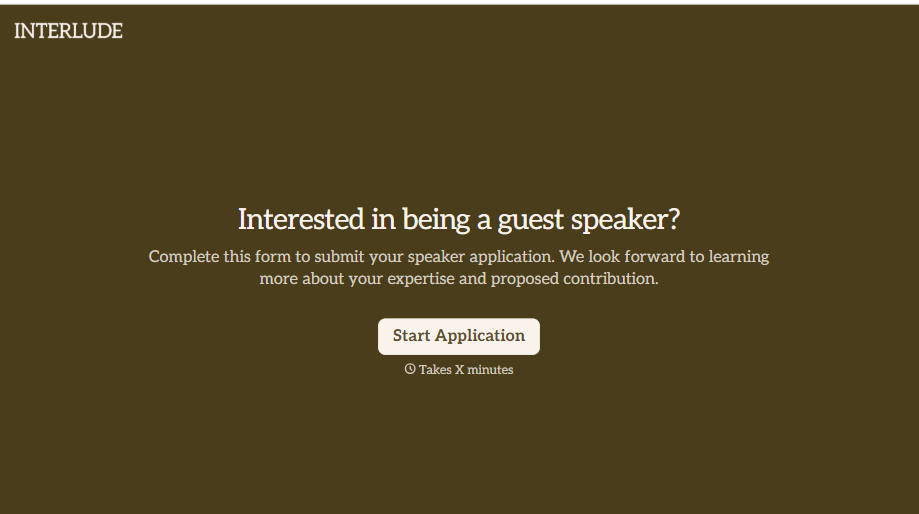
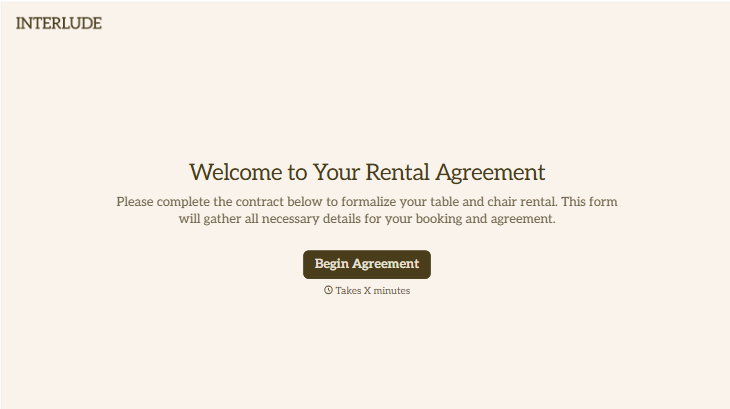
Table and Chair Rental Agreement Form
Move past a handshake and a hastily texted headcount. Document who's responsible for damage, confirm the equipment's warranty is disclaimed the way the law actually requires, and keep a timestamped record of exactly what was rented and returned in what condition.
View template
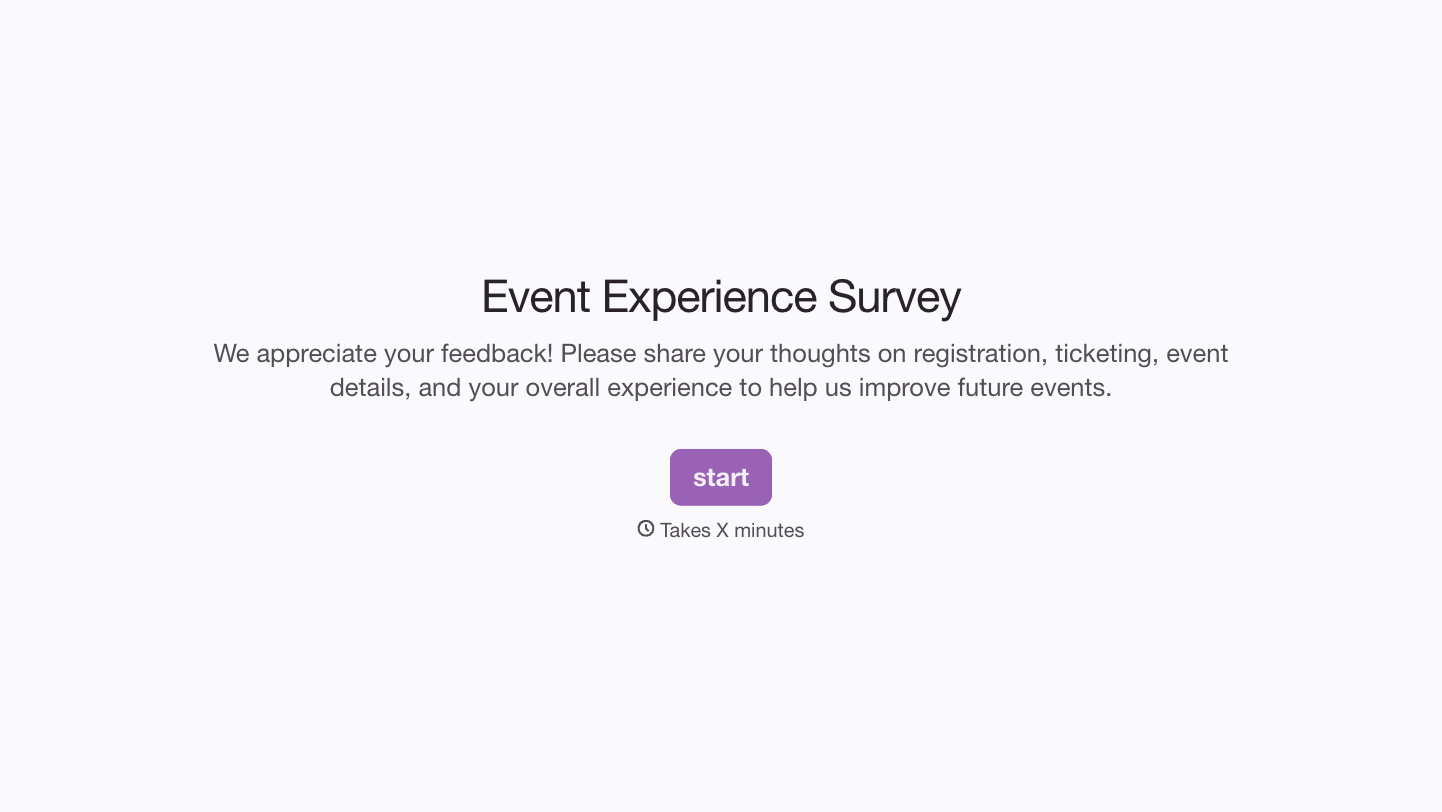
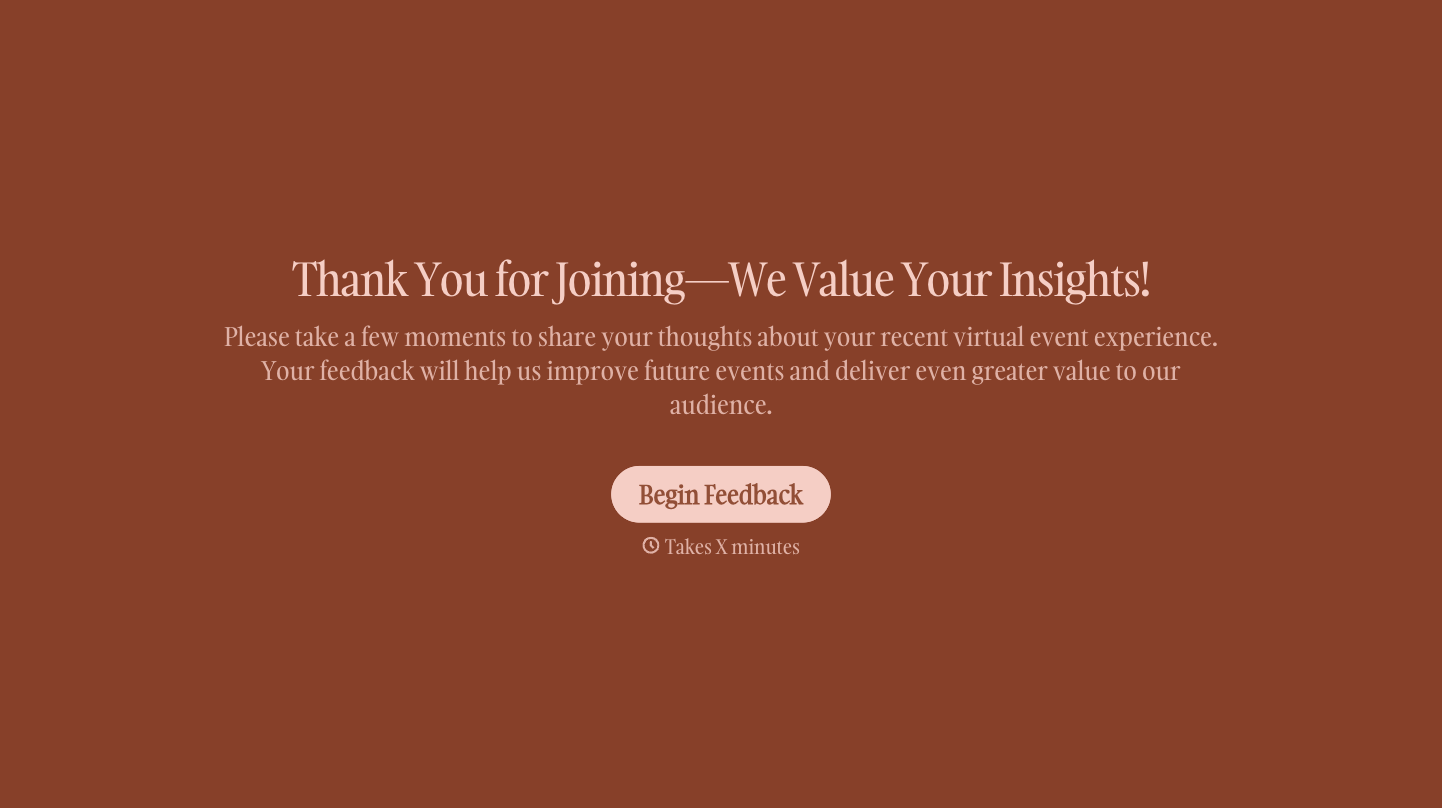
With Typeform, you can customize everything
Change text, colors, and even logos to match the look and feel of your brand. Then embed forms smoothly onto web and email.
Make forms feel effortless to fill out. Pace questions, call people by their name, and adapt the flow based on the data they share.
Stay efficient by connecting forms to your workflow. Typeform integrates with 300+ tools including Slack, Zapier, and HubSpot.


