Fair Market Valuation Form
Collect the details needed to assess an asset’s fair market value. Ask about its condition, relevant comparisons, and supporting records so the person reviewing it has a clear place to start.



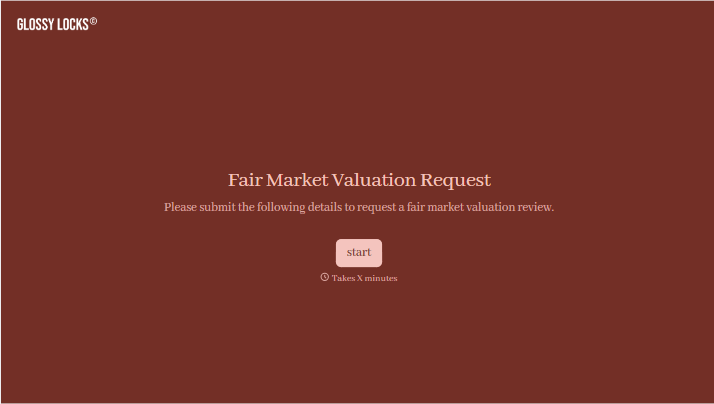
Two items share a model number but have very different histories. One has service records and little wear. The other needs repairs. A price pulled from a listing won’t explain that difference. Typeform’s fair market valuation form brings the details behind an estimated value together.
The person submitting the form identifies the asset, describes its condition, and explains why a valuation is needed. They can add photos, ownership records, and relevant sales information, with room to explain anything a standard field might miss. Ask for the valuation date, too, so the reviewer knows when the estimate needs to apply.
The reviewer gets a consistent record of what’s being valued and the evidence available. The person requesting the valuation gets a clear way to provide that information without assembling it across several emails. The form supports the assessment and documents its inputs; the value still needs to be determined through review.
A fair market valuation form collects information used to estimate what an asset would sell for between a willing buyer and seller under ordinary market conditions. It can capture an asset’s description, condition, relevant sales comparisons, and supporting documents. The fields should match the type of asset and the purpose of the valuation.
An estimated value is easier to review when the information behind it is recorded. A fair market valuation form helps you collect the same core details for each request, identify missing evidence, and keep supporting documents together. It also gives the reviewer context for differences that a basic price comparison might overlook.
Start with the details needed to understand the asset and the request:
- The requester’s name and contact details
- A description of the asset and any identifying numbers
- The purpose and effective date of the valuation
- The asset’s condition, location, and relevant history
- Available photos and supporting records
- Comparable sales or other evidence of value
If the form also records the completed assessment, include space for the estimated value, the method used, the reviewer’s details, and any assumptions or limitations.
Start by asking what type of asset is being valued, then show the relevant questions. Someone submitting equipment will have different records from someone submitting artwork. Explain which documents are useful, allow people to mark details as unknown, and distinguish required information from anything they can provide later.
No. Completing the form supplies information for an assessment; it doesn’t establish a verified value on its own. A submitted estimate or advertised price may be useful evidence, but it still needs review. Explain who will carry out the valuation and what the requester will receive when that review is complete.
Get inspired by relevant templates and categories
3200+ Templates, 300+ Integrations
With Typeform, you can customize everything
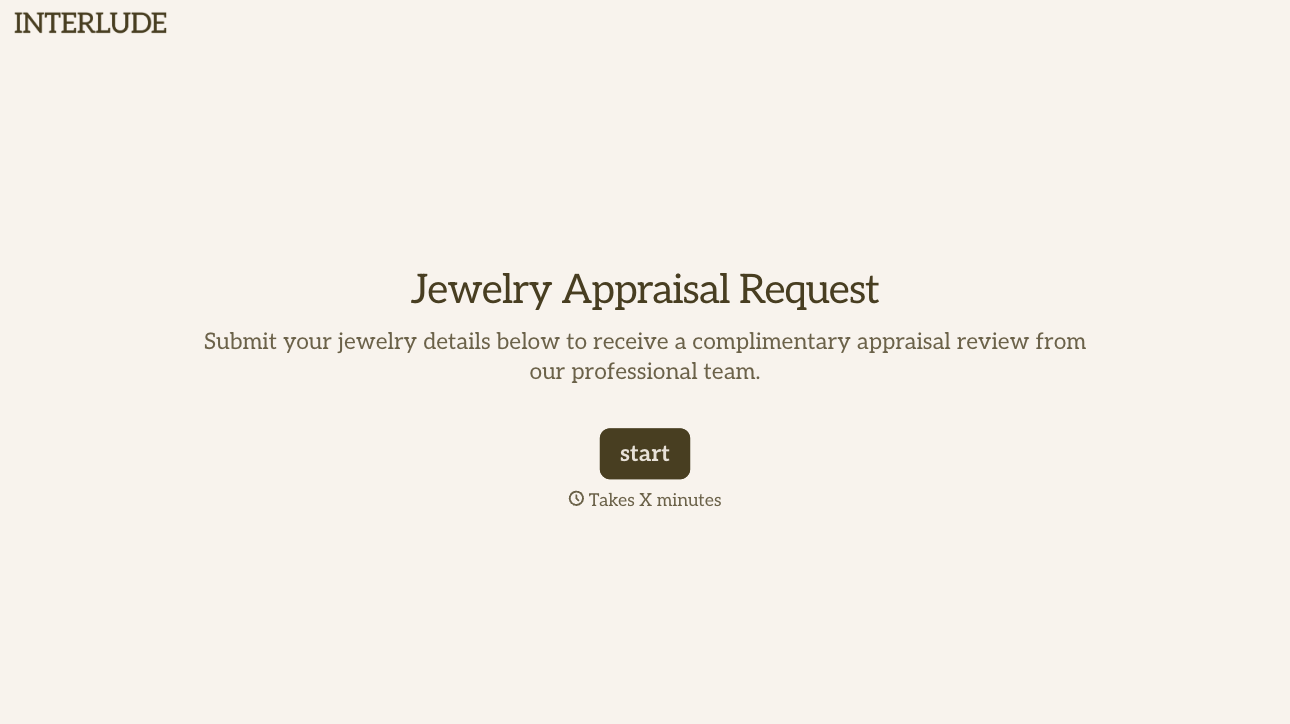
Change text, colors, and even logos to match the look and feel of your brand. Then embed forms smoothly onto web and email.
Make forms feel effortless to fill out. Pace questions, call people by their name, and adapt the flow based on the data they share.
Stay efficient by connecting forms to your workflow. Typeform integrates with 300+ tools including Slack, Zapier, and HubSpot.


