Family Details Form Template
Getting accurate family information shouldn't mean chasing incomplete paperwork. A clear, digital form helps you collect what you need the first time.



Collecting family details is a common requirement across a wide range of contexts — school enrollment, social services, insurance, healthcare, and more. The frustration is universal: forms come back incomplete, relationships are described vaguely, and follow-up calls eat up time that could be spent elsewhere.
This family details form template walks respondents through each piece of information in sequence, making a comprehensive request feel manageable. Conditional logic lets you ask follow-up questions based on family structure — whether someone has a spouse, how many children, whether any family members have specific needs — without making the form feel like a census.
Customize for your context, add your branding, and connect responses to your records system so the information lands where you need it.
A family details form collects structured information about a person's household and family members. Depending on the context, it might capture names, ages, relationships, contact details, and relevant background for each member of a household.
Accurate family records are foundational to delivering personalized services, whether you're a school tracking emergency contacts or a social service organization understanding household needs. A digital form reduces the errors that come with rushed handwritten intake and ensures no required field is left blank.
A useful family details form captures the full household picture. Consider including:
- Primary respondent's name and contact information
- Spouse or partner's name and date of birth
- Names, ages, and relationships of all dependents
- Family members' health conditions or special needs (if relevant)
- Home address and alternate contact
- Preferred language for communication
Yes, with the right framing. Use inclusive, non-assumptive language in your questions to accommodate a range of family structures. Avoid prescriptive options like "Mother/Father" in favor of "Parent/Guardian" or open-text fields where the respondent can describe their own situation.
Conditional logic and follow-up questions let you expand the form based on the number of family members reported. Ask how many dependents someone has, then surface a corresponding number of detail fields. This keeps the form manageable for small households while remaining complete for larger ones.
Get inspired by relevant templates and categories
3200+ Templates, 300+ Integrations


Nationality Verification Form
A self-certification buried in a stack of new account paperwork isn't the kind of record a compliance team can rely on for a regulatory filing. Collect nationality, tax residency, and a signed declaration before an account opens, so compliance isn't chasing down a customer's citizenship status after the fact.
View template

Policy Cancellation Form
A cancellation requested over the phone doesn't leave a clear record of exactly what date the policyholder actually asked for, and that date matters more than it sounds like it should. Collect what your agency actually needs, policy details, identity verification, and the requested effective date, before coverage actually ends.
View template

Inheritance Beneficiary Form
Asking a grieving family member for the same banking details across three different phone calls doesn't make settling an estate go any faster. Collect what your firm actually needs, beneficiary information, identification, and distribution details, in one submission instead of three calls.
View template

Personal Training Informed Consent Form
A consent form signed in the ten seconds before a first session isn't the kind of informed agreement that holds up if something goes wrong. Walk clients through the specific risks of training and get a signed, dated acknowledgment before the first rep, so consent actually means what the word implies.
View template
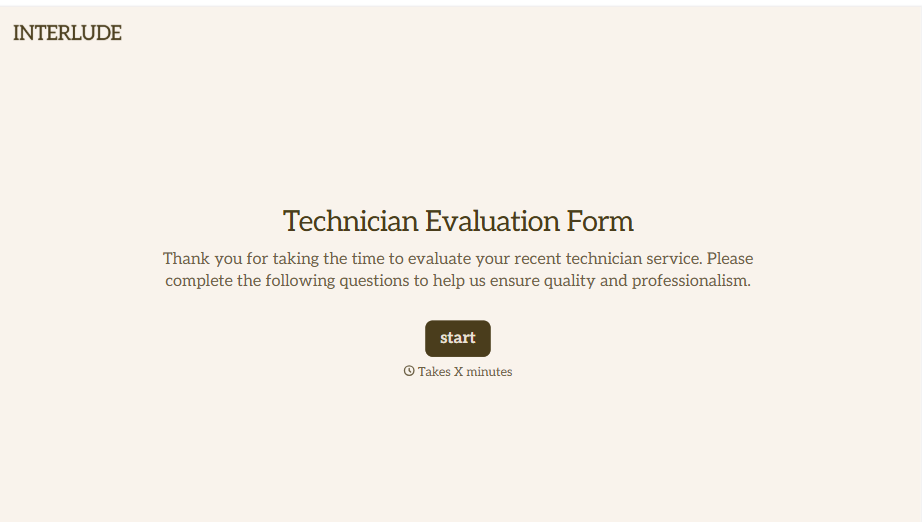
Technician Evaluation Form
A ride-along evaluation scribbled on a clipboard in the truck isn't the kind of record that holds up months later when it's time to talk about a raise or a certification renewal. Collect specific skill, safety, and customer service observations while the job's still fresh, so a technician's review is built on more than a supervisor's memory of the day.
View template
With Typeform, you can customize everything
Change text, colors, and even logos to match the look and feel of your brand. Then embed forms smoothly onto web and email.
Make forms feel effortless to fill out. Pace questions, call people by their name, and adapt the flow based on the data they share.
Stay efficient by connecting forms to your workflow. Typeform integrates with 300+ tools including Slack, Zapier, and HubSpot.


