Financial Aid Form Template
Stop losing qualified applicants to clunky paperwork. Collect financial aid requests in a format that's clear for students and actionable for your team.



Applying for financial aid is already stressful enough. When students hit a disorganized form that asks for the same information twice or buries critical instructions in walls of text, they abandon it — and you lose candidates who genuinely need support.
This financial aid form template walks applicants through each section, one question at a time, so nothing feels overwhelming. Conditional logic lets you surface only the fields that apply, so independent students see different income questions than dependents, and returning applicants skip sections they've already completed. You can route submissions straight into your review workflow with integrations to Google Sheets, Airtable, or your student information system.
Customize every field, add your institution's branding, and embed the form on your financial aid page in minutes — no coding, no IT tickets, no waiting.
A financial aid form collects the personal, academic, and financial information institutions need to evaluate a student's eligibility for grants, scholarships, loans, or fee waivers. It typically covers household income, enrollment status, and supporting documentation. Think of it as the front door to your aid program.
Paper forms get lost, arrive incomplete, and create data-entry backlogs. An online form validates required fields in real time, so submissions arrive complete every time. You also get instant access to response data, making it easier to sort applicants by eligibility criteria and move faster on award decisions.
- Full legal name, date of birth, and student ID
- Enrollment status (full-time, part-time, returning)
- Household income and number of dependents
- Current GPA or academic standing
- Type of aid being requested (grant, scholarship, loan, work-study)
- Upload field for supporting documents (tax returns, pay stubs, enrollment verification)
All responses are transmitted over 256-bit SSL encryption. You can restrict access to form results so only authorized reviewers see submissions. For extra protection, avoid asking for full Social Security numbers. Request only the last four digits and collect the rest through a secure follow-up process.
Yes. You can schedule the form to close automatically on a specific date, or display a custom message once a deadline passes. Pair this with an email integration to send applicants a confirmation receipt the moment they submit.
Get inspired by relevant templates and categories
3200+ Templates, 300+ Integrations
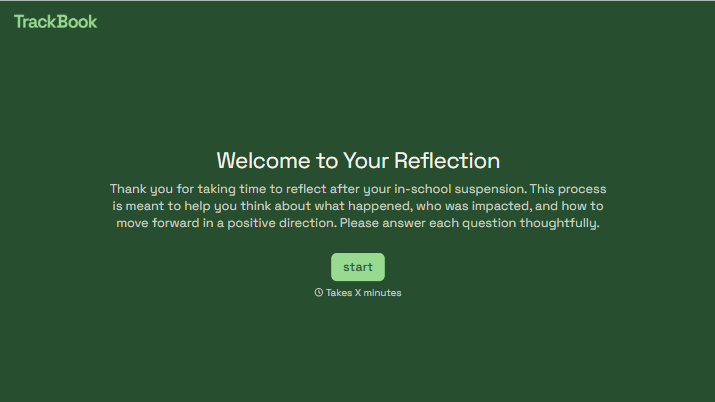
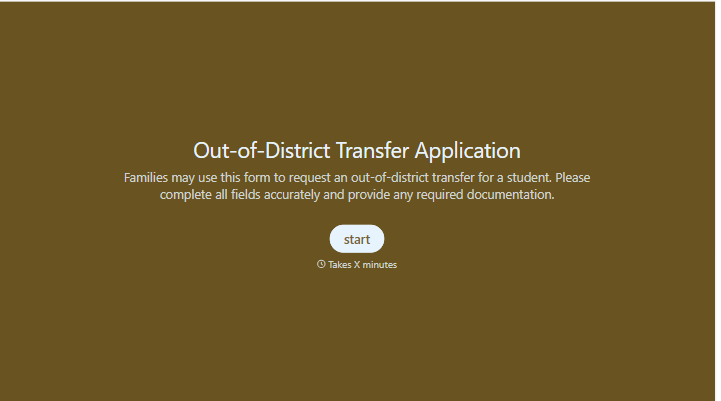
With Typeform, you can customize everything
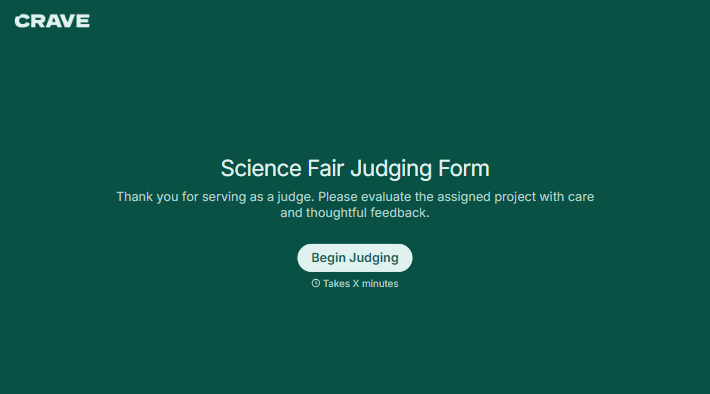
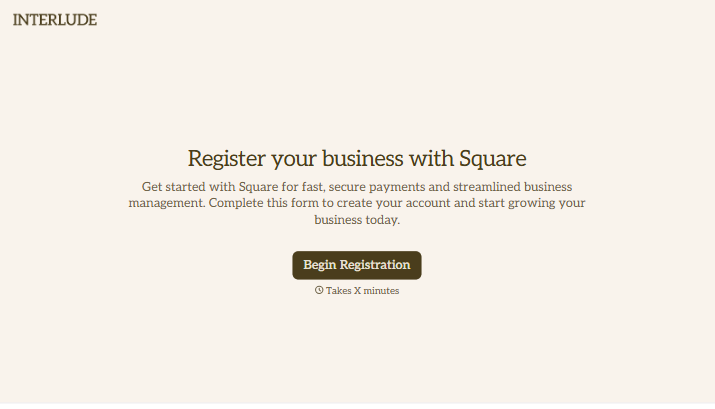
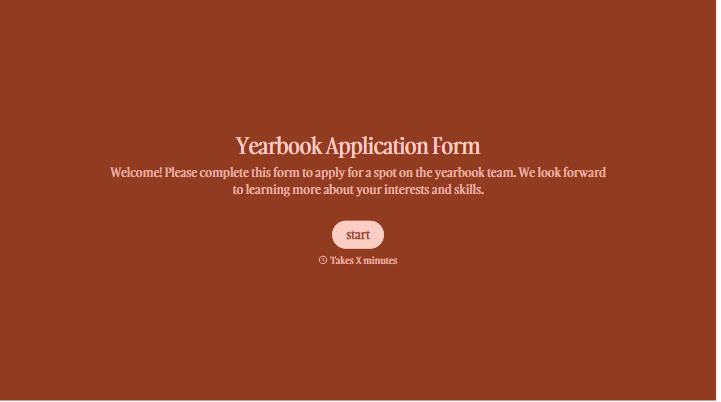
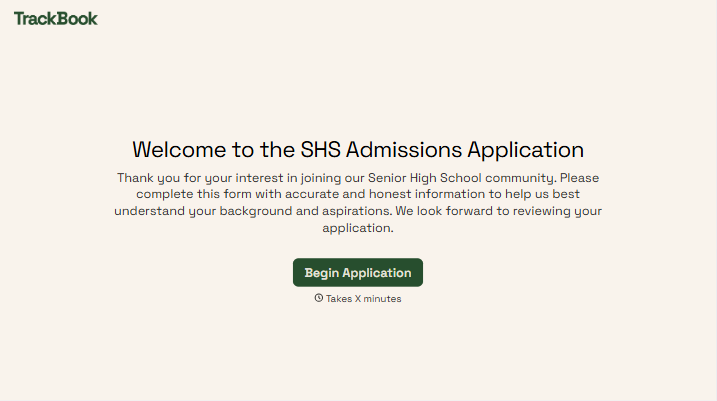
Change text, colors, and even logos to match the look and feel of your brand. Then embed forms smoothly onto web and email.
Make forms feel effortless to fill out. Pace questions, call people by their name, and adapt the flow based on the data they share.
Stay efficient by connecting forms to your workflow. Typeform integrates with 300+ tools including Slack, Zapier, and HubSpot.


