Financial Statement Form Template
Collect financial data in a structured format, not a puzzle of PDFs and spreadsheets.



Requesting financial statements from clients, tenants, loan applicants, or vendors usually goes something like this: you ask for the information, they send a PDF of unclear origin, you ask clarifying questions, they send a different spreadsheet, and 2 weeks later you're still missing the balance sheet. Sound familiar?
This financial statement form template standardizes how financial data is submitted to your organization. It walks respondents through income, expenses, assets, liabilities, and equity in a clear, guided flow — one section at a time. Conditional logic adapts based on entity type (individual, sole proprietor, corporation) and adjusts the depth of information required accordingly. File upload fields accommodate supporting documents.
Customize it for your review requirements, share it with applicants or reporting entities, and connect responses to your analysis tools through integrations with Google Sheets, Airtable, or your financial software. Structured, comparable data — every time.
A financial statement form collects summarized financial data from an individual or organization — typically covering income, expenses, assets, and liabilities. It provides a standardized snapshot of financial health, used for credit decisions, lease approvals, grant evaluations, vendor assessments, or regulatory reporting. It's essentially a structured way to request what would otherwise arrive as a random assortment of documents.
Documents come in every format imaginable — different accounting software, different fiscal years, different levels of detail. A form standardizes the data points you receive, making comparisons between applicants or entities apples-to-apples. It also ensures completeness: required fields mean you get every number you need on the first submission.
- Entity name, type, and reporting period
- Revenue or income sources and amounts
- Operating expenses by category
- Current assets (cash, receivables, inventory)
- Long-term assets and depreciation
- Current and long-term liabilities
No form can guarantee accuracy. That's what audits are for. But you can improve data quality by requesting supporting documentation (via file uploads), asking for the name and contact information of the preparer, and including a declaration that the information is accurate to the best of the signer's knowledge. Conditional logic can also flag unusual entries for follow-up.
Yes. Use conditional logic to create paths for different reporting contexts. A loan application might focus on net worth and debt-to-income ratios, while a vendor assessment might emphasize revenue stability and cash reserves. Customize the sections and depth based on what your review process actually needs, rather than requesting a one-size-fits-all package.
Get inspired by relevant templates and categories
3200+ Templates, 300+ Integrations

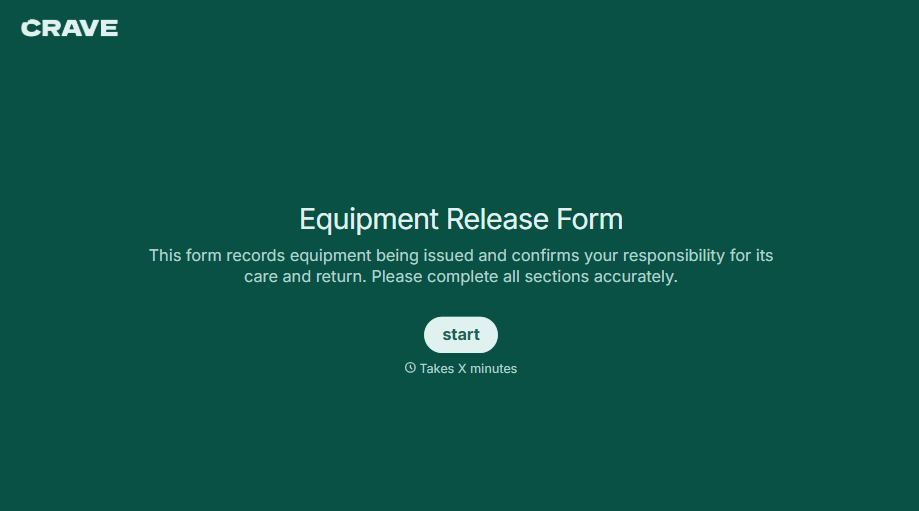
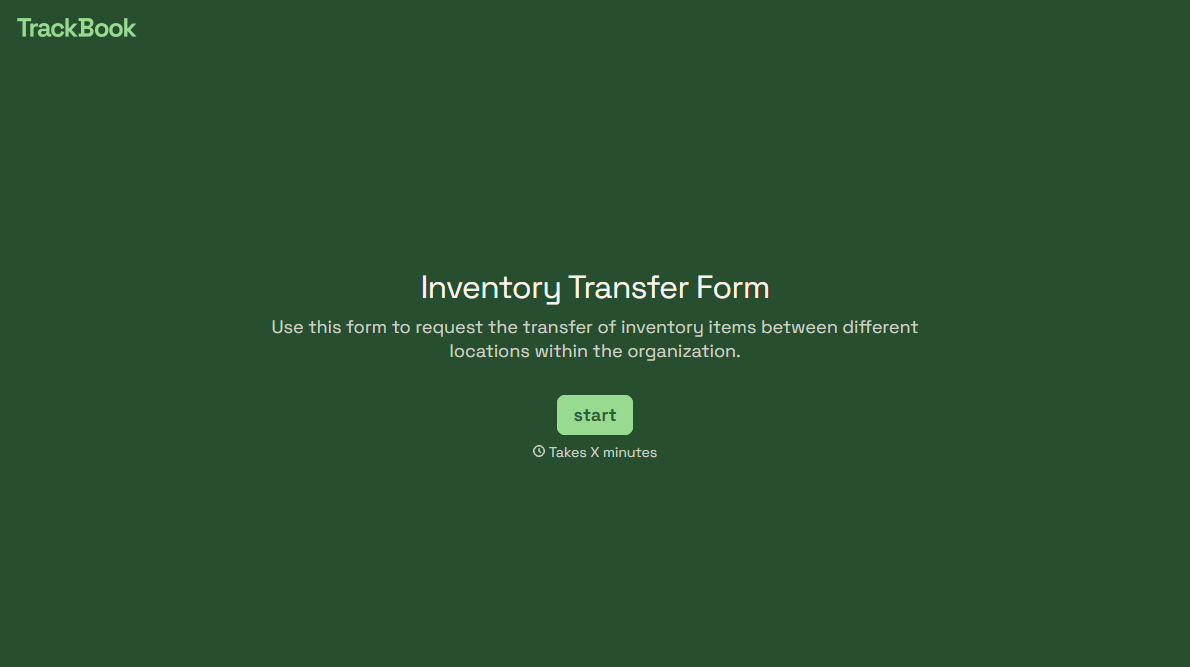
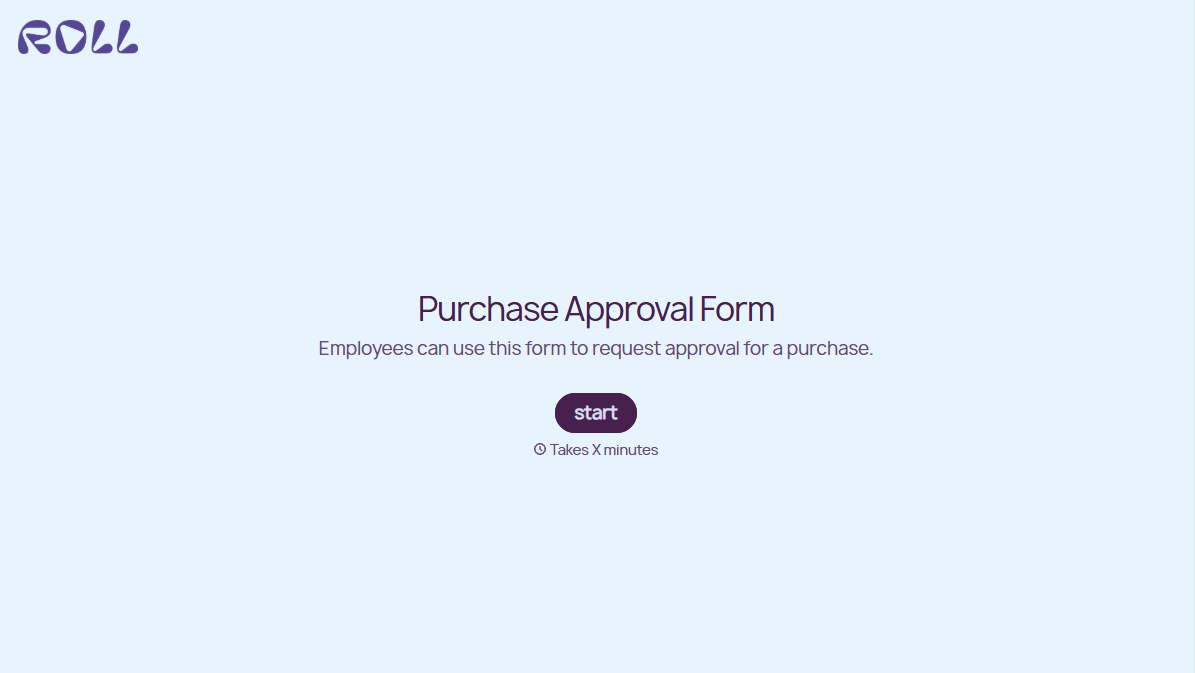
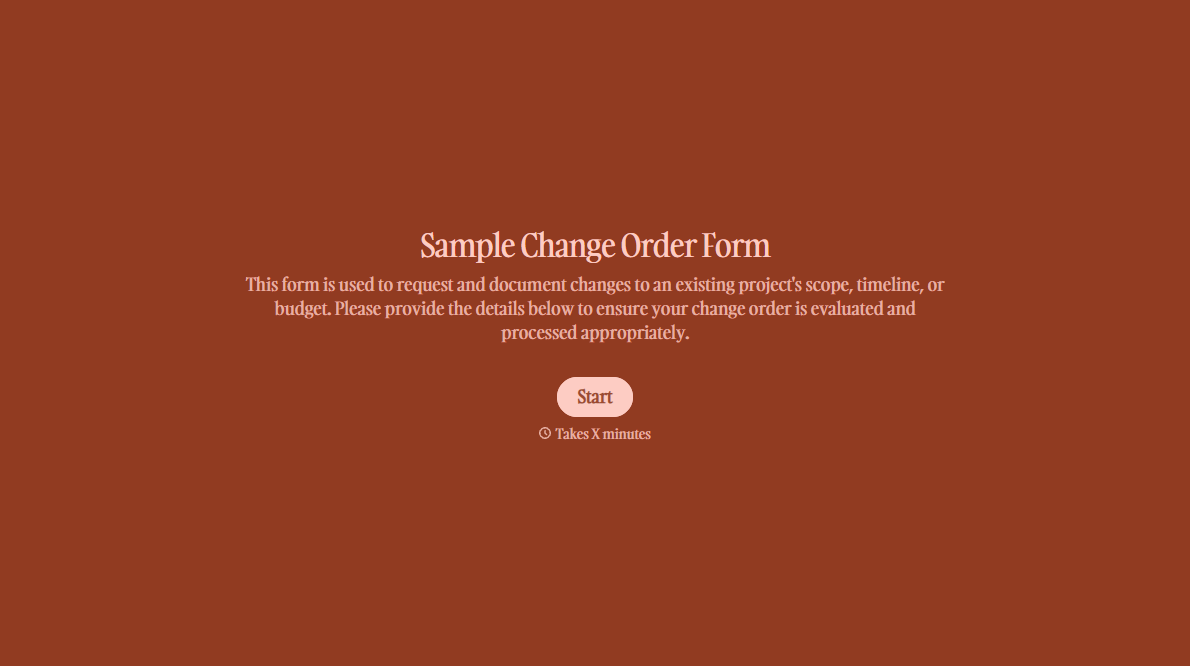
With Typeform, you can customize everything
Change text, colors, and even logos to match the look and feel of your brand. Then embed forms smoothly onto web and email.
Make forms feel effortless to fill out. Pace questions, call people by their name, and adapt the flow based on the data they share.
Stay efficient by connecting forms to your workflow. Typeform integrates with 300+ tools including Slack, Zapier, and HubSpot.


