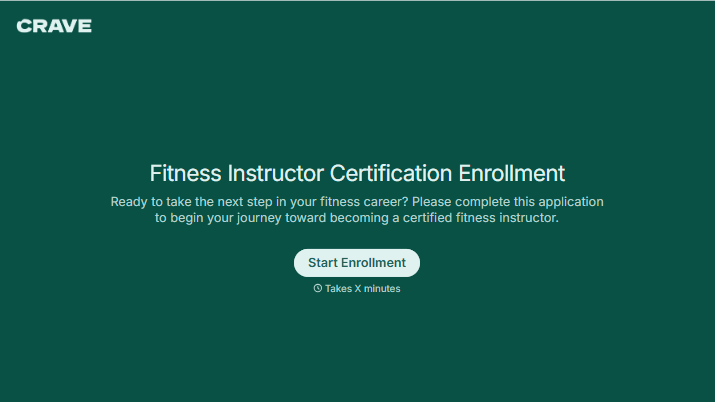
Fitness Instructor Certification Enrollment Form
Give aspiring fitness instructors a clear way to enroll in your certification program. Collect applicant details, course selections, and prerequisite records so your team can review enrollment requests.



An applicant chooses a course date but forgets to attach a required certificate. Another wants to enroll but isn’t sure whether their previous training meets the entry requirements. Typeform’s fitness instructor certification enrollment form brings those details and questions together.
Applicants provide their contact information, select a course or session, and share the experience and qualifications your program requires. Explain prerequisites, fees, and attendance expectations before they begin. Include a way to flag missing documents or ask about eligibility so uncertainty doesn’t lead to an inaccurate answer.
Your team gets a consistent submission to review. Applicants get clear next steps, whether they need to provide another document, complete payment, or wait for confirmation of their place. Keep enrollment confirmation separate from the requirements for earning certification.
A fitness instructor certification enrollment form collects information from people applying to join a certification program. It typically includes applicant details, course preferences, and evidence of required prerequisites. Training providers use it to organize enrollment and prepare for each intake.
Enrollment involves more than adding a name to a class list. Your team may need to check prerequisites, confirm session availability, and follow up on payment or paperwork. A dedicated form collects those details in one place and helps applicants understand what’s needed to secure a place.
Match the questions to your program’s entry requirements:
- Applicant name and contact details
- Certification course and preferred session
- Relevant training or fitness instruction experience
- Required prerequisite documents
- In-person or online attendance preferences, where available
- A private contact route for discussing accommodation needs
- Acknowledgment of course requirements and enrollment terms
- Payment instructions and next steps
Request only the records needed for enrollment, and explain whether outstanding documents can be submitted later.
List course dates, costs, prerequisites, and attendance requirements before the questions begin. Show document-upload fields only when they apply to the selected program. Give applicants a contact for eligibility questions, and use the confirmation message to distinguish completed steps from anything still outstanding.
No. Enrollment registers someone for the program; certification depends on completing the issuing organization’s requirements. Explain the required coursework, assessments, and other completion criteria separately so applicants understand what they’ll need to do after securing their place.
Get inspired by relevant templates and categories
3200+ Templates, 300+ Integrations
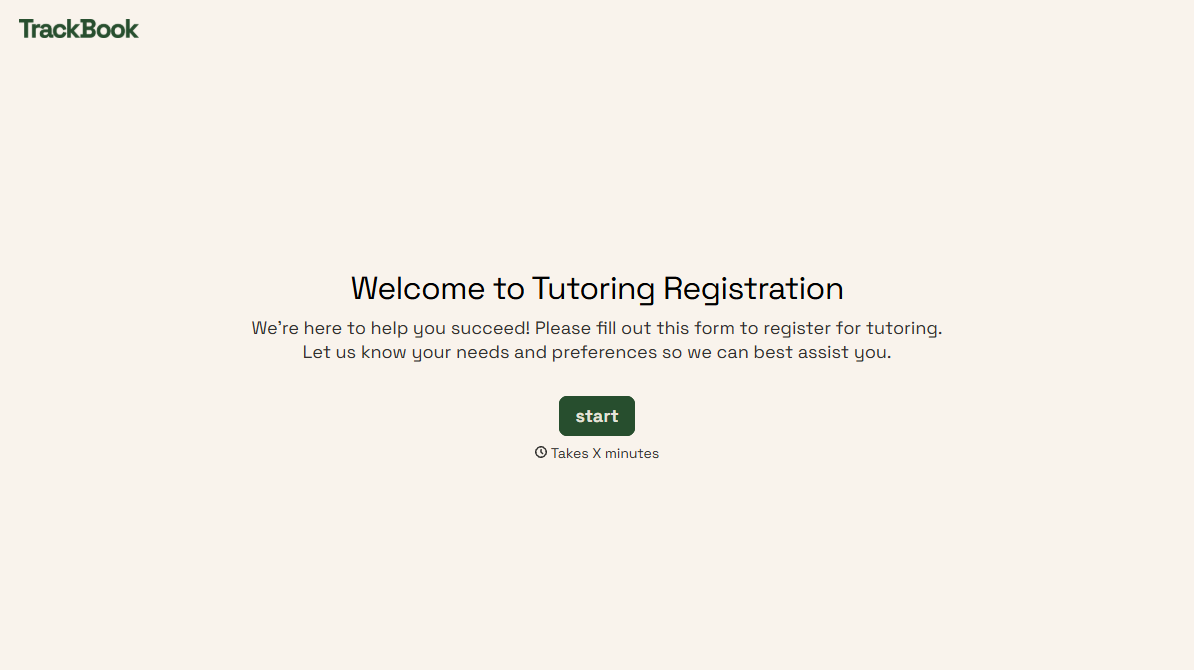
Tutoring Registration Form
A phone call to sign up for tutoring isn't the kind of information a tutor can build a first session around, especially without knowing which chapter of algebra is causing the trouble. Collect the student's subject needs, schedule, and goals before the first session, so a tutor isn't starting from scratch on day one.
View template
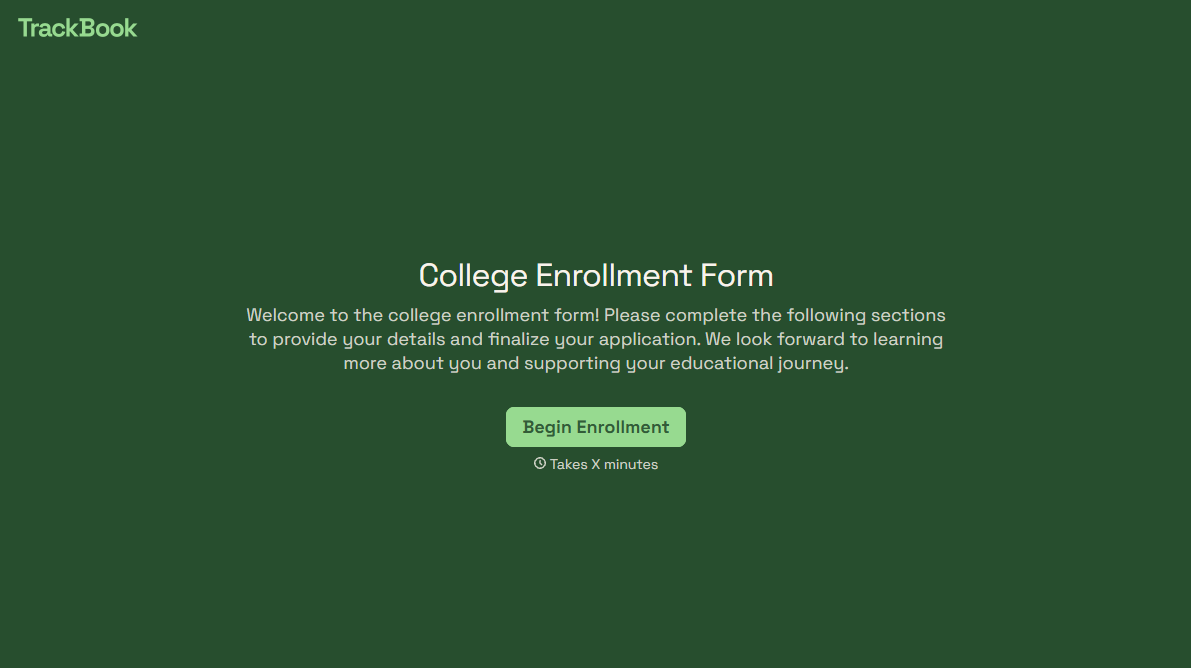
College Enrollment Form
An acceptance letter isn't an enrolled student, it's an interested one, and if the deposit, housing, and immunization records live in three different portals, some of the admitted class quietly enrolls somewhere else instead. Confirm it one place at a time, before the deposit deadline passes.
View template
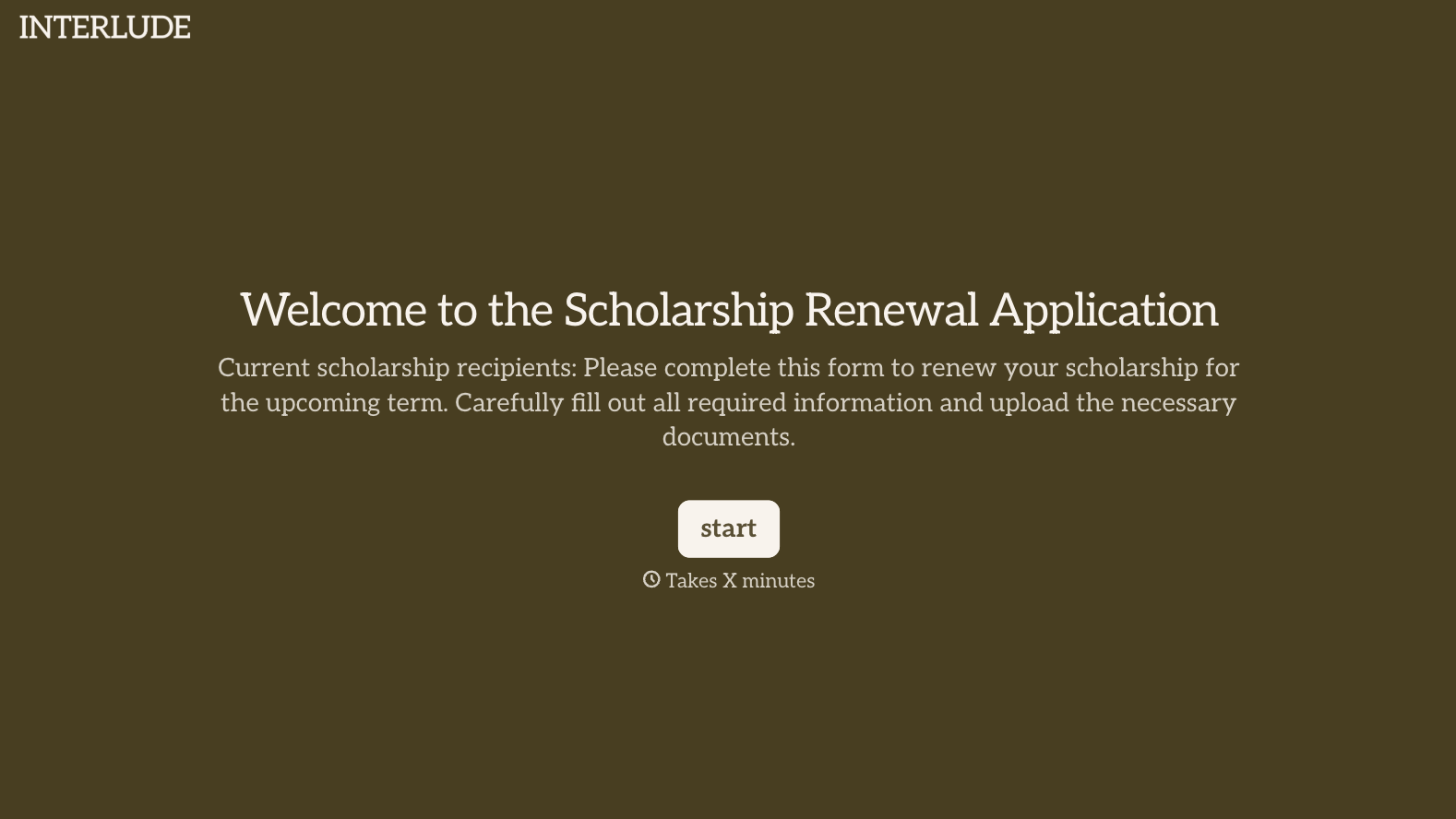
With Typeform, you can customize everything
Change text, colors, and even logos to match the look and feel of your brand. Then embed forms smoothly onto web and email.
Make forms feel effortless to fill out. Pace questions, call people by their name, and adapt the flow based on the data they share.
Stay efficient by connecting forms to your workflow. Typeform integrates with 300+ tools including Slack, Zapier, and HubSpot.


