Flight Reservation Form Template
Collect travel preferences and passenger details for flight bookings. This template gathers the information your team needs to complete reservations without multiple follow-ups.



When travel bookings are handled informally — through group chats, email threads, or verbal requests — details get missed, names get misspelled, and preferences don't make it into the reservation. By the time the error surfaces, it's often too late to fix without a fee.
A flight reservation form standardizes what gets collected before anything is booked. Passengers provide their full name as it appears on their ID, travel dates, preferred class, frequent flyer details, and any special requirements — all in one place. For organizations managing group or corporate travel, conditional logic can route to different question sets based on the type of booking or the traveler's status.
Connect the form to your booking workflow and give your travel coordinator everything they need from the first submission.
A flight reservation form collects the passenger details and travel preferences needed to book a flight. It's used by travel agencies, corporate travel teams, and event organizers to gather accurate information from travelers before completing a reservation.
Booking errors — wrong names, incorrect dates, missed special requests — are far more common when details are collected informally. A structured form reduces those errors by prompting travelers to provide accurate information in a specific format. It also speeds up the booking process because the coordinator has everything they need from the start rather than spending time on follow-up.
Cover the passenger and trip details required to complete a booking:
- What is your full legal name as it appears on your government-issued ID?
- What is your travel date and preferred departure and arrival airports?
- Do you prefer a specific airline or flight time?
- What cabin class are you requesting?
- Do you have a frequent flyer number to include?
- Do you have any dietary restrictions or accessibility requirements?
For group bookings, create a single form that collects information from each traveler individually, then route all submissions to a shared view your coordinator can work from. You can also add a field for the group or event name so submissions are easy to filter. For large groups, consider setting a submission deadline to give your team enough lead time to book before seats fill.
International travel requires more documentation — passport number, expiry date, nationality, and country of issue. For domestic travel, a government-issued ID is typically sufficient. Use conditional logic to show the relevant fields based on whether the respondent selects a domestic or international destination, keeping the form clean for travelers who don't need to provide the extra detail.
Get inspired by relevant templates and categories
3200+ Templates, 300+ Integrations
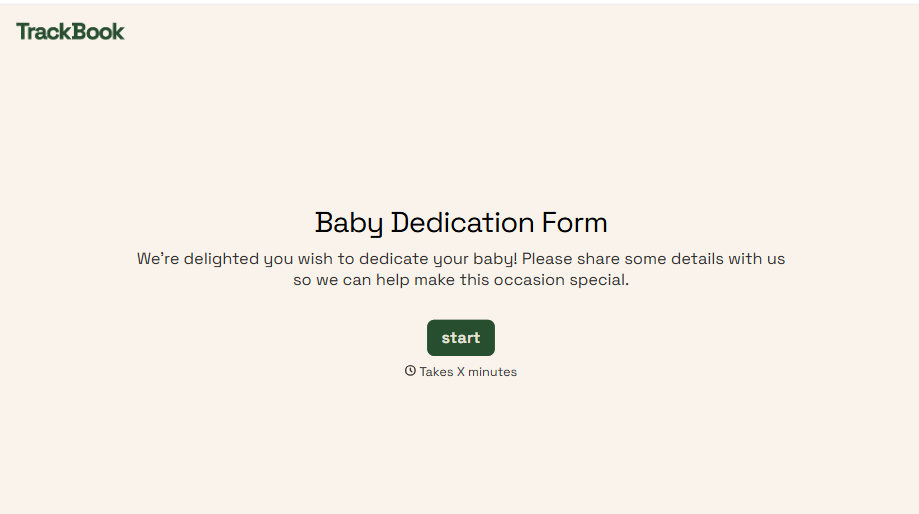
Baby Dedication Form
A sign-up sheet passed around during announcements isn't the kind of detail you want to compile into a Sunday program from memory. Collect the baby's information, requested ceremony date, and any required class attendance before the service, so your team isn't confirming a name's spelling the morning of.
View template
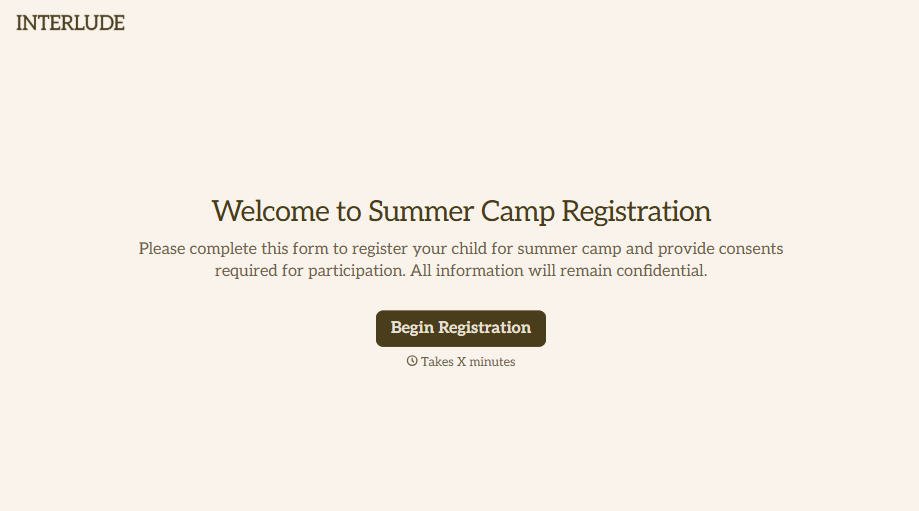
Summer Camp Consent Form
A camper with a bee sting and a counselor on the phone trying to reach a parent isn't a consent process, it's a delay. Collect guardian consent for emergency medical treatment, medication administration, and photo or media use before drop-off, so your staff can act instead of waiting for a callback.
View template
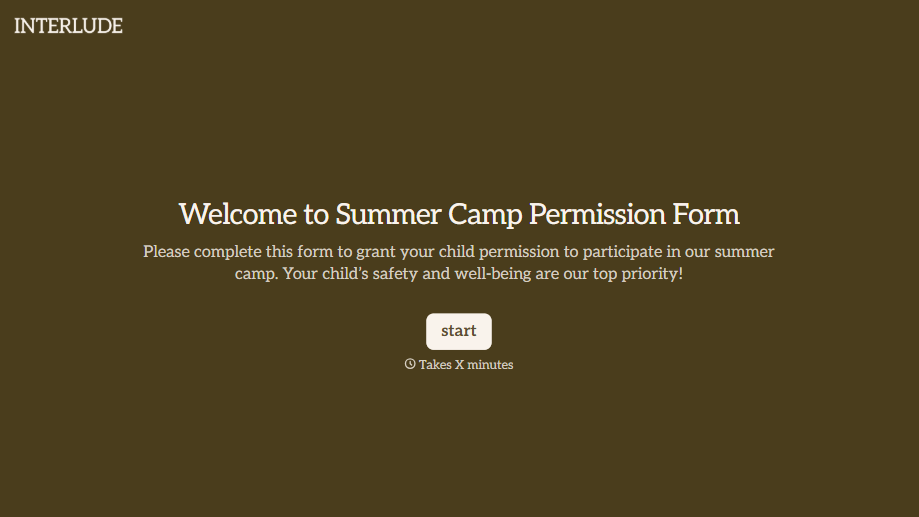
Summer Camp Permission Form
A permission packet crumpled at the bottom of a backpack for two weeks isn't a permission slip anyone can rely on. Collect camper information, medical disclosures, and a signed permission for camp activities before drop-off, so your staff aren't scrambling for an emergency contact on day one.
View template


Library Book Request Form
A book request scrawled on a sticky note at the front desk doesn't make it into any queue, and it definitely doesn't get anyone a call when the book actually arrives. Collect what your library actually needs, the title, patron information, and how they'd like to be notified, before the note gets buried under the next stack of returns.
View template
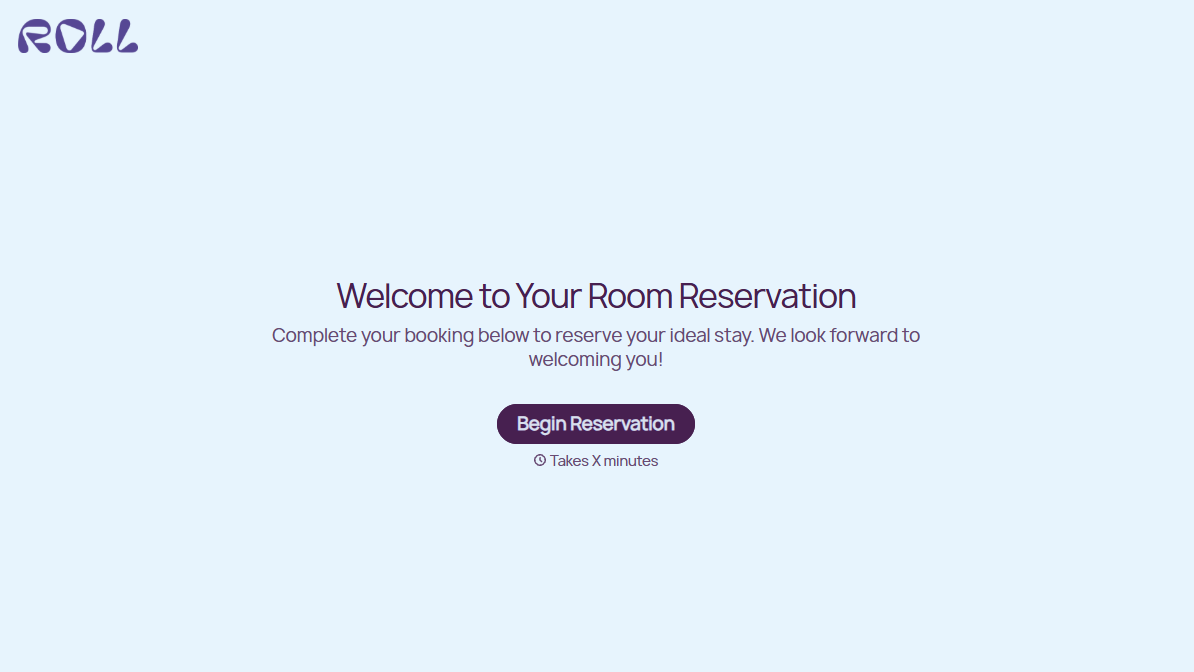
Hotel Room Booking Form
A room booked over the phone with "we'll figure out the room type when you get here" doesn't leave the front desk anything to actually plan around. Collect what your hotel actually needs, guest information, dates, and room preferences, before the reservation gets confirmed.
View template
With Typeform, you can customize everything
Change text, colors, and even logos to match the look and feel of your brand. Then embed forms smoothly onto web and email.
Make forms feel effortless to fill out. Pace questions, call people by their name, and adapt the flow based on the data they share.
Stay efficient by connecting forms to your workflow. Typeform integrates with 300+ tools including Slack, Zapier, and HubSpot.


