Form I-9 Employment Eligibility Verification Form Template
Streamline your I-9 employment eligibility collection process. This template helps HR teams gather the required information in a structured, consistent format before completing the official verification.



Every new hire in the United States must complete an I-9. For HR teams hiring at volume, managing the collection of employee information, document types, and verification details across spreadsheets and paper forms creates compliance risk. Missing or inconsistent documentation leads to fines and audit exposure.
This Form I-9 employment eligibility verification template collects the employee-facing information needed to prepare for I-9 completion — personal details, document type selections, and relevant employment start dates. It organizes the information HR needs before completing the official USCIS Form I-9, reducing errors at the verification stage. Conditional logic helps guide employees to the correct document list for their situation.
Note: This template supports your I-9 preparation process. The official Form I-9 must still be completed using USCIS-approved materials, and physical document inspection requirements apply.
Form I-9 is a U.S. federal document required by the Department of Homeland Security for verifying the identity and employment authorization of all individuals hired to work in the United States. Both the employee and the employer complete sections of the form, and specific documents must be physically inspected by the employer.
Gathering and organizing employee information before the formal I-9 completion reduces errors and speeds up the process. A structured digital form ensures employees provide complete details and understand which documents they'll need to present, so onboarding day runs more smoothly.
Collect the information employees need to have ready for the official completion:
- Full legal name and other names used
- Address and date of birth
- Social Security number (if applicable)
- Citizenship or immigration status
- Document type(s) they intend to present (List A, B, or C)
- First day of employment
Employers must use the official USCIS Form I-9, physically inspect original documents (or use an authorized remote verification process), and retain completed forms for the required period. Non-compliance can result in significant penalties. Consult USCIS guidance or an employment law advisor to ensure your process meets current legal requirements.
Employees must complete Section 1 of the official Form I-9 by the end of their first day of employment. Employers must complete Section 2 within 3 business days of the employee's first day. Preparation forms can be sent in advance to help employees gather what they need, but they do not substitute for the official process.
Get inspired by relevant templates and categories
3200+ Templates, 300+ Integrations


Work From Home Request Form
A Slack message asking to work from home on Thursday isn't a request anyone can track, especially once the same employee has asked five different ways over a month. Collect the request type, dates or schedule, and manager approval in one place, so HR isn't reconstructing who's working where from a scattered inbox.
View template

Return of Property Form
A property checklist stapled to an exit interview packet isn't a record anyone can rely on when a laptop turns up missing three weeks later. Collect itemized equipment details, condition at return, and a signed acknowledgment before an employee's last day, so IT isn't chasing down a laptop that already walked out the door.
View template

Early Retirement Form
A retirement mentioned to a manager in conversation doesn't give HR anything to actually process, and if there's an incentive deadline attached, the date that conversation happened can matter more than anyone realized at the time. Collect what your HR team actually needs, employee information, requested date, and benefit elections, before a window closes.
View template
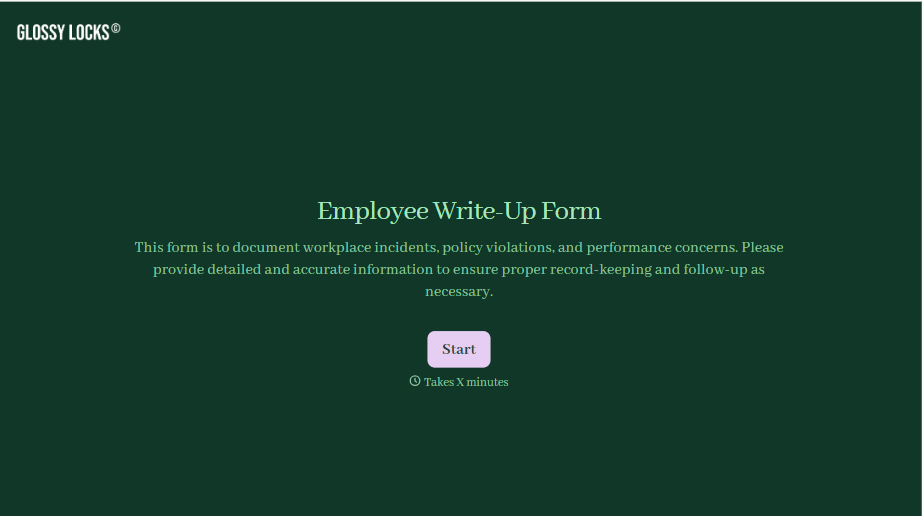
Employee Write-Up Form
A verbal warning that never makes it into a written record isn't the kind of documentation that holds up if a termination is challenged later. Collect the specific incident, policy violated, and corrective action while it's fresh, so a pattern of issues doesn't go undocumented until it's too late to matter.
View template
With Typeform, you can customize everything
Change text, colors, and even logos to match the look and feel of your brand. Then embed forms smoothly onto web and email.
Make forms feel effortless to fill out. Pace questions, call people by their name, and adapt the flow based on the data they share.
Stay efficient by connecting forms to your workflow. Typeform integrates with 300+ tools including Slack, Zapier, and HubSpot.


