General Knowledge Quiz Form Template
Test what people know and make them enjoy the process.



Quizzes are one of the highest-engagement content formats on the internet. But a general knowledge quiz that looks like a standardized test (white background, Times New Roman, radio buttons) isn't going to hold anyone's attention past question 3. The experience matters as much as the questions.
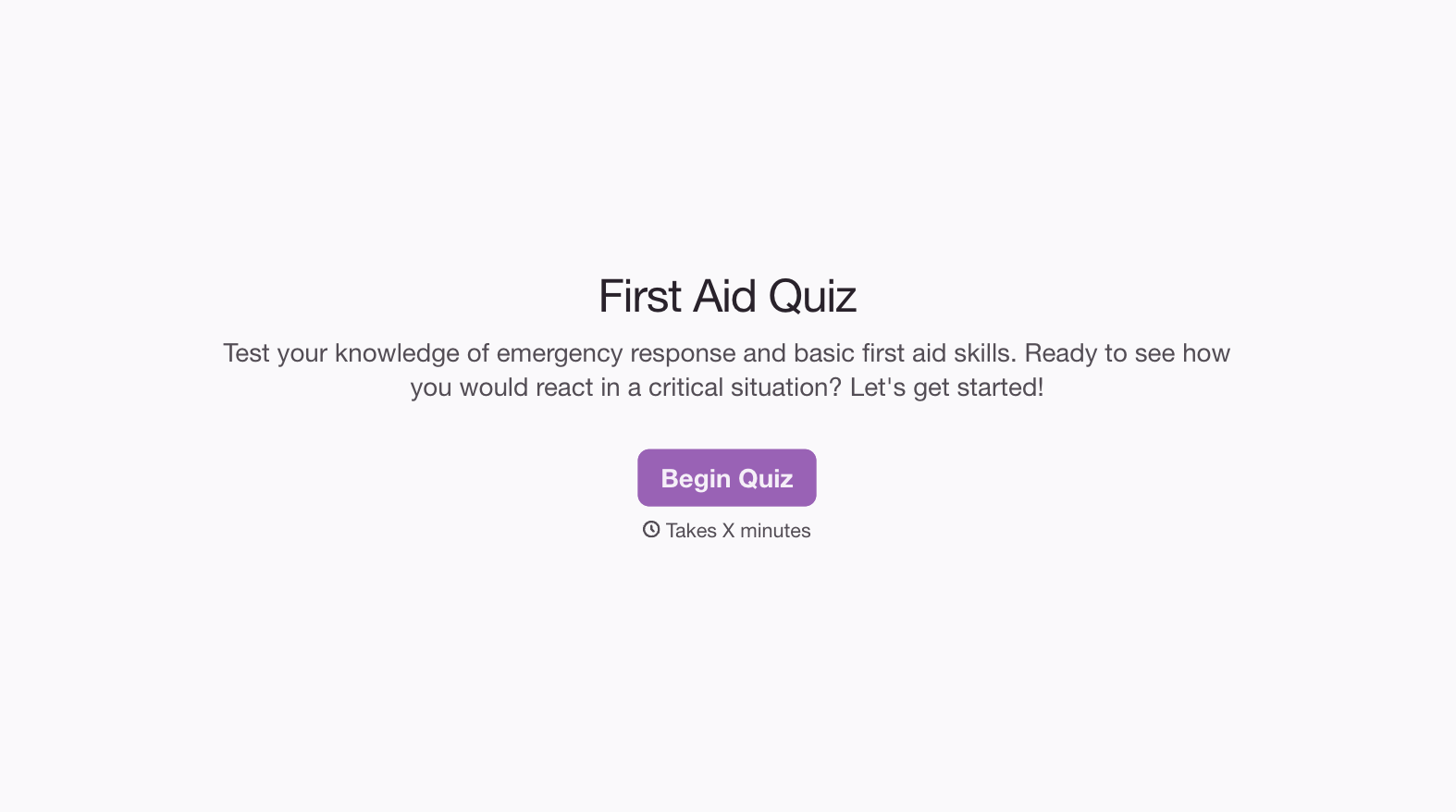
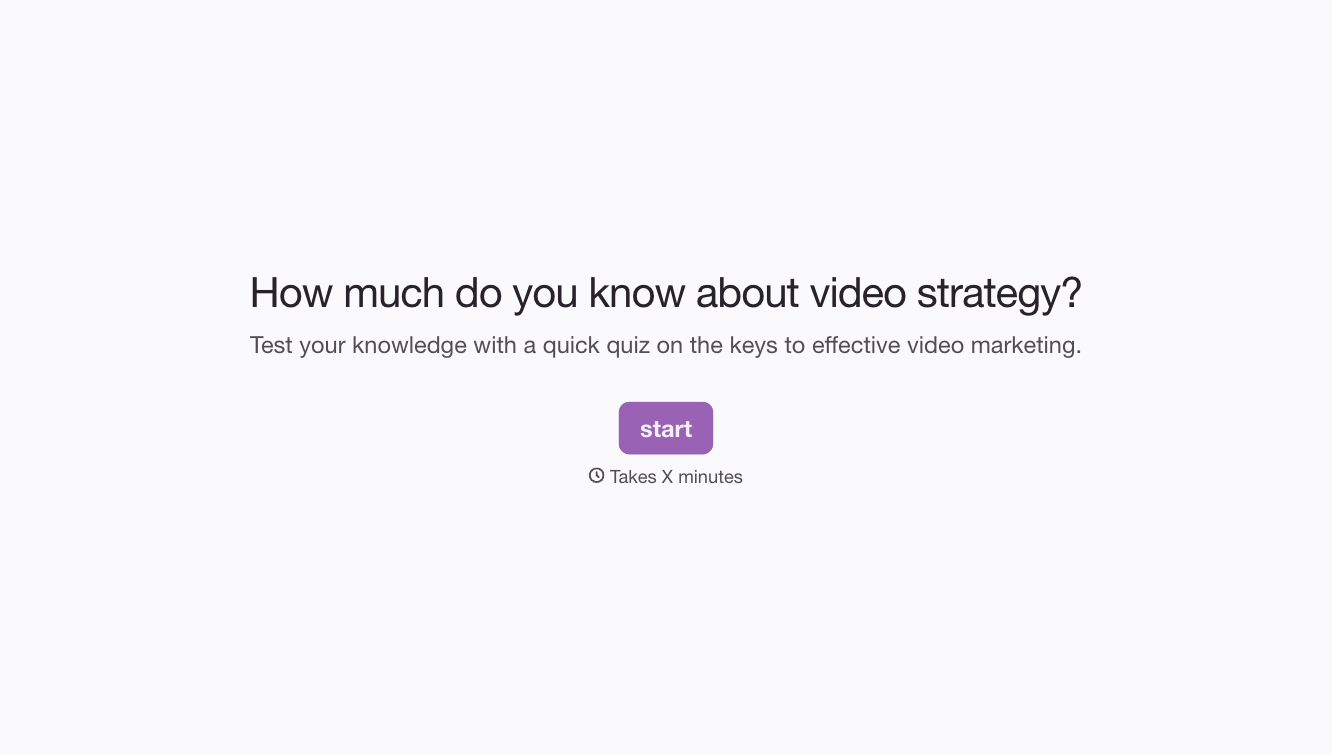
This general knowledge quiz form template delivers questions one at a time in a visually engaging, interactive format that keeps participants clicking through to the end. Cover any mix of topics (science, history, geography, pop culture, current events) and use Typeform's built-in scoring to tally results automatically. Question branching can create difficulty levels that adapt based on how someone is performing.
Use it for classroom assessments, team-building activities, content marketing, or pure entertainment. Share the link on social media, embed it in a blog post, or send it in a newsletter. Results sync to Google Sheets through integrations for easy analysis.
A general knowledge quiz form tests respondents across a broad range of topics. Think trivia night in digital form. It typically covers science, history, geography, literature, current events, and pop culture. Unlike subject-specific assessments, it's designed to test breadth of knowledge and is often used for entertainment, education, or engagement purposes.
The one-question-at-a-time format creates a focused, game-like experience that keeps people engaged. Built-in scoring calculates results automatically, and conditional logic lets you create branching paths (easy, medium, and hard tracks based on performance). Plus, the design is visually polished out of the box, so your quiz looks professional without any design skills.
- A mix of easy, medium, and hard difficulty levels
- Multiple categories (science, history, geography, arts, sports)
- Multiple-choice format for most questions
- A few true/false questions for variety
- At least 1-2 picture-based questions to break up text
- 10-20 questions total for optimal completion rates
Typeform's quiz mode lets you assign point values to each answer option — correct answers earn points, wrong ones don't. At the end, respondents see their total score on a results screen that you can customize with different messages based on score ranges. "Trivia master" for 90%+, "solid effort" for 60-89%, and so on.
Absolutely. Attachment quizzes are among the highest-converting lead magnets in the wellness and therapy space. Gate the detailed results behind an email opt-in: "Enter your email to get your full attachment style profile," then follow up with a nurture sequence that provides additional resources based on their result. The key is delivering genuine value in the results — if people feel the quiz was just a bait-and-switch for their email address, they'll unsubscribe immediately.
Get inspired by relevant templates and categories
3200+ Templates, 300+ Integrations
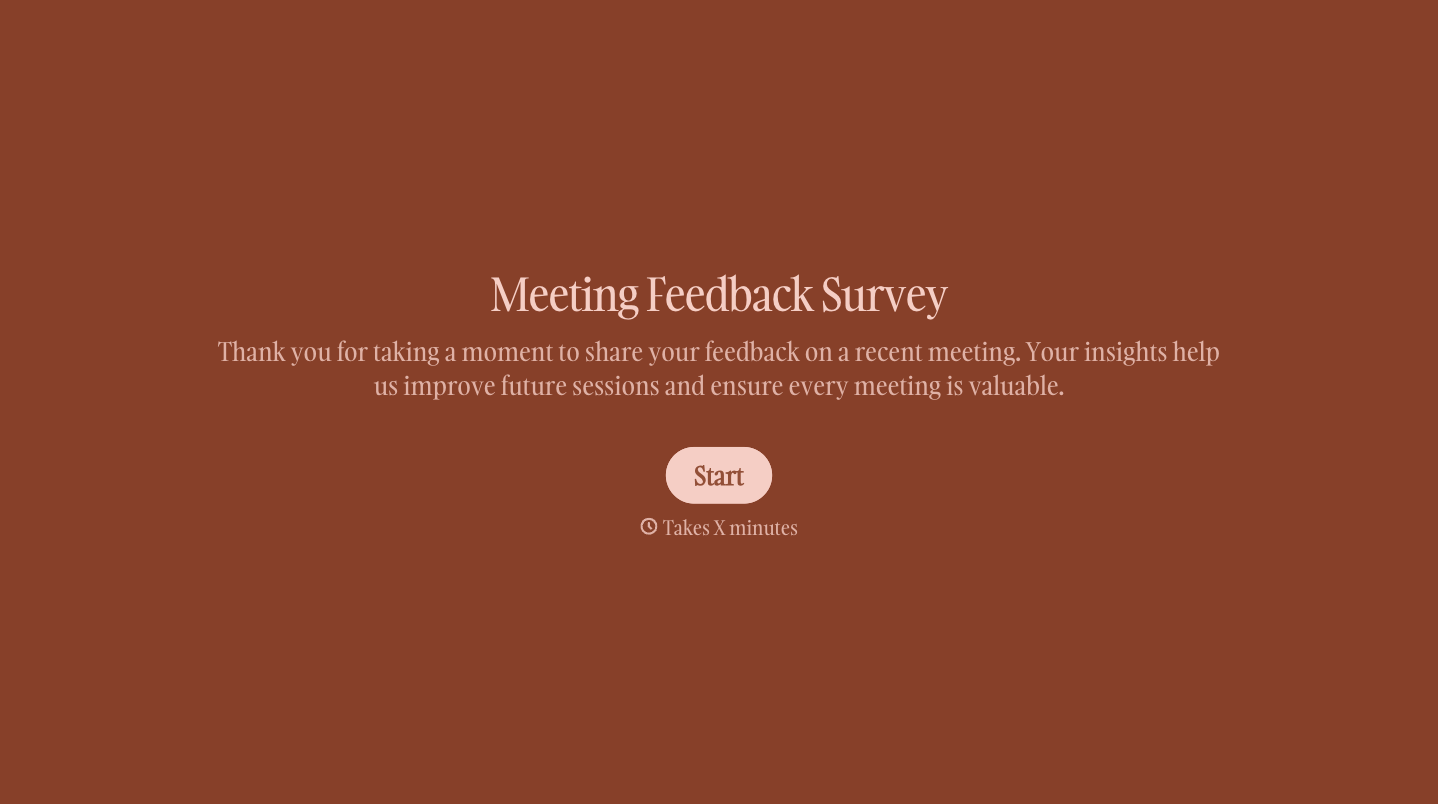
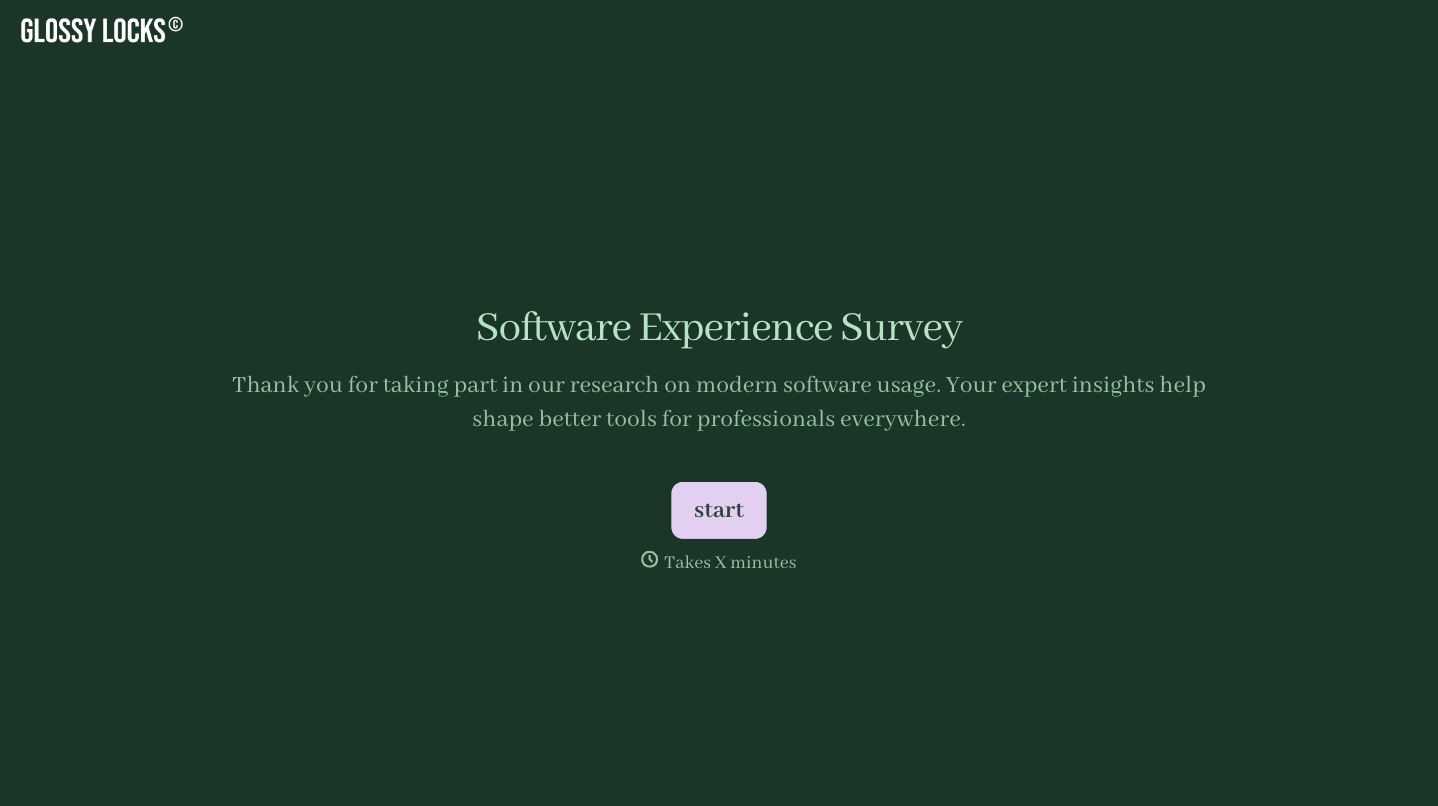
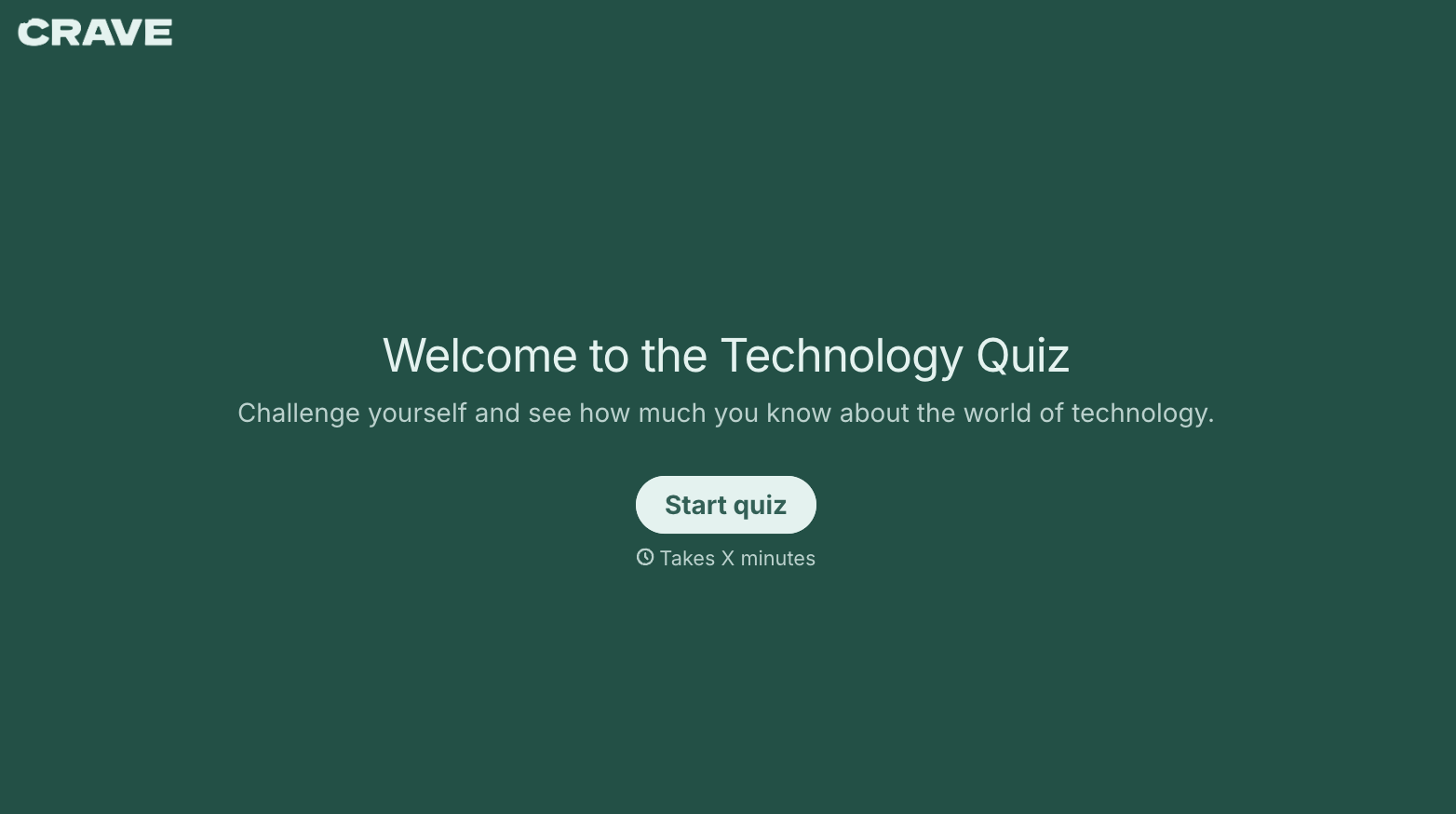
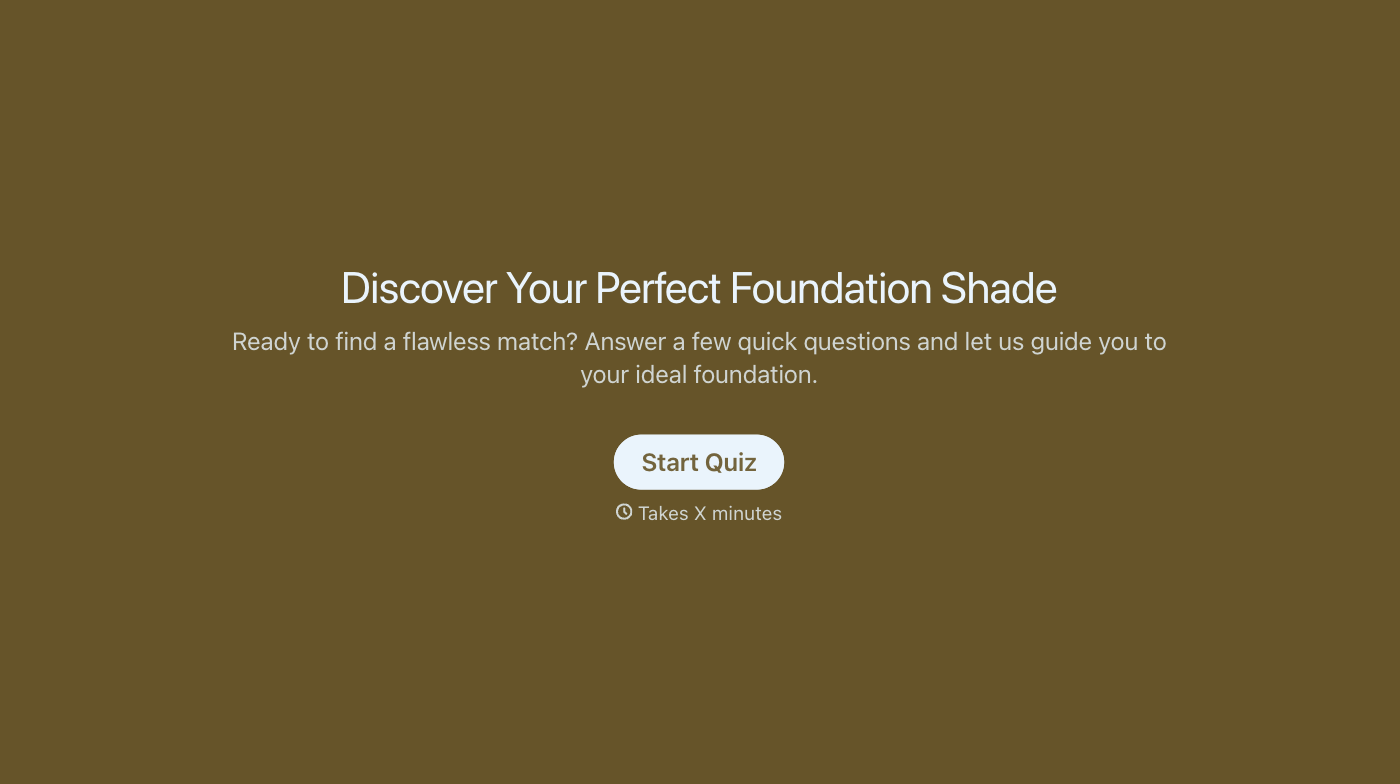
With Typeform, you can customize everything
Change text, colors, and even logos to match the look and feel of your brand. Then embed forms smoothly onto web and email.
Make forms feel effortless to fill out. Pace questions, call people by their name, and adapt the flow based on the data they share.
Stay efficient by connecting forms to your workflow. Typeform integrates with 300+ tools including Slack, Zapier, and HubSpot.


