Survey for Software
Capture satisfaction ratings, feature usage patterns, and NPS scores from your users, so your product team makes roadmap decisions based on what users actually need.



Product teams that rely on support tickets and feature requests for feedback mostly hear from the users motivated enough to reach out—whether frustrated or highly engaged—missing all other users. Without a structured channel to collect feedback, product decisions reflect the most vocal users, not the broader user base. Typeform's software survey gives product and UX teams a dependable way to collect structured feedback from a broader user base.
The survey captures satisfaction ratings, feature usage frequency, friction points by workflow stage, NPS score, and open-ended feature requests. Questions appear one at a time, so the survey feels like a brief conversation rather than a product questionnaire. Conditional logic branches questions based on a user's plan tier or feature usage. Avid users see questions about advanced features and integrations, while newer users see questions focused on onboarding and core functionality.
Customize the feature list, satisfaction dimensions, and workflow stages to match your product's current release or sprint cycle. Share it via in-app prompt, email to a user segment, or a link on your changelog page. Route responses into Google Sheets via Zapier, so feedback lands organized by user segment and feature area from the start. That feedback shapes your roadmap around what users actually need, not just the loudest voices in your inbox.
A software survey collects structured feedback from users on satisfaction, feature usage, friction points, and improvement suggestions. It captures NPS score, satisfaction by feature area, workflow friction points, and open-ended feature requests. Product teams that run software surveys regularly build a feedback loop that connects real usage patterns to roadmap decisions.
Features built without structured user input often solve the loudest problem, not the most common one. That misalignment shows up later in churn, not in tickets. A survey for software collects feedback across your full user base, so product decisions reflect what most users need, not one-off complaints.
Focus on specific, measurable aspects of the user experience:
- Overall satisfaction rating and NPS score
- Feature usage frequency (which features users rely on and which they've never tried)
- Friction points by workflow stage (setup, daily use, integrations, or reporting)
- What's working well and what users would change
- Open field for feature requests or improvement suggestions
Trigger the survey after a user hits a meaningful milestone rather than after a fixed onboarding period. Users prompted after a meaningful task give more specific, experience-based feedback than those interrupted mid-session with no context. Share it via direct link, email to a user segment, or embed it directly in your product dashboard.
Tag responses by plan tier, user role, or account type via Zapier so feedback arrives in Google Sheets pre-segmented. Comparing free-tier users against paid users reveals the friction points and missing features that affect each segment differently. That segmentation turns scattered feedback into a roadmap strategy that addresses the right issues for the right users.
Get inspired by relevant templates and categories
3200+ Templates, 300+ Integrations

With Typeform, you can customize everything
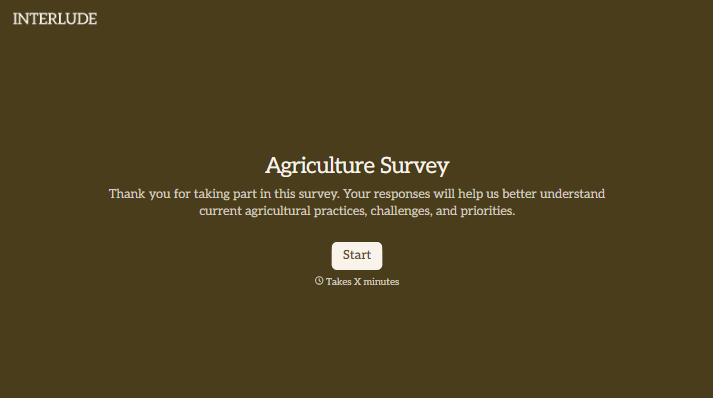
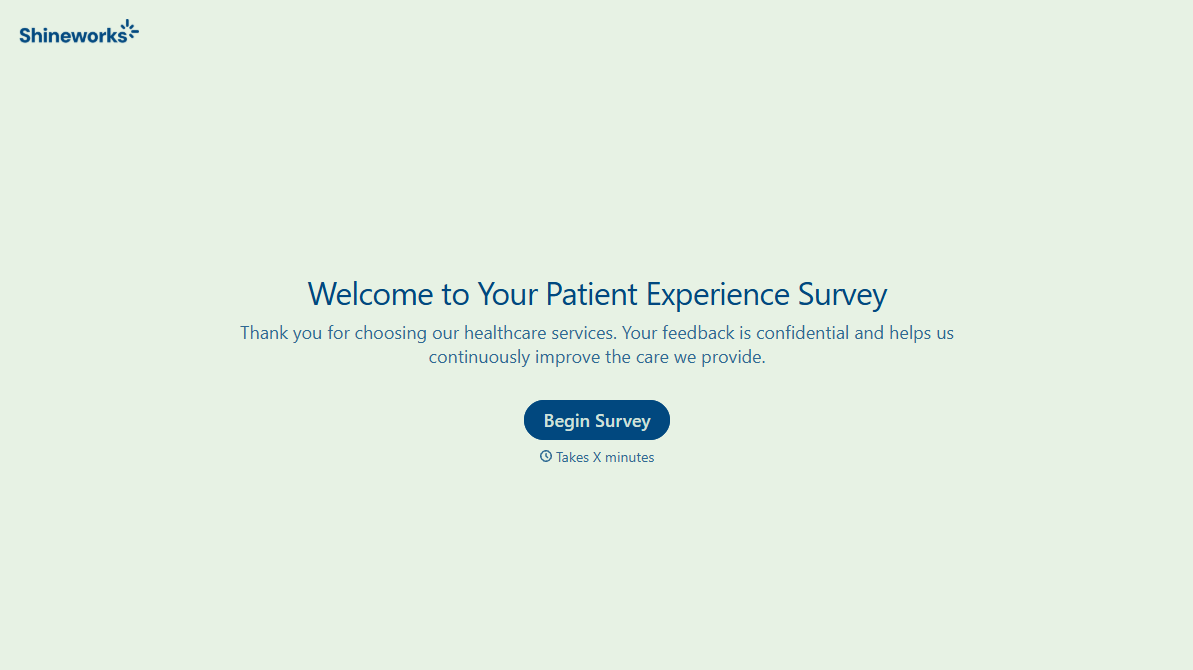
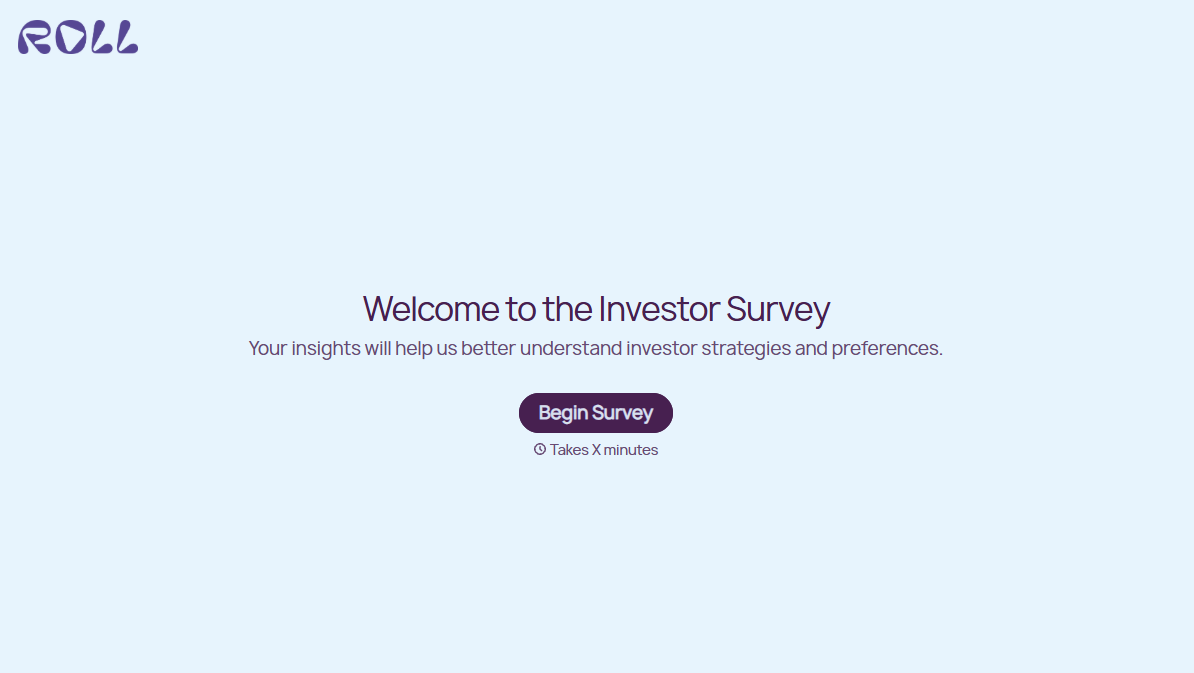
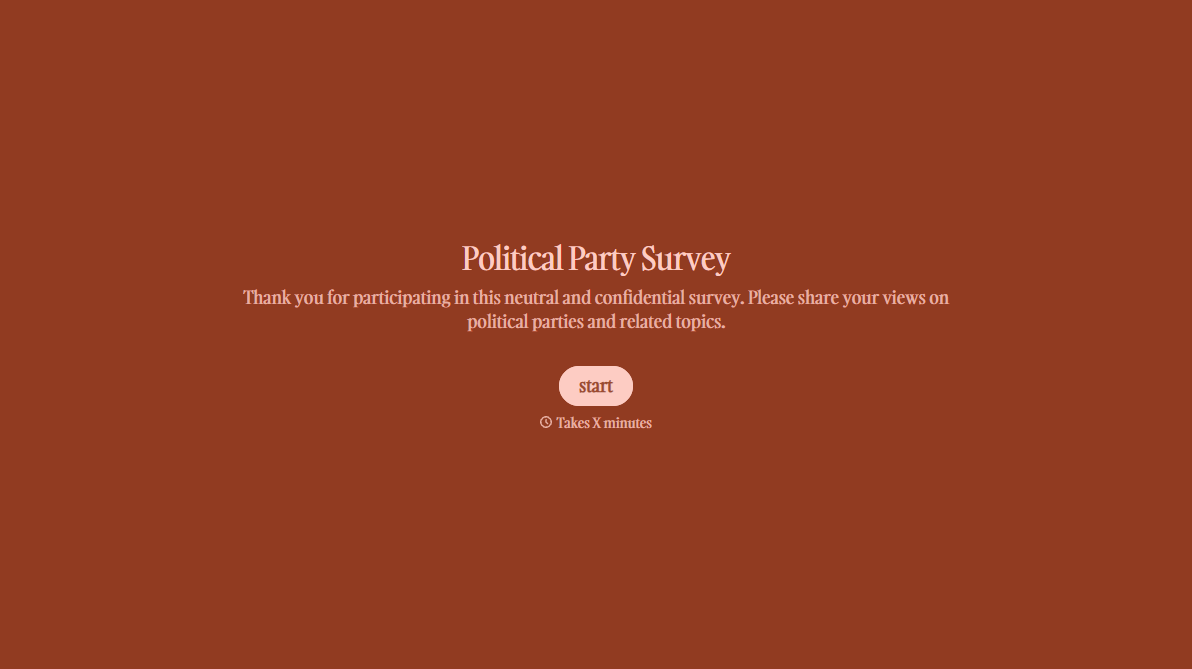
Change text, colors, and even logos to match the look and feel of your brand. Then embed forms smoothly onto web and email.
Make forms feel effortless to fill out. Pace questions, call people by their name, and adapt the flow based on the data they share.
Stay efficient by connecting forms to your workflow. Typeform integrates with 300+ tools including Slack, Zapier, and HubSpot.


