Generate Random Number Form Template
Need a random number? Get one instantly. No dice, no apps, no spreadsheet formulas.



Random number generation sounds trivial until you actually need it. Running a raffle? Assigning order to presentations? Picking lottery winners at a company event? Randomizing survey groups for a research study? You could use a spreadsheet formula, but then you're explaining RANDBETWEEN to your colleagues. You could roll a die, but good luck rolling a 6-sided die when you need a number between 1 and 347.
This random number generator form template gives users a simple, clean interface to define their range and get a random result. Enter a minimum, enter a maximum, and the form delivers. It's the kind of tool you build once, share with your team, and use more often than you'd expect. Conditional logic can extend the form to handle multiple draws, define whether duplicates are allowed, or log the results with a timestamp.
Set it up in minutes. Share the link whenever someone on your team needs to randomize something. Use integrations to log every generated number in a spreadsheet for audit trails. Especially useful for contests, giveaways, or research randomization where transparency matters.
A random number generator form is a simple interactive tool that produces a random number within a user-specified range. It replaces manual randomization methods (dice, drawing names from a hat, spreadsheet functions) with a clean digital interface that's accessible from any device. It's used for contests, classroom activities, research randomization, task assignments, and any scenario requiring unbiased selection.
When you need to share the process with non-technical users. Not everyone is comfortable with spreadsheet formulas, and asking a room full of raffle participants to trust your RANDBETWEEN function doesn't inspire confidence. A form-based generator is visible, accessible, and feels fair. Especially important for public drawings, team activities, or any situation where transparency matters.
- Minimum value of the range
- Maximum value of the range
- Number of random numbers to generate
- Whether duplicate numbers are allowed
- Optional: a label or purpose for the generation (e.g., "raffle drawing")
- Optional: timestamp and participant name for record-keeping
Log every generated number with a timestamp and the input parameters. Connect the form to a spreadsheet through integrations so there's a verifiable record of every draw. For high-stakes randomization (prizes, research assignments), generate results in a group setting or record the screen. Transparency is about process, not just outcome — show people how the number was generated, not just what it was.
Absolutely. Teachers use it to randomly call on students, assign group numbers, or select presentation order. Managers use it for task rotation, on-call scheduling, or deciding who picks the restaurant for team lunch. Share the form link and let anyone on your team generate a number themselves — it's faster and more fun than arguing about who goes first.
Get inspired by relevant templates and categories
3200+ Templates, 300+ Integrations



Nationality Verification Form
A self-certification buried in a stack of new account paperwork isn't the kind of record a compliance team can rely on for a regulatory filing. Collect nationality, tax residency, and a signed declaration before an account opens, so compliance isn't chasing down a customer's citizenship status after the fact.
View template
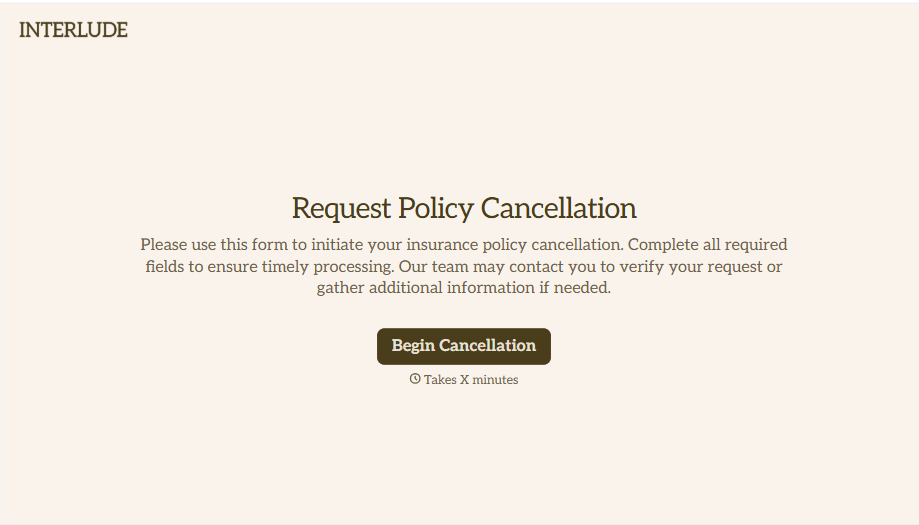
Policy Cancellation Form
A cancellation requested over the phone doesn't leave a clear record of exactly what date the policyholder actually asked for, and that date matters more than it sounds like it should. Collect what your agency actually needs, policy details, identity verification, and the requested effective date, before coverage actually ends.
View template
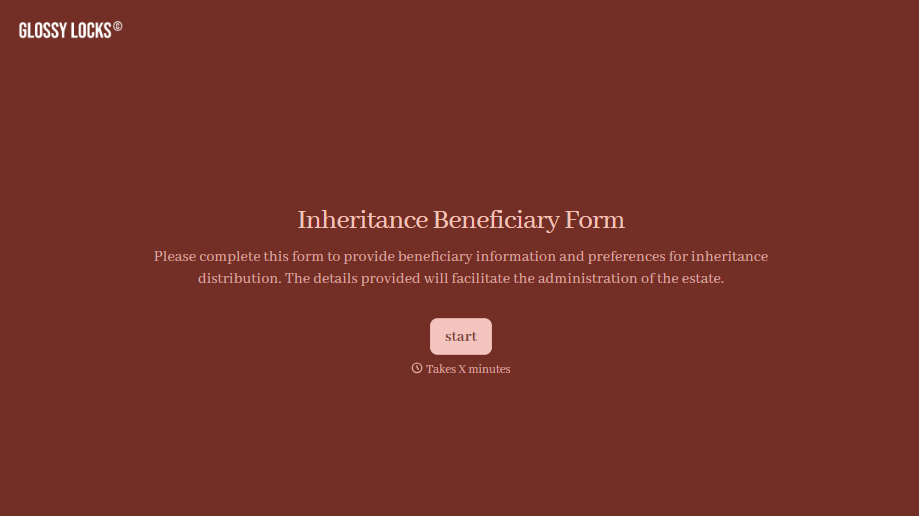
Inheritance Beneficiary Form
Asking a grieving family member for the same banking details across three different phone calls doesn't make settling an estate go any faster. Collect what your firm actually needs, beneficiary information, identification, and distribution details, in one submission instead of three calls.
View template
With Typeform, you can customize everything
Change text, colors, and even logos to match the look and feel of your brand. Then embed forms smoothly onto web and email.
Make forms feel effortless to fill out. Pace questions, call people by their name, and adapt the flow based on the data they share.
Stay efficient by connecting forms to your workflow. Typeform integrates with 300+ tools including Slack, Zapier, and HubSpot.


