Girl Scout Cookie Form Template
A simple order form for collecting cookie orders from friends, family, and neighbors.



Taking cookie orders by memory or on a scrap of paper works for the first few customers and falls apart quickly after that. When you're managing dozens of orders across different varieties, quantities, and delivery arrangements, you need something that keeps it all organized without extra effort.
A digital cookie order form captures each customer's selection in one clean record. Typeform works on any phone, so orders can be taken at the door, shared in a group chat, or posted in a neighborhood app. No paper, no confusion about what someone actually ordered.
Review your total order in the responses view or export to a spreadsheet to calculate what you need to submit.
A Girl Scout cookie order form is a digital form that collects cookie variety selections and quantities from customers. It replaces paper order forms with a shareable link that creates organized, searchable records for each order received.
Paper forms require manual tallying and are easy to lose. A digital form gives you an automatic record of every order, organized by customer, making it easy to add up totals, track payments, and follow up for delivery.
A complete cookie order form covers:
- Customer's name and phone number or email
- Selection of cookie varieties with quantity fields for each
- Total number of boxes (auto-calculated or manually noted)
- Payment method preference
- Delivery or pickup preference
- Any notes (e.g., nut allergy concerns, delivery timing)
Both templates cover the same use case. This version can be customized to reflect a troop's specific available varieties and any local customization, like a troop number or leader contact field. The structure is the same.
For ship-to-home orders, you'll want to add a full shipping address field. You can also add a payment confirmation number field if orders are paid through a separate platform and you want to cross-reference submissions with payment records.
Get inspired by relevant templates and categories
3200+ Templates, 300+ Integrations
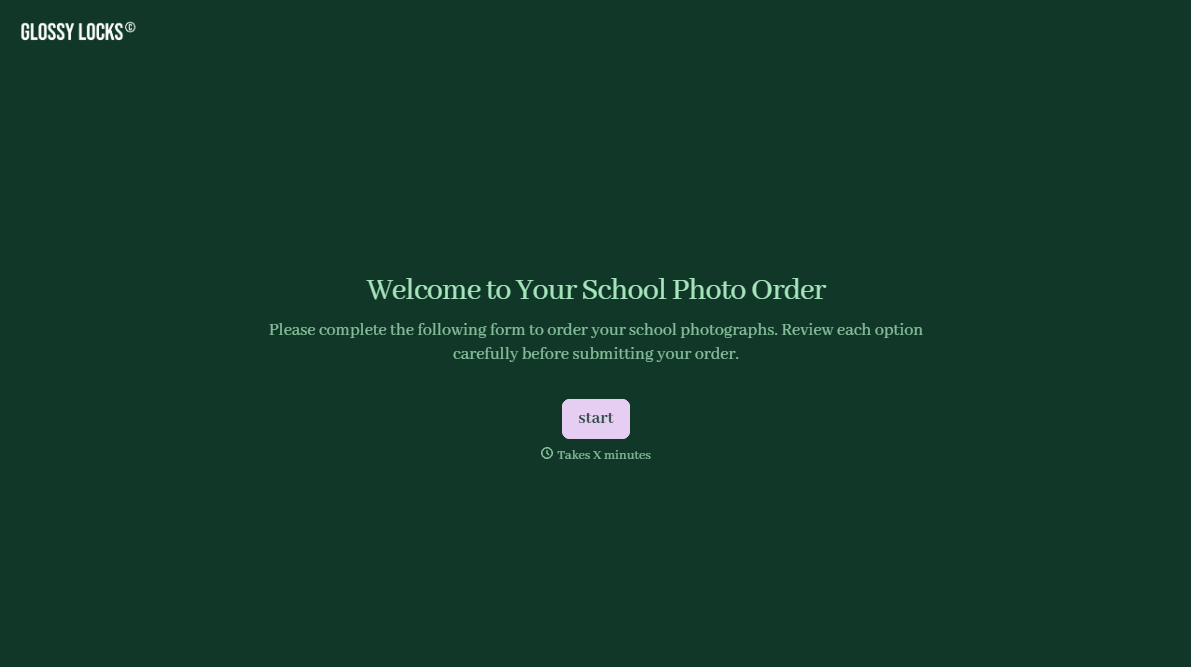
School Photography Order Form
A paper order form stuffed in a backpack for two weeks isn't an order anyone can act on. Collect student information, package selection, and payment before picture day, so your photographer shows up with an accurate count instead of a stack of crumpled envelopes.
View template
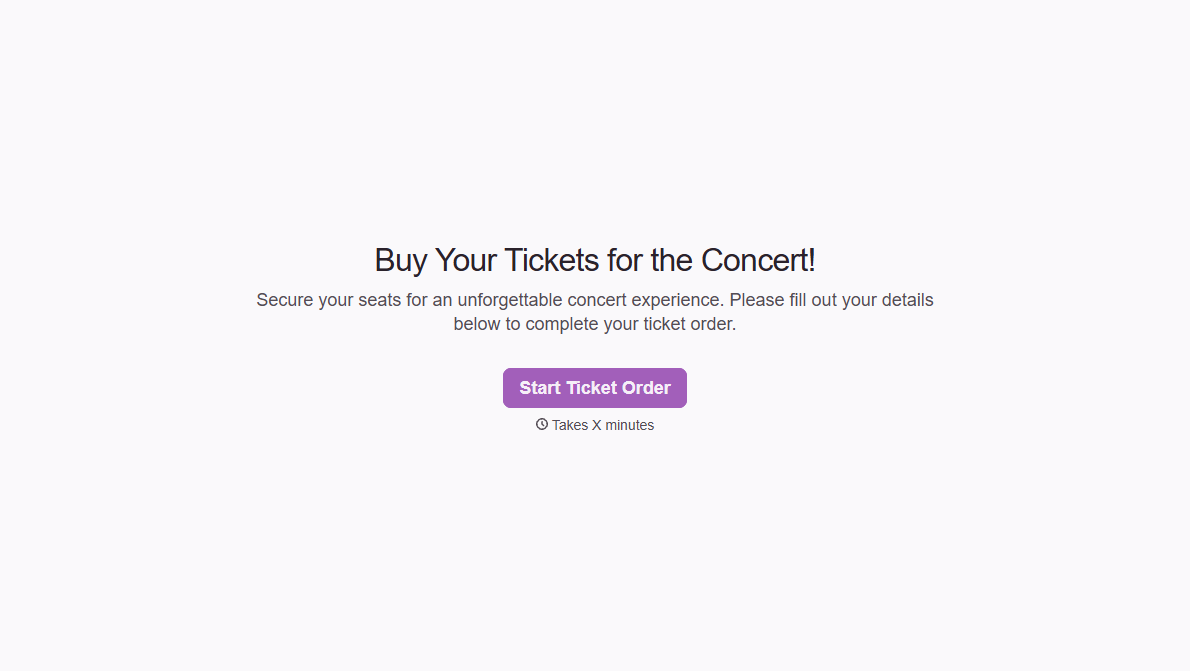
Concert Ticket Order Form
A ticket order collected through a Venmo request and a group text isn't a record, it's a promise to remember who paid and who still owes. Take the order, the payment, and the confirmation in the same form, so nobody's showing up at the door as a name someone half-remembers.
View template
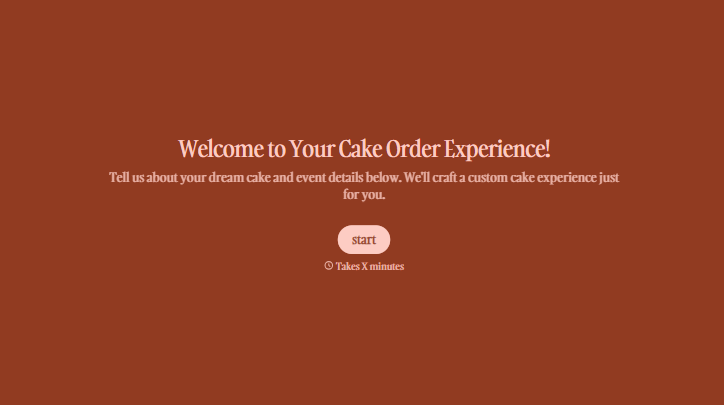
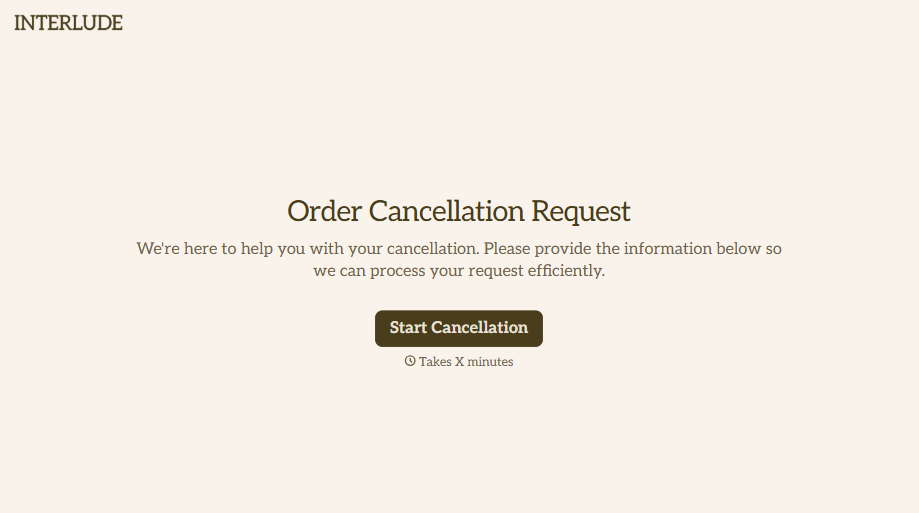

With Typeform, you can customize everything
Change text, colors, and even logos to match the look and feel of your brand. Then embed forms smoothly onto web and email.
Make forms feel effortless to fill out. Pace questions, call people by their name, and adapt the flow based on the data they share.
Stay efficient by connecting forms to your workflow. Typeform integrates with 300+ tools including Slack, Zapier, and HubSpot.


