Girlfriend Application Form Template
A lighthearted application form for social media, events, or personal fun, set up in minutes.



Whether it's for a social media bit, a Valentine's Day joke, a dating show parody, or a personal project that went mildly viral, girlfriend application forms are a recurring request. The challenge is that building one from scratch that actually looks good takes longer than it should.
This template gives you a starting point with all the personality questions you'd expect, presented in Typeform's conversational format that keeps people engaged through every question. Conditional logic lets the form branch based on answers, creating a more playful experience that feels less like a form and more like a conversation. Respondents can be filtered, scored, or just entertained depending on what you're going for.
Customize the questions to match your sense of humor, add your photo, change the color scheme to fit the vibe, and share the link on social media or with friends. It takes about 10 minutes to make it your own.
It's a humorous or semi-serious questionnaire that someone creates to collect information from potential romantic partners. They're most commonly used as social media content, Valentine's Day bits, event activities, or lighthearted personal projects.
It's a more entertaining way to collect responses than a plain form, and Typeform's one-question-at-a-time format makes the experience feel like a real conversation rather than a questionnaire. Whether you're actually reviewing responses or just having fun with it, the format holds people's attention.
The best ones balance humor with genuine personality insight. Consider including:
- Basic info (name, age, location)
- Personality or values questions (what do you do on weekends, how do you handle conflict)
- Fun compatibility questions (coffee or tea, early bird or night owl, pineapple on pizza)
- A creative or open-ended question (what's something you're irrationally passionate about)
- A "why should I pick you" field
- Optional contact information if you actually want to follow up
Write questions the way you'd actually say them out loud. Use casual language, add a touch of self-deprecation where it fits, and make the intro page explain the context clearly so respondents know what they're getting into. Typeform's welcome screen is a good place to set the tone.
That's entirely up to you. Some people review them earnestly, some share the funniest answers on social media, and some use Typeform's score calculation feature to rank applicants by compatibility. You can also set up a custom thank-you page that tells respondents what to expect next.
Get inspired by relevant templates and categories
3200+ Templates, 300+ Integrations
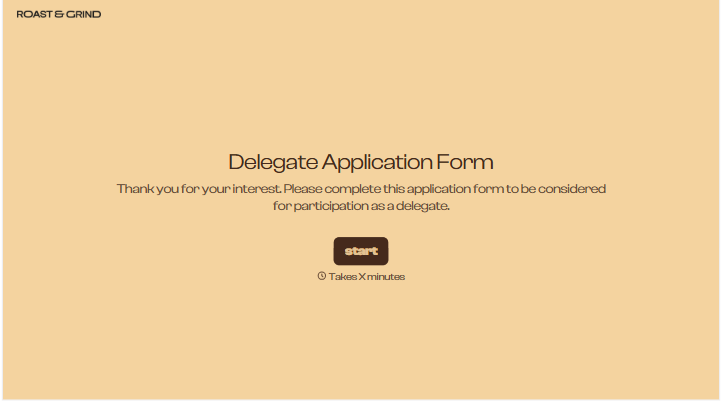
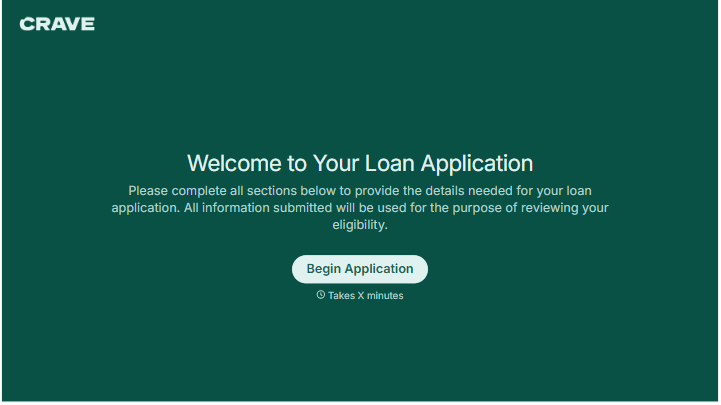
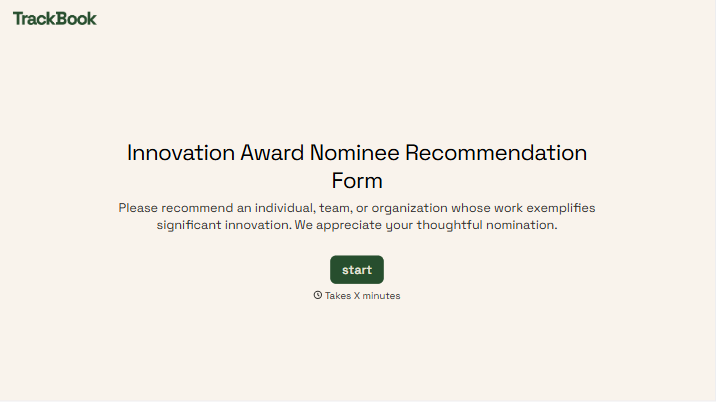
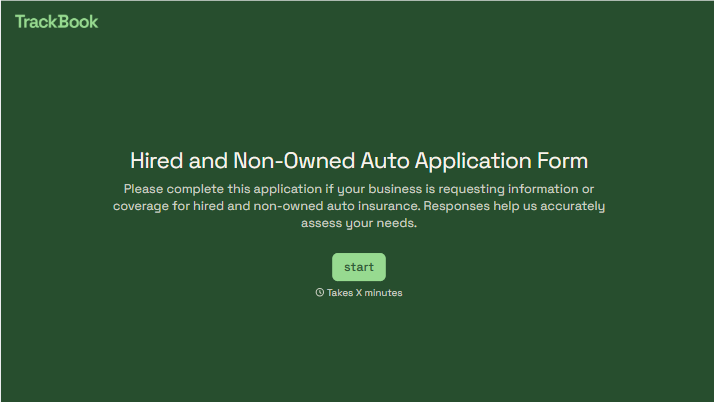
With Typeform, you can customize everything
Change text, colors, and even logos to match the look and feel of your brand. Then embed forms smoothly onto web and email.
Make forms feel effortless to fill out. Pace questions, call people by their name, and adapt the flow based on the data they share.
Stay efficient by connecting forms to your workflow. Typeform integrates with 300+ tools including Slack, Zapier, and HubSpot.


