Online Job Application Form Template
Your application form is your candidate’s first impression of your company. Make it reflect the experience they'll actually have.



Job seekers are applying to dozens of positions at once. The companies with clunky, repetitive application processes — "upload your resume, then re-type everything that's on your resume" — lose quality candidates to competitors with better experiences. Your form is a reflection of your company's culture.
This online job application form template provides a clean, mobile-friendly experience that respects applicants' time. It collects contact information, work history, education, relevant skills, and role-specific questions in a guided, one-question-at-a-time format. Conditional logic tailors the experience based on the position applied for — a developer sees different questions than a marketing manager.
Connect it to your ATS, email, or Slack through integrations to notify hiring managers instantly. Organize applicants by role, and move candidates through your pipeline without manual data entry.
An online job application form is a digital intake tool that collects information from candidates applying for a position. It replaces paper applications and email submissions with a structured, consistent format that captures personal details, work experience, education, skills, and any supplemental information the hiring team requires. It's the front door of your recruiting process.
Resumes come in infinite formats, making comparison difficult. A structured form ensures every candidate provides the same information, enabling apples-to-apples evaluation. It also lets you ask role-specific questions that a resume wouldn't cover — availability, salary expectations, willingness to relocate, or scenario-based responses. The form doesn't replace the resume; it complements it by adding structure and context.
- Full name, email, phone number, and location
- Position applying for (dropdown or selection)
- Work experience (company, role, dates, key responsibilities)
- Education (institution, degree, graduation year)
- Relevant skills or certifications
- 1-2 role-specific questions (e.g., "Describe a project where you demonstrated [key skill]")
Keep it under 10 minutes. Show a progress indicator so candidates know how far along they are. Don't ask for information that's already on their resume unless it's essential for screening. Make file uploads optional rather than required when possible. Test the form on mobile — a surprising number of candidates apply from their phones, and a form that's clunky on mobile will lose them.
It's increasingly common and can save both parties time — if a candidate's expectations are double your budget, that's useful to know before the first interview. However, in some jurisdictions, asking about salary history is illegal, and asking for expectations can inadvertently disadvantage candidates who undervalue themselves. If you include it, consider a range selector ("$50K-$60K," "$60K-$75K," etc.) rather than an open field, and be prepared to share your range in return.
Get inspired by relevant templates and categories
3200+ Templates, 300+ Integrations
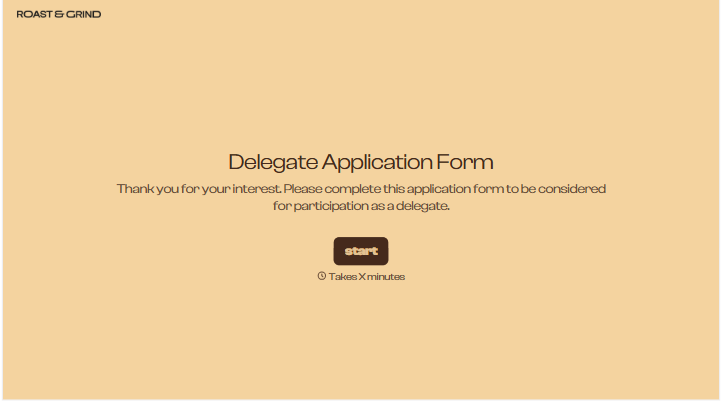
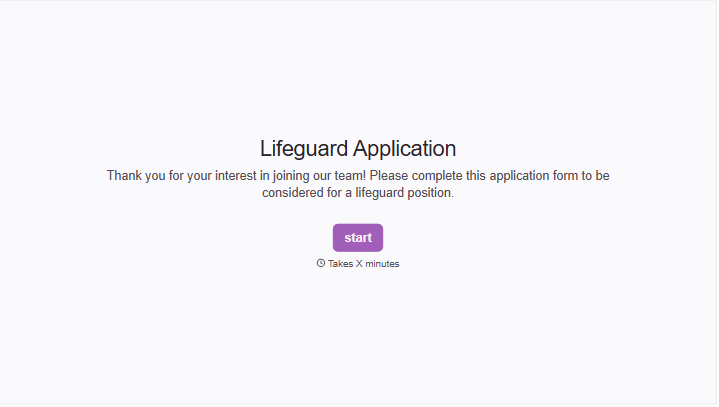
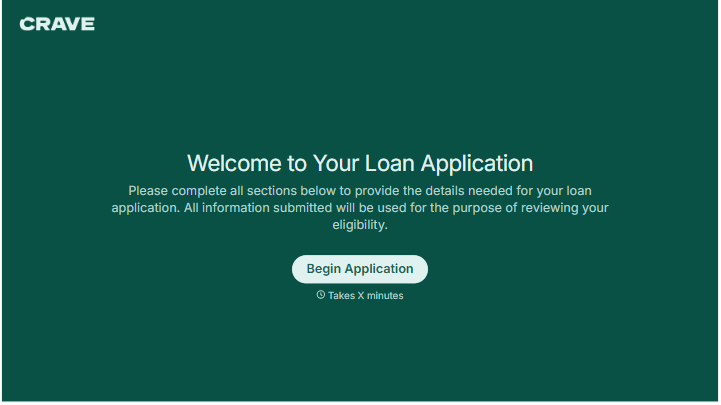
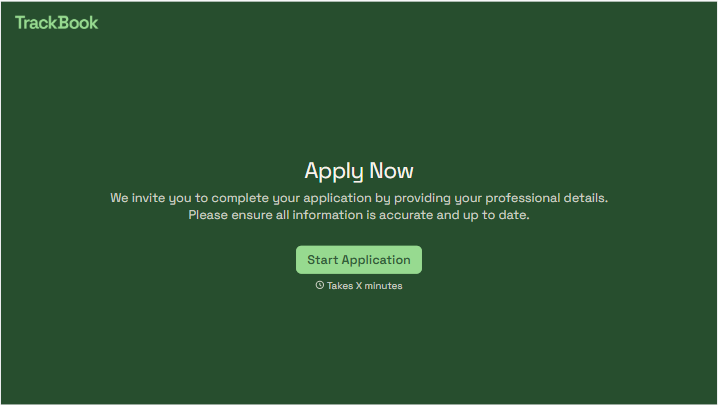
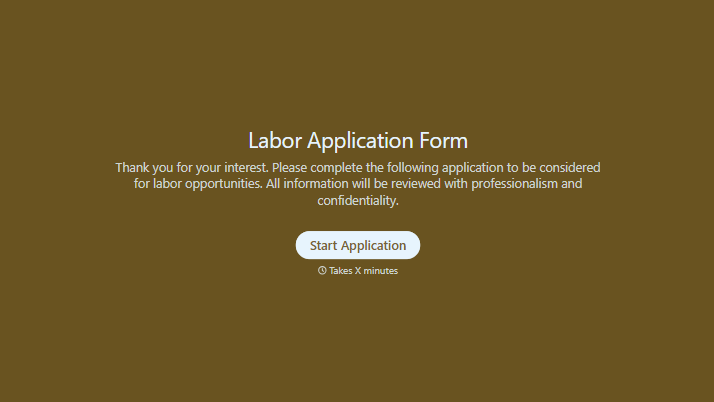
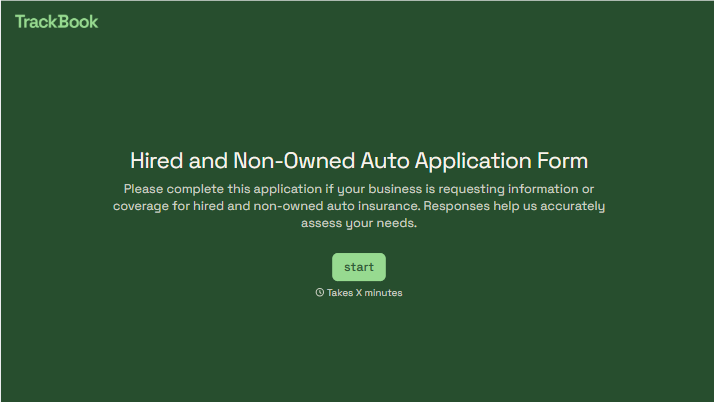
With Typeform, you can customize everything
Change text, colors, and even logos to match the look and feel of your brand. Then embed forms smoothly onto web and email.
Make forms feel effortless to fill out. Pace questions, call people by their name, and adapt the flow based on the data they share.
Stay efficient by connecting forms to your workflow. Typeform integrates with 300+ tools including Slack, Zapier, and HubSpot.


