Job Seekers Application Form Template
Give candidates a clear way to apply — and give yourself the information to evaluate them fairly.



A well-designed application form is the first impression your hiring process makes. This template gives job seekers a straightforward way to present their qualifications, while giving hiring managers the consistent data they need to compare candidates objectively.
The template covers personal information, the position being applied for, work history, educational background, relevant skills, references, availability and start date, and an open question about the applicant's interest in the role. File upload fields for resumes and portfolios are included.
Because every application comes through the same structure, you can screen and compare without sorting through emails or inconsistently formatted PDFs. Connect the form to a spreadsheet or ATS to keep your pipeline organized.
Contact information, the role being applied for, work history, education, relevant skills, references, availability, and an upload field for a resume. For specific roles, add skills assessments or portfolio requirements.
Avoid questions about age, marital status, children, religion, nationality, or disabilities unless directly relevant to the job. Consult your HR team or legal counsel for guidance on compliant application design in your jurisdiction.
Yes. Add a dropdown asking which position the applicant is applying for, then use conditional logic to show role-specific questions. This keeps the form versatile without creating a separate version for every position.
Set up an automated thank-you email in Typeform's notification settings. Include an expected timeline for next steps so applicants know what to expect.
Yes, via Zapier or direct integrations with platforms like Greenhouse, Lever, or Workable. This keeps your applicant pipeline in one place without manual data entry.
Get inspired by relevant templates and categories
3200+ Templates, 300+ Integrations
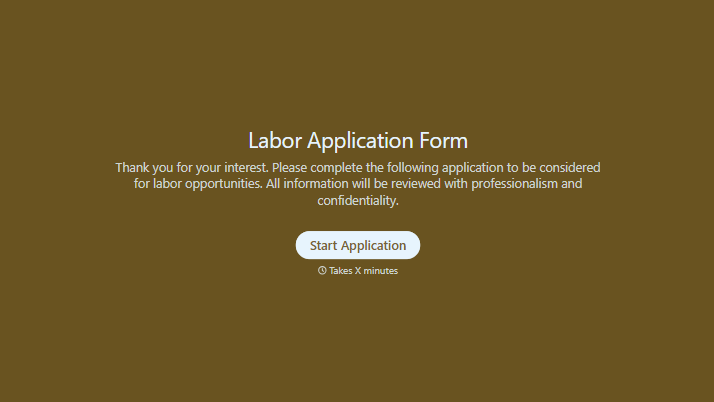
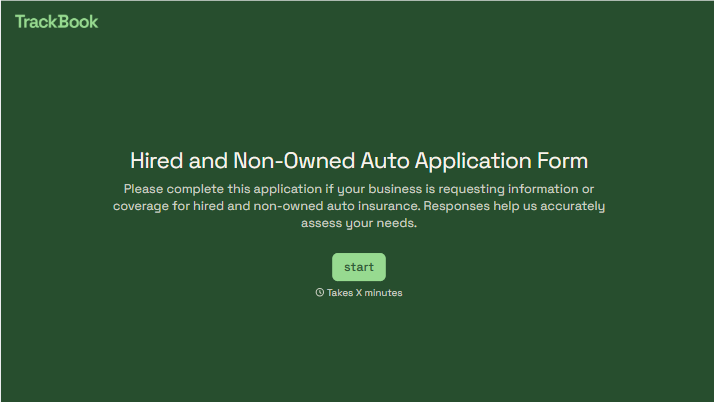
With Typeform, you can customize everything
Change text, colors, and even logos to match the look and feel of your brand. Then embed forms smoothly onto web and email.
Make forms feel effortless to fill out. Pace questions, call people by their name, and adapt the flow based on the data they share.
Stay efficient by connecting forms to your workflow. Typeform integrates with 300+ tools including Slack, Zapier, and HubSpot.


