Maintenance Work Order Form Template
Get repair and maintenance requests to the right team — with all the details to start the job.



Maintenance requests that arrive by text, sticky note, or word of mouth create confusion about priority, status, and accountability. This form gives your facilities or maintenance team a single channel for incoming work orders — organized, trackable, and complete from the first submission.
The template captures the requestor's name and contact, the location and unit number, the type of issue, a description of the problem, the priority level, permission to enter the space, preferred hours for the repair, and any photos of the issue. Optional fields capture equipment make and model for repair efficiency.
When every request comes through one form, nothing gets lost and nothing gets prioritized by who asked loudest. Your team works the queue, not the inbox.
Location, specific description of the problem, how long it's been occurring, permission to access the space, and photos. A technician who arrives knowing what to bring for a repair finishes the job in one trip.
Define priority tiers in your form — for example, urgent (safety hazard), high (affects daily use), standard (convenience issue). Include examples of each so submitters calibrate correctly rather than marking everything urgent.
Connect the form to email or Slack so submissions arrive in real time. You can also set up a shared spreadsheet that the team checks at the start of each shift.
Not natively through the form. For status updates, send a confirmation email when the request is received and a follow-up when it's scheduled. For higher volume operations, a tenant portal with status tracking is worth the investment.
Keep work order records for at least 2 to 3 years for property management and warranty purposes. For commercial or regulated properties, check applicable regulations — some require longer retention.
Get inspired by relevant templates and categories
3200+ Templates, 300+ Integrations
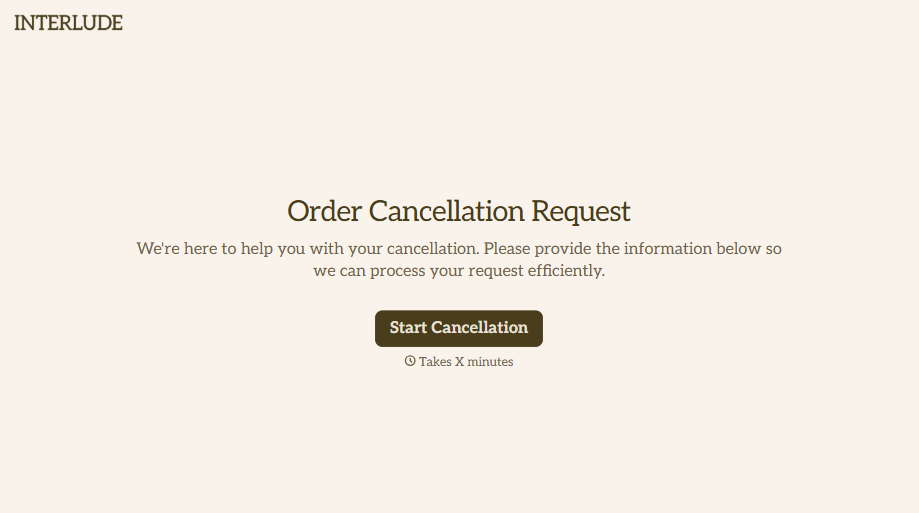


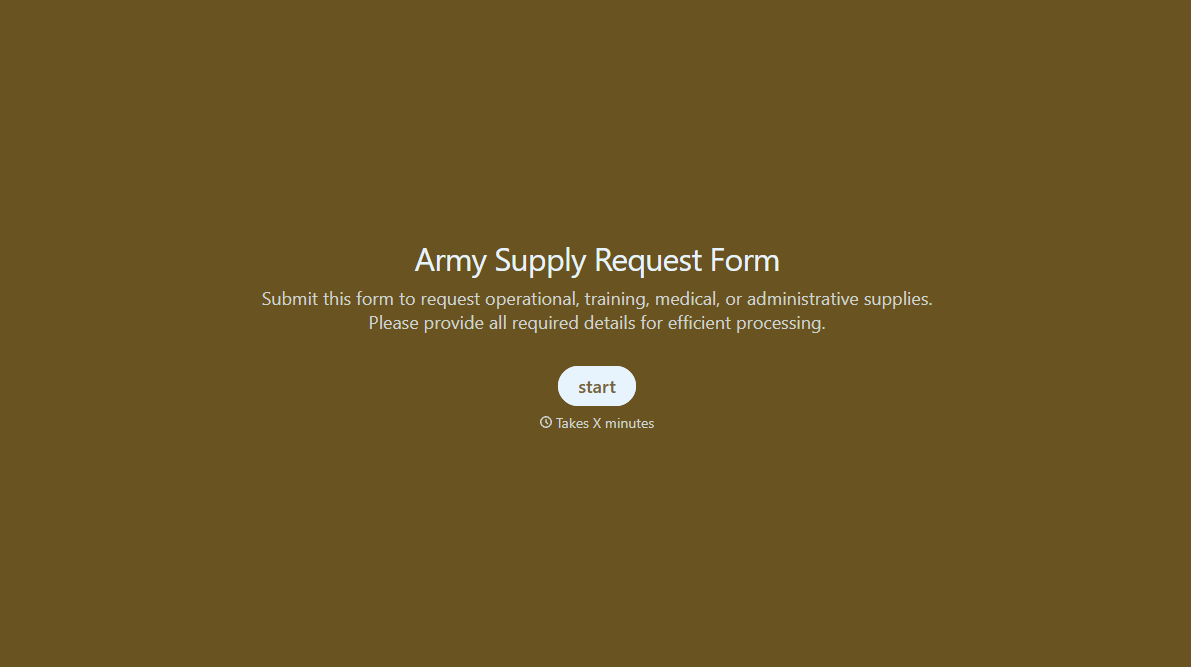
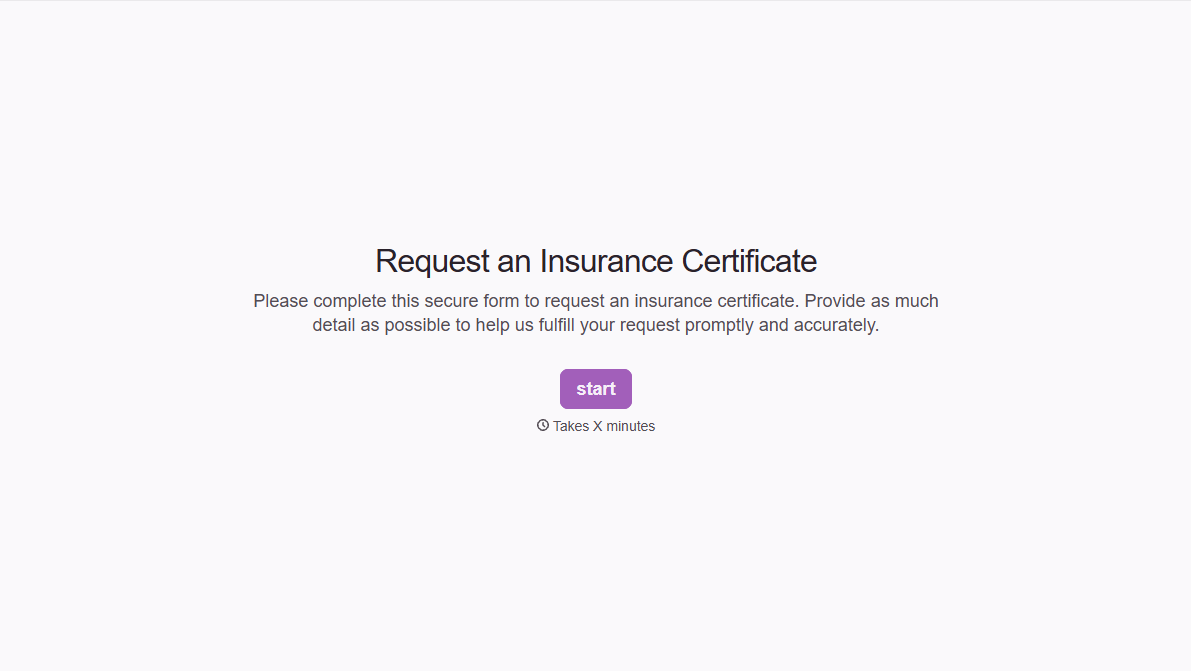

With Typeform, you can customize everything
Change text, colors, and even logos to match the look and feel of your brand. Then embed forms smoothly onto web and email.
Make forms feel effortless to fill out. Pace questions, call people by their name, and adapt the flow based on the data they share.
Stay efficient by connecting forms to your workflow. Typeform integrates with 300+ tools including Slack, Zapier, and HubSpot.


