Online Internship Application Form Template
Getting internship applications organized shouldn't require a spreadsheet for every department. Collect what you need and keep the process fair and consistent.



Internship application season means a flood of submissions, often across multiple programs and departments. When applications come in through email, LinkedIn messages, or website contact forms, comparing candidates objectively becomes nearly impossible. Something always slips through the cracks.
An online internship application form brings all submissions into one place. This template walks applicants through their background, skills, and motivations in a structured format — and conditional logic means you can tailor the questions based on the department or program they're applying for, without building a separate form for each one.
Customize the questions for your organization's internship requirements, connect submissions to your HR tools or applicant tracking system, and move quickly from application to review without the administrative overhead.
An online internship application form is a digital document that collects applicant information for an internship program. It typically covers academic background, relevant experience, skills, and the applicant's motivations — all in a structured format that makes review straightforward.
Email-based applications are hard to organize and even harder to compare fairly. A standardized form gives every applicant the same questions and your team a consistent view of each candidate. It also reduces back-and-forth requesting missing information after the fact.
A well-structured internship application covers both background and fit. Consider including:
- Full name, contact information, and current institution or year of study
- Area or department of interest
- Relevant coursework, projects, or prior experience
- Key skills and software proficiency
- A short response on their goals for the internship
- Availability and preferred start date
Yes. Add a question early in the form asking which program or department the applicant is interested in, then use conditional logic to route them to the relevant follow-up questions. You get a single form that works across departments without losing specificity.
Connect your Typeform to an email automation tool like Mailchimp or set up a direct integration via Zapier or Make. You can trigger a personalized confirmation email the moment an application is submitted, so applicants know exactly where they stand.
Get inspired by relevant templates and categories
3200+ Templates, 300+ Integrations
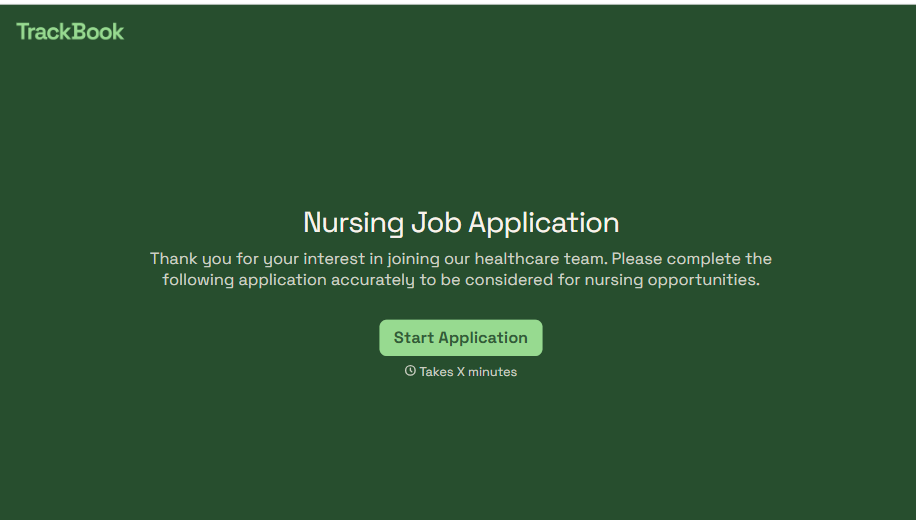
Nursing Job Application Form
A generic job application that doesn't ask for a license number isn't a nursing application, it's a formality a recruiter has to follow up on before they can even screen the candidate. Collect license and certification details, specialty experience, and availability before the resume gets reviewed, so recruiters aren't chasing down credentials mid-process.
View template

Work From Home Request Form
A Slack message asking to work from home on Thursday isn't a request anyone can track, especially once the same employee has asked five different ways over a month. Collect the request type, dates or schedule, and manager approval in one place, so HR isn't reconstructing who's working where from a scattered inbox.
View template

Return of Property Form
A property checklist stapled to an exit interview packet isn't a record anyone can rely on when a laptop turns up missing three weeks later. Collect itemized equipment details, condition at return, and a signed acknowledgment before an employee's last day, so IT isn't chasing down a laptop that already walked out the door.
View template

Early Retirement Form
A retirement mentioned to a manager in conversation doesn't give HR anything to actually process, and if there's an incentive deadline attached, the date that conversation happened can matter more than anyone realized at the time. Collect what your HR team actually needs, employee information, requested date, and benefit elections, before a window closes.
View template
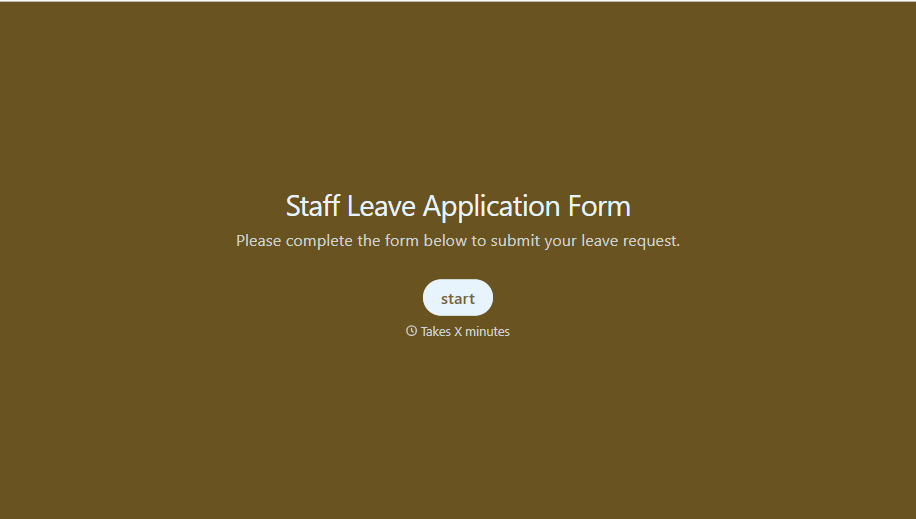
Staff Leave Application Form
A vacation request approved with a thumbs-up emoji in Slack isn't the kind of record payroll can work from when it's time to reconcile someone's leave balance. Collect the leave type, dates, and manager approval in one place, so a team doesn't accidentally double-book someone's time off.
View template
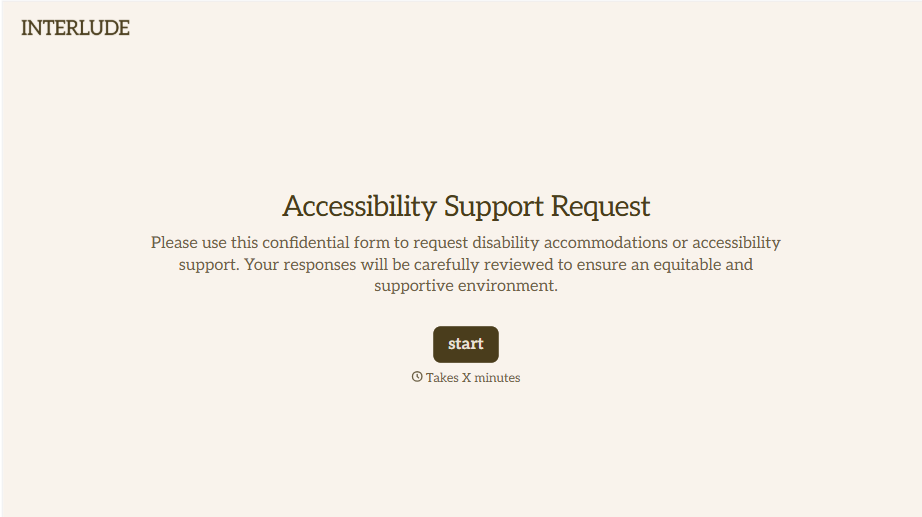
Disability Accommodation Request Form
A quiet word to a manager about needing a different desk setup isn't the kind of request that starts a documented process. Collect the specific accommodation needed and any supporting information before a decision gets made informally, so a request doesn't get lost between a hallway conversation and HR's desk.
View template
With Typeform, you can customize everything
Change text, colors, and even logos to match the look and feel of your brand. Then embed forms smoothly onto web and email.
Make forms feel effortless to fill out. Pace questions, call people by their name, and adapt the flow based on the data they share.
Stay efficient by connecting forms to your workflow. Typeform integrates with 300+ tools including Slack, Zapier, and HubSpot.


