Online Quote Form Template
Let customers request a quote on their schedule and give your team the details to respond fast.



Waiting on the phone. Drafting an email that explains everything. Going back and forth for 3 days before getting a number. That's the quote request experience most businesses offer, and it's costing them customers who want answers now.
This online quote form template puts the process in the customer's hands. They describe what they need, when they need it, and what their budget looks like, all through a guided, conversational flow. Conditional logic adapts the form to the service or product category they select, so you get specific, actionable details instead of vague descriptions.
Embed it on your website, share it in ads, or include it in proposals. Every submission hits your CRM or inbox with the context your team needs to respond with a relevant quote, fast.
An online quote form is a digital request tool that lets prospective customers describe their needs and request pricing from a business. It captures project details, specifications, quantities, timelines, and contact information so the business can prepare and deliver an accurate estimate without requiring a phone call or in-person meeting.
It pre-qualifies leads before they reach your sales team. Instead of spending time on discovery calls to understand what someone needs, you receive a structured brief with every relevant detail. This accelerates response times, improves quote accuracy, and gives your team more time to focus on high-value opportunities. It also captures leads 24/7, including outside business hours.
- Customer's name, email, and phone number
- Product or service category they're interested in
- Project description or specifications
- Quantity, dimensions, or scope details
- Desired delivery date or deadline
- Budget range or spending expectations
Remove friction. Only ask for what you genuinely need to produce the quote, because every extra field reduces completion rates. Use the one-question-at-a-time format so the form feels like a conversation, not a bureaucratic exercise. Include a progress indicator. And set clear expectations on your response time. "We'll send your quote within 4 business hours" is more compelling than a generic "Thank you for your submission."
Respond fast. Speed is your competitive advantage. Send an automated acknowledgment immediately so the requester knows their submission was received. Then, have your sales or estimating team review the details and deliver the quote within the timeframe you promised. Follow up within 48 hours if the quote hasn't been accepted, and ask if they have questions. Persistence, not pushiness, wins the deal.
Get inspired by relevant templates and categories
3200+ Templates, 300+ Integrations

Bank Reference Form
A reference request faxed to a bank branch and left sitting in a queue for weeks isn't the kind of turnaround a landlord or business can wait on. Collect the applicant's signed authorization and the specific details you need confirmed before the request even reaches the bank, so a decision isn't stuck behind a letter that hasn't come back yet.
View template

Bar Inventory Form
A bottle count eyeballed at the end of a shift and scrawled on a paper sheet doesn't hold up against a pour cost report that says something doesn't add up. Collect what your bar actually needs, item, count, and variance, on a schedule you can actually compare week to week.
View template

Equipment Inventory Form
Equipment that leaves a storage room in someone's arms, with no note about where it went, doesn't show up again until someone needs it and can't find it. Collect what your team actually needs, item details, condition, and who's got it, every time something moves.
View template

Maintenance Agreement Form
A maintenance plan agreed to over the phone isn't a contract your service team can actually work from, especially when nobody's sure whether the twice-a-year tune-up was part of the deal. Collect the equipment covered, service frequency, and a signed agreement before the first visit, so your team isn't guessing at scope once they're on-site.
View template

Incentive Claim Form
A rebate claim mailed in with a stapled stack of receipts isn't the kind of paperwork that gets processed quickly, especially when a required serial number turns out to be missing from page three. Collect proof of purchase, product details, and participant information upfront, so a claim doesn't bounce back for a missing document weeks later.
View template
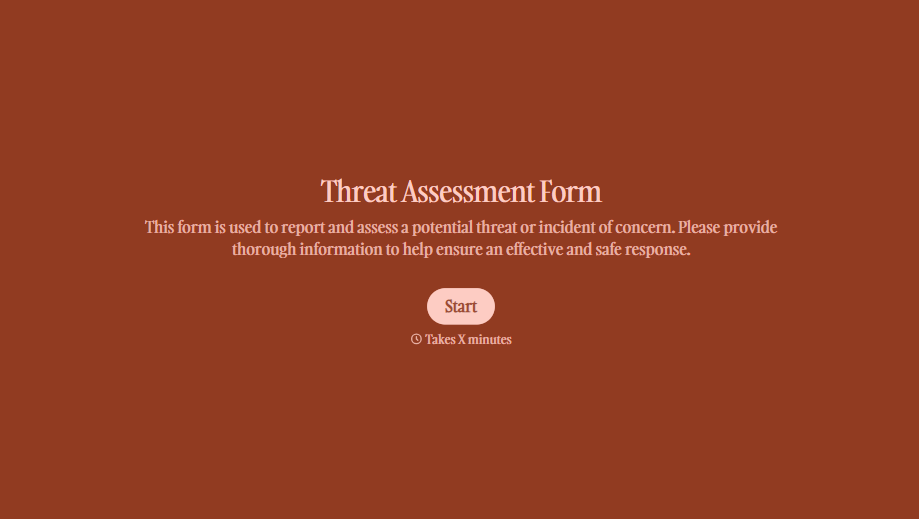
Threat Assessment Form
A concerning comment that gets passed from a teacher to a counselor to whoever's free that period loses detail with every retelling. Collect what your team actually needs, what was observed or reported, who was involved, and when, before an important detail gets dropped along the way.
View template
With Typeform, you can customize everything
Change text, colors, and even logos to match the look and feel of your brand. Then embed forms smoothly onto web and email.
Make forms feel effortless to fill out. Pace questions, call people by their name, and adapt the flow based on the data they share.
Stay efficient by connecting forms to your workflow. Typeform integrates with 300+ tools including Slack, Zapier, and HubSpot.


