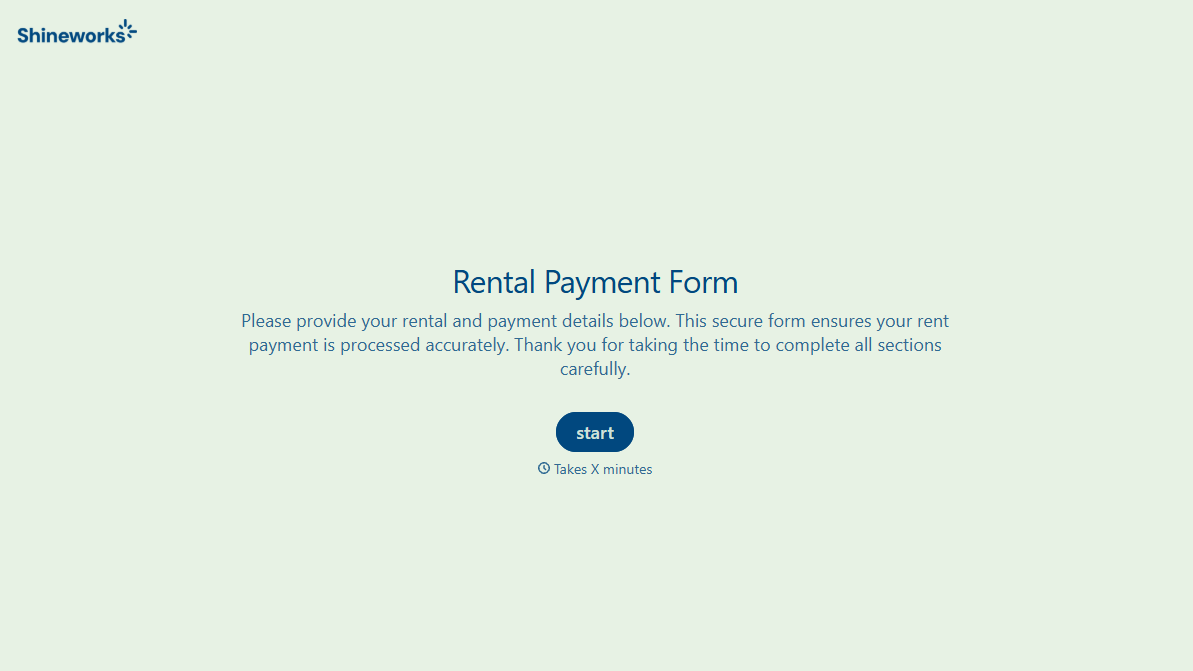
Rental Payment Form
Rent shouldn't get tracked in a text thread asking who's paid and who hasn't. Collect what your property manager actually needs, the unit, amount, payment method, before the due date passes.



Payments come in however a tenant finds easiest: a check dropped in a mailbox, a Venmo transfer with no memo, a text that just says "just sent it." By the time you're reconciling the month, you're guessing which unit a payment belongs to, whether it covers rent or a late fee, and who still hasn't paid at all.
Typeform's rental payment form asks for what your property management needs to track a payment, tenant and unit information, payment amount, what it covers, and payment method, and uses conditional logic to branch from there. A tenant paying by check can route to a mailing confirmation; a tenant setting up recurring autopay can branch to authorization details, instead of every tenant working through fields that don't apply to how they're paying.
Every submission lands in one record tied to a specific unit instead of a text thread you have to scroll back through. Connect the form to your property management or accounting software through Zapier, and a submission can update your records automatically. Ask which unit and what the payment covers up front, and reconciliation starts with a clear record instead of a guessing game at the end of the month.
A rental payment form is an online form property managers use to have tenants confirm or log a payment, its amount, what it covers, and the method used. Instead of a text message or an unlabeled bank transfer, the tenant submits a record tied to their unit, and reconciliation starts with something structured.
A text thread captures "just sent it," not which unit, which month, or whether it covers a late fee. A form gets the details tied to the payment in one place, and it works the same way for every tenant instead of depending on who remembered to include a memo.
Ask for what you'll actually need to reconcile the payment:
- Tenant name and unit number
- Payment amount and what it covers
- Payment method
- Date paid
- Autopay authorization details, if the tenant is setting up recurring payments
It can log the payment, but the actual charge should go through a secure, PCI-compliant payment processor, not a raw card or bank account number entered on a form. Use the form to capture the unit, amount, and method, and connect it to your payment processor and accounting software through Zapier so a completed charge updates your records automatically.
Yes. Add a file upload question and tenants can attach a bank transfer confirmation, a receipt, or a money order stub in the same submission, no separate email required. Pair it with conditional logic so the upload only appears for the payment methods that need it.
Get inspired by relevant templates and categories
3200+ Templates, 300+ Integrations
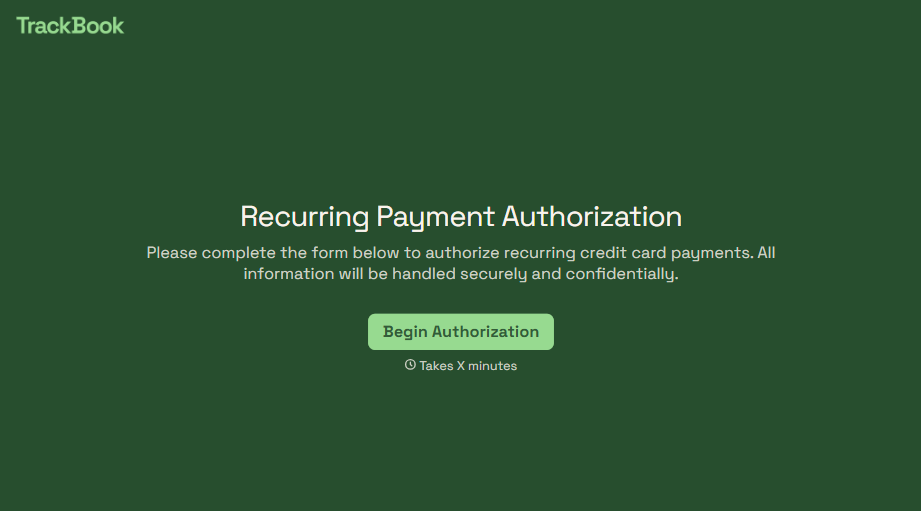
Recurring Credit Card Authorization Form
An authorization that just says "I agree to be charged monthly" doesn't survive a chargeback dispute. The bank's going to ask, charged for what, how much, and how often, and vague language doesn't answer any of that. Spell out the amount, the frequency, and the cancellation terms in writing, before the first charge goes through.
View template
With Typeform, you can customize everything
Change text, colors, and even logos to match the look and feel of your brand. Then embed forms smoothly onto web and email.
Make forms feel effortless to fill out. Pace questions, call people by their name, and adapt the flow based on the data they share.
Stay efficient by connecting forms to your workflow. Typeform integrates with 300+ tools including Slack, Zapier, and HubSpot.


