Phone Interview Form Template
Capture structured notes during phone screens so every candidate is assessed on the same criteria.



Phone screens are often the first real conversation with a candidate, but the notes recruiters take during them vary wildly. One recruiter highlights communication style, another focuses on experience, a third goes off-script and covers something different entirely. Without a consistent structure, it's hard to compare candidates or make a case for who should move forward.
A Typeform phone interview form gives recruiters a consistent set of questions to work through during or immediately after each screen. Required fields for key criteria ensure nothing important gets skipped. Conditional logic can show role-specific follow-up questions based on the position being filled. Every completed form is a structured record of that conversation, ready for the hiring manager to review.
Customize the form with your screening criteria, pass/fail thresholds, and any role-specific questions. It takes seconds to pull up on a second screen during a call.
A phone interview form is a structured evaluation tool completed by a recruiter or interviewer during or after a phone screening call. It captures responses to key questions, initial impressions, and a recommendation on whether the candidate should progress to the next stage.
Without a shared structure, phone screen quality varies too much between interviewers and calls. A consistent form improves the reliability of your screening process and makes it easier to compare candidates at the same stage.
Cover the screening dimensions that matter most at this stage:
- Candidate name, position applied for, and date of call
- Current role, notice period, and salary expectations
- Key motivations for exploring a new opportunity
- Confirmation of required qualifications or experience
- Availability for next steps and any scheduling constraints
- Overall recommendation: proceed, hold, or declin
Complete it immediately after the call, before you speak with anyone else or start on the next one. Memory fades faster than most people expect, and the notes you take 30 minutes later are noticeably less accurate than those captured right away.
Yes. Typeform integrates with applicant tracking systems like Greenhouse, Lever, and Workday, so phone screen notes can be routed directly to the candidate's record without manual data entry. Configure the integration for your specific ATS to automate the handoff.
Get inspired by relevant templates and categories
3200+ Templates, 300+ Integrations
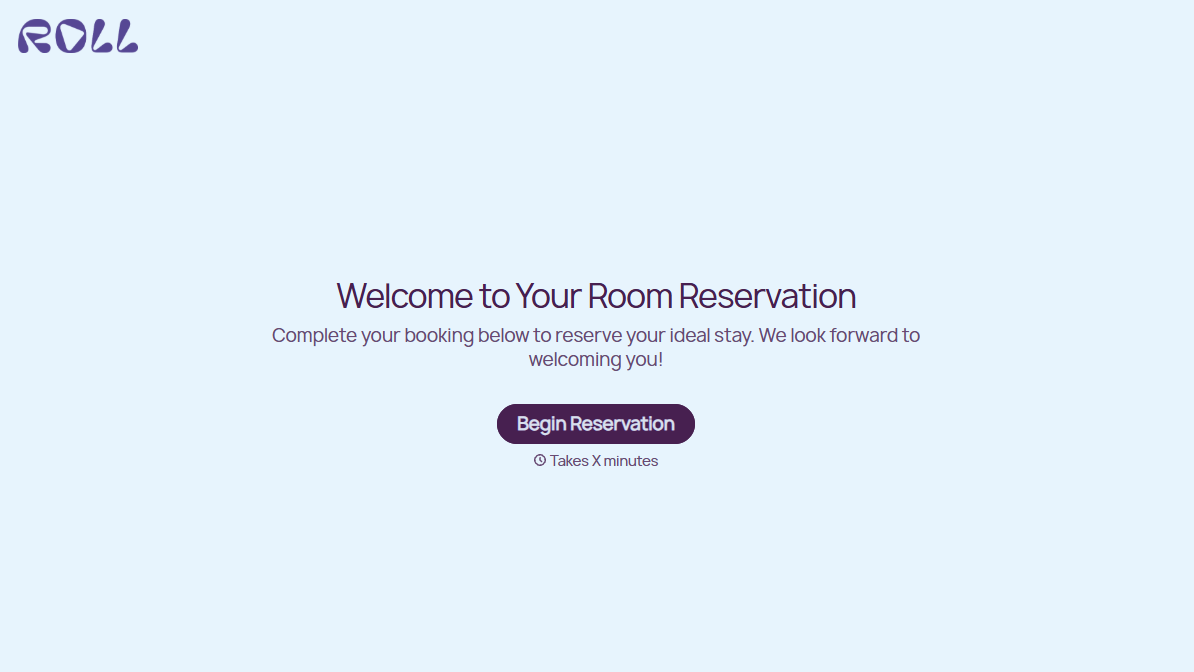
Hotel Room Booking Form
A room booked over the phone with "we'll figure out the room type when you get here" doesn't leave the front desk anything to actually plan around. Collect what your hotel actually needs, guest information, dates, and room preferences, before the reservation gets confirmed.
View template
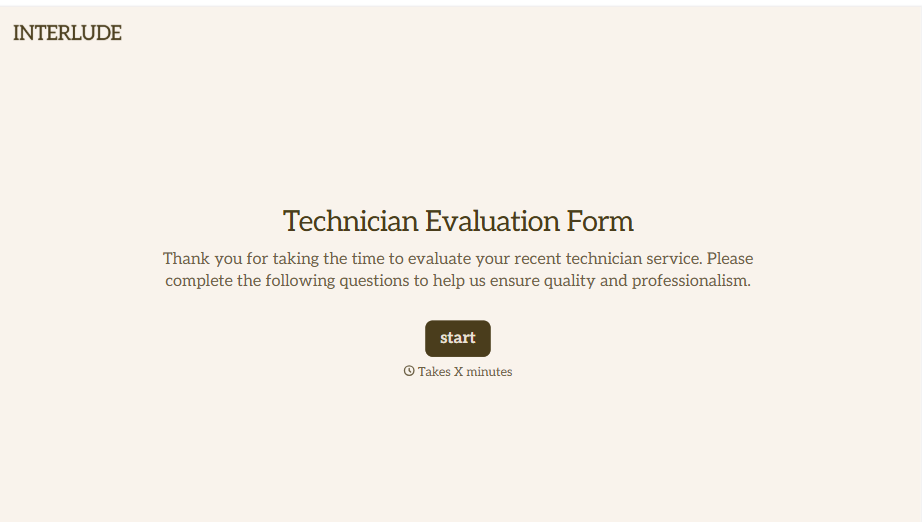
Technician Evaluation Form
A ride-along evaluation scribbled on a clipboard in the truck isn't the kind of record that holds up months later when it's time to talk about a raise or a certification renewal. Collect specific skill, safety, and customer service observations while the job's still fresh, so a technician's review is built on more than a supervisor's memory of the day.
View template
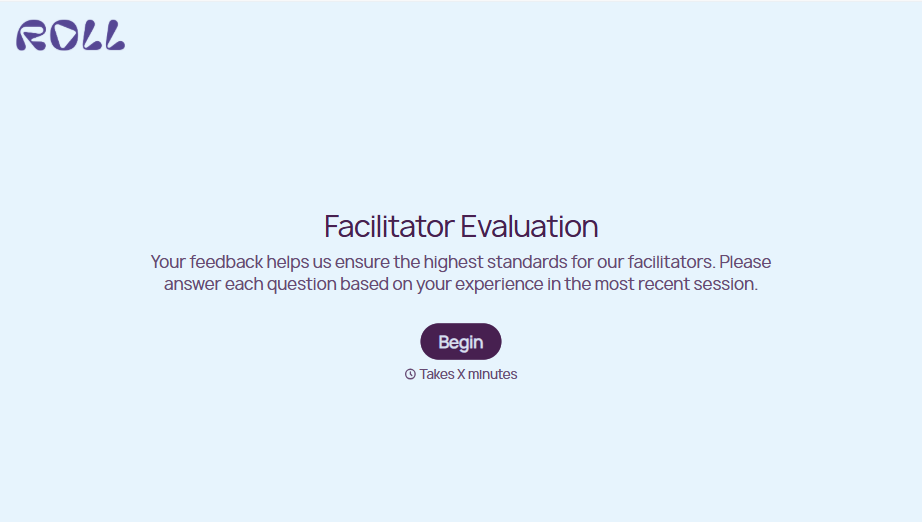
Facilitator Evaluation Form
A round of applause and a few nodding heads doesn't tell your program which facilitator's session actually clicked and which one needs coaching before the next cohort. Collect what your team actually needs, session details, ratings, and specific feedback, before everyone moves on to the next session.
View template
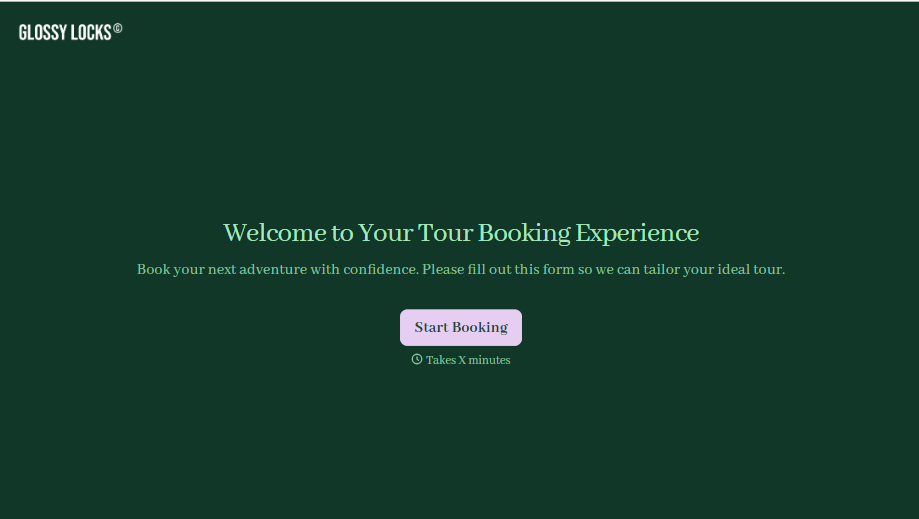
Tour Booking Form
A booking inquiry that starts with "what dates work for you?" and ends up as six emails back and forth, dates, group size, dietary needs, whether anyone in the party can handle three miles of uneven trail, is six emails too many before you've even confirmed there's a spot available. Collect it once, upfront, and start the actual planning from a complete picture.
View template
Bus Ticket Booking Form
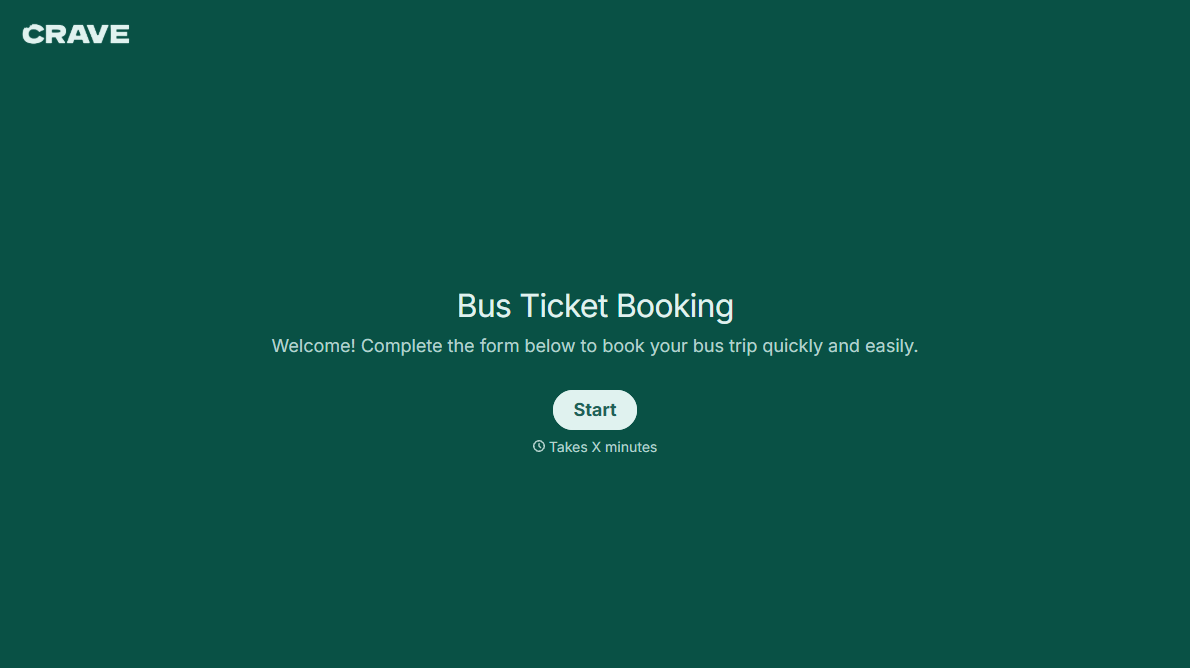
Move past a booking form that only asks for a name, a date, and a seat count. Screen for the accessibility needs that come with a legal notice window attached, capture who's actually on the bus, and keep a timestamped record of exactly what was booked and confirmed.
View template
With Typeform, you can customize everything
Change text, colors, and even logos to match the look and feel of your brand. Then embed forms smoothly onto web and email.
Make forms feel effortless to fill out. Pace questions, call people by their name, and adapt the flow based on the data they share.
Stay efficient by connecting forms to your workflow. Typeform integrates with 300+ tools including Slack, Zapier, and HubSpot.


