Picnic Form Template
Planning a great picnic is 90% logistics and 10% sunshine. Handle the logistics part before you check the weather.



Company picnics, family reunions, community gatherings, school celebrations — they all sound easy until you're trying to coordinate food, headcount, activities, dietary restrictions, and transportation for 50+ people through a group text thread. The fun part of picnics shouldn't be buried under coordination chaos.
This picnic form template collects RSVPs, meal preferences, dietary restrictions, activity interests, and logistical needs (transportation, accessibility requirements, plus-ones) in a quick, friendly format. Conditional logic adjusts options based on the type of picnic — a company event might include team-building activities, while a family reunion might focus on potluck contributions.
Share the form link in your invitation email, group chat, or event page. Integrations push responses to a spreadsheet or planning tool so you can track headcount, plan food quantities, and organize activities without manually tallying anything.
A picnic form is an event registration and planning tool that collects RSVPs, meal preferences, dietary needs, activity interests, and logistical details from picnic attendees. It replaces the informal "reply to this email" approach with structured responses that help organizers plan food, activities, and logistics accurately.
Because "I think about 40 people said they're coming" isn't a meal plan. A form gives you exact headcount, specific dietary restrictions (not just "some people are vegetarian"), activity preferences, and logistical needs. It also captures plus-ones and children's ages — details that affect everything from food quantities to activity planning. You'll spend less money on overage and less time apologizing for shortages.
- Name and number of guests (adults and children, with ages for kids)
- Meal preference or dish contribution (for potluck-style events)
- Dietary restrictions and food allergies
- Activity preferences (sports, games, crafts, relaxation)
- Transportation needs or carpool availability
- Any accessibility requirements or special accommodations
Use your confirmed headcount and dietary data as the baseline. A general rule: plan for 1 pound of meat per adult, 1/2 pound per child, plus sides. Add a 10-15% buffer for unexpected guests. Group dietary restrictions. If you have 8 vegetarians, you can plan a specific menu for them rather than hoping the side dishes suffice. Your form data transforms food planning from guesswork to arithmetic.
Include a question about the rain date in your original form, or have a contingency plan communicated upfront. If you need to collect new RSVPs for a rescheduled date, send a brief follow-up form (not a full re-registration) asking only "Can you still make it on [new date]?" Keep it short. People who already registered once won't appreciate doing it again from scratch.
Get inspired by relevant templates and categories
3200+ Templates, 300+ Integrations
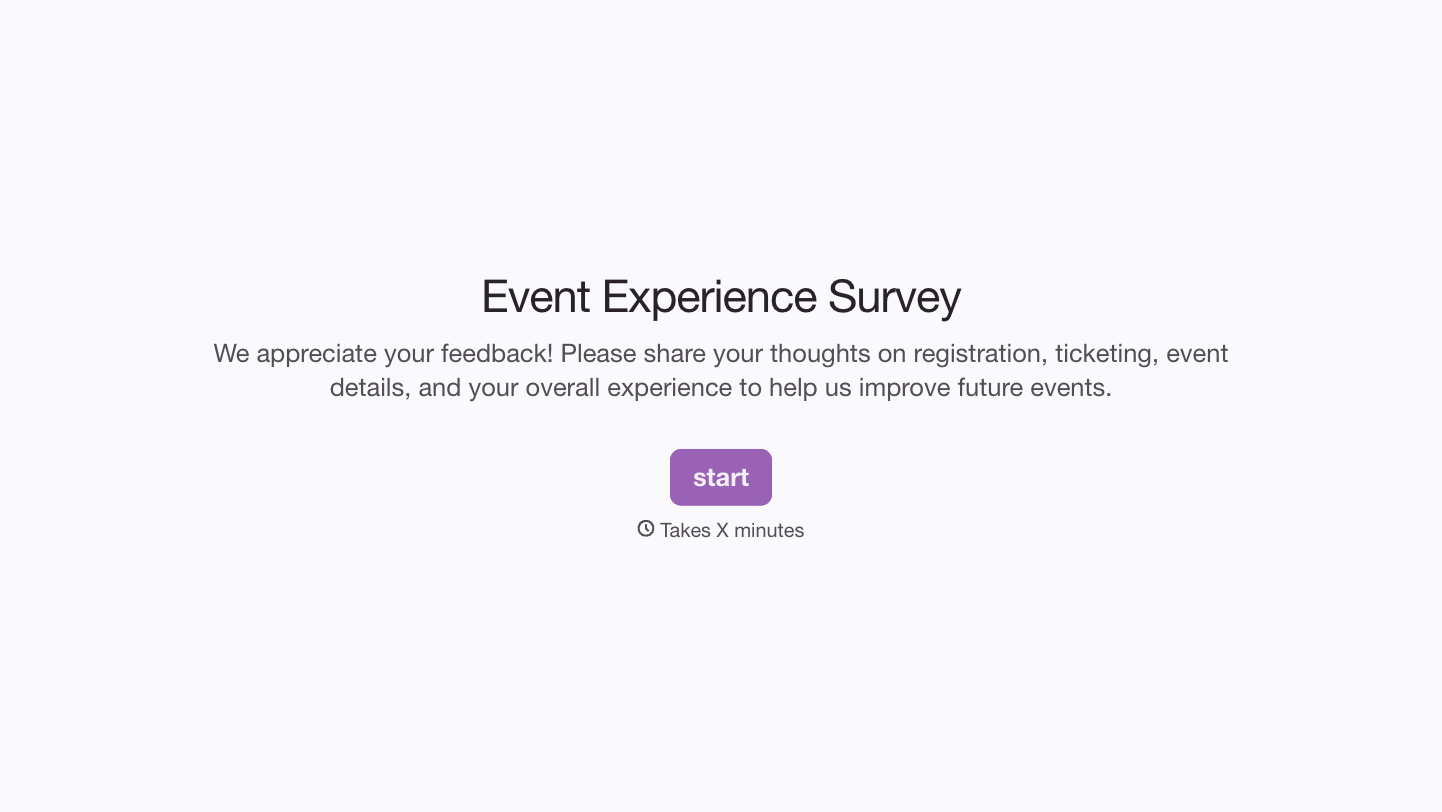
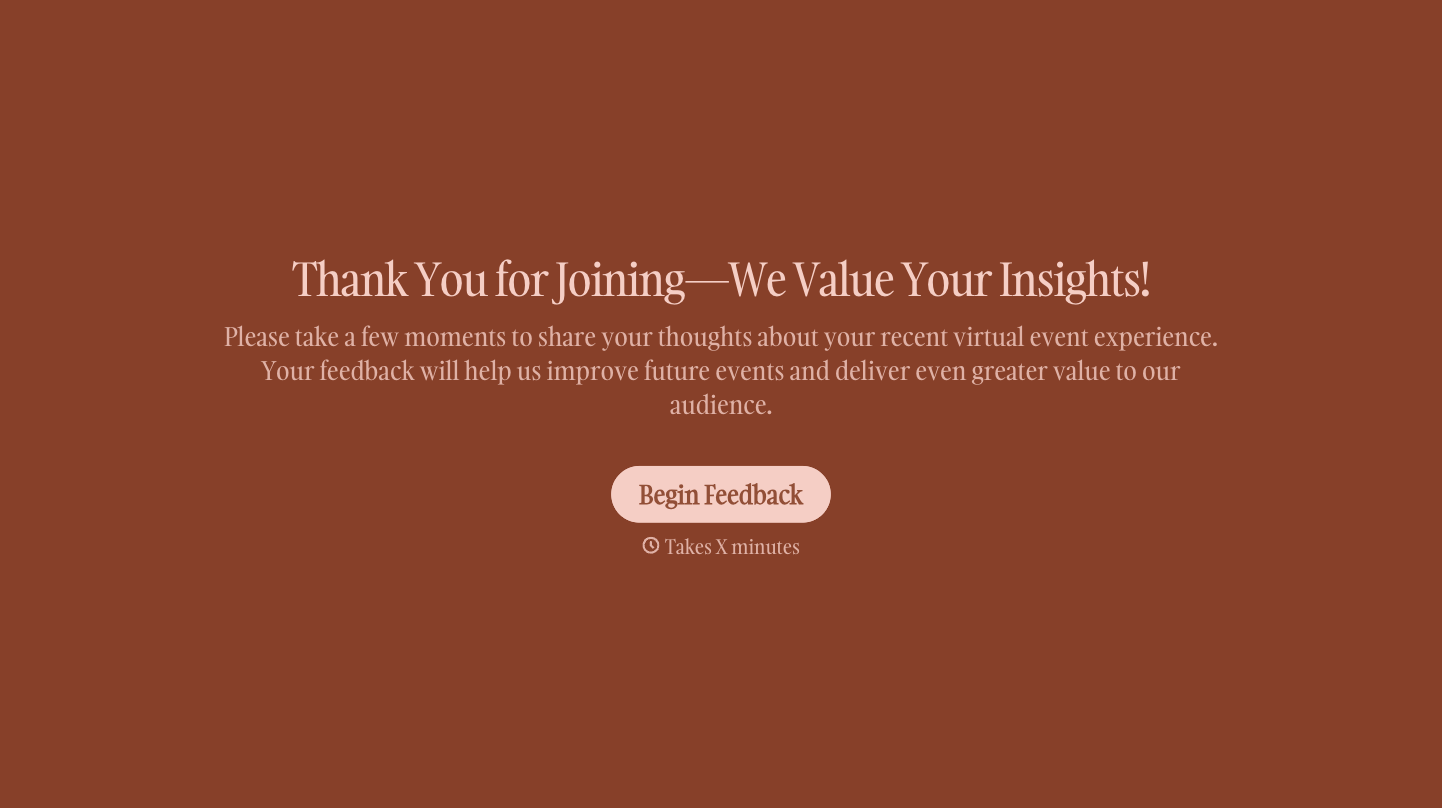
With Typeform, you can customize everything
Change text, colors, and even logos to match the look and feel of your brand. Then embed forms smoothly onto web and email.
Make forms feel effortless to fill out. Pace questions, call people by their name, and adapt the flow based on the data they share.
Stay efficient by connecting forms to your workflow. Typeform integrates with 300+ tools including Slack, Zapier, and HubSpot.


