Police incident report form template
Stop chasing down incident details across phone calls, sticky notes, and a generic inbox nobody checks fast enough. Collect a complete account the moment something happens, then route it straight to the right desk so nothing sits in limbo.



Incidents rarely get reported the same way twice. Someone calls the non-emergency line and leaves half the story with dispatch, someone else walks up to the front desk without their case number, and a third person emails a blurry photo with no address attached. By the time a report actually needs action, someone's calling the reporter back just to fill in what should've been asked the first time.
Typeform's police incident report form gets the full picture up front. Ask for what you actually need, reporter's name and contact info, date, time, and location, type of incident, and use conditional logic to branch from there. A theft report can surface follow-up questions about stolen items and their value; a traffic incident can jump straight to vehicle and witness details, instead of showing every reporter the same generic form regardless of what they're reporting. Flag urgency early so anything that can't wait doesn't sit in a queue with everything else.
Every report lands in one dashboard instead of a stack of paper and a scattered inbox. Typeform doesn't plug natively into a records management system, but connect the form through Zapier or a webhook and a new submission can open a case, notify the assigned desk, or log straight into your RMS, no re-keying anything by hand. Ask for evidence up front, and whoever picks up the case starts with photos and details already attached instead of tracking them down after the fact.
A police incident report form is an online form that collects the details of an incident, who's reporting it, what happened, when and where, directly from the person reporting it, before it's logged as an official report. Instead of relying on a phone call or an in-person visit to capture everything correctly, the reporter fills in the details themselves, and that information flows into your systems in a consistent format every time.
A phone call or a walk-in works, but it depends on whoever's taking notes catching every detail in the moment, and non-emergency lines aren't always answered right away. A form removes that bottleneck. The reporter can submit a full account whenever the incident happens, day or night, and nothing depends on how busy the front desk is at that particular hour.
Capture what a case actually needs to move forward, not just a name and a phone number:
- Reporter's name, phone number, and email
- Date, time, and location of the incident
- Type of incident and a description of what happened
- Names of anyone else involved or any witnesses
- Photos or other supporting evidence
- Whether the reporter wants to be contacted for follow-up
Not on its own. A form submission is information the reporter has provided, it isn't a filed report until someone on your end reviews it and assigns it a case number. Connect the form to your records system through Zapier or a webhook, and a new submission can trigger a case to be opened automatically, but a person still confirms the details before it becomes official.
Yes. Add a file upload question and reporters can attach photos, videos, or documents as part of the same submission, no separate email thread required. Pair it with conditional logic so the upload only appears for incident types where evidence is likely, like property damage or theft.
Get inspired by relevant templates and categories
3200+ Templates, 300+ Integrations
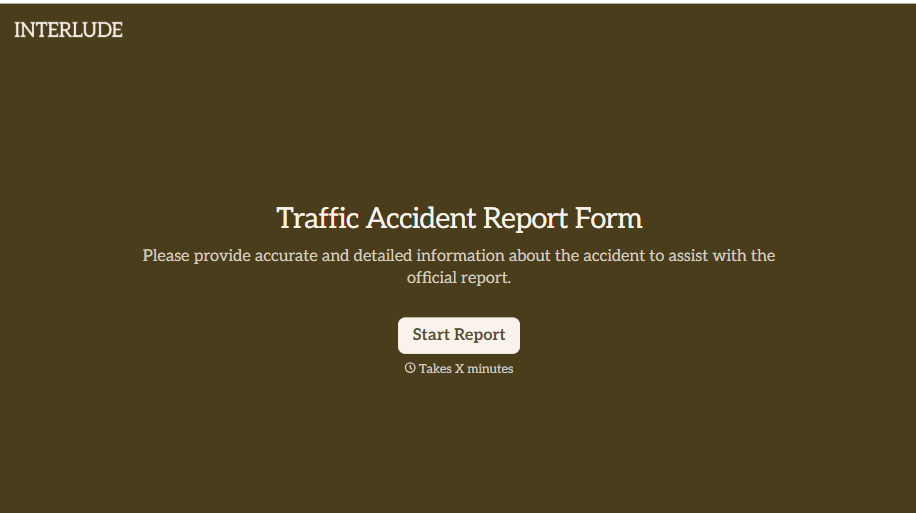
Traffic Accident Report Form
A phone call to a supervisor from the side of the road isn't the kind of record an insurance claim can be built on. Collect the accident details, the other party's information, and photos of the scene before memory starts to fade, so a claim doesn't sit unfiled for days waiting on someone to write it up.
View template
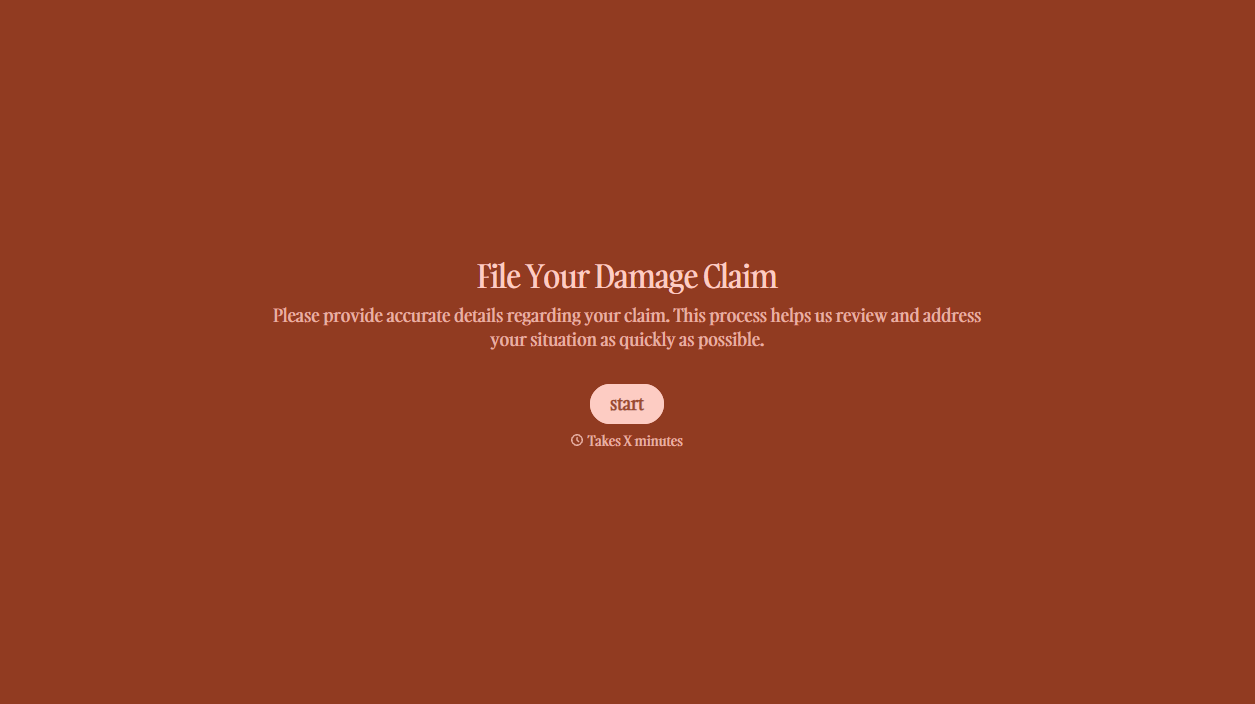




With Typeform, you can customize everything
Change text, colors, and even logos to match the look and feel of your brand. Then embed forms smoothly onto web and email.
Make forms feel effortless to fill out. Pace questions, call people by their name, and adapt the flow based on the data they share.
Stay efficient by connecting forms to your workflow. Typeform integrates with 300+ tools including Slack, Zapier, and HubSpot.


