Project Charter Form Template
Define your project's purpose, scope, and success criteria before a single task gets assigned.



Projects that start without a charter tend to drift. The charter is the agreement between the project team and the sponsoring organization on what's being done, why it matters, what success looks like, and who's responsible. This form captures that agreement.
The template covers the project name and sponsor, the problem or opportunity being addressed, the project objectives, the in-scope and out-of-scope boundaries, key deliverables, milestones and timeline, the project team and decision authority, budget summary, key risks, and the sponsor's approval signature.
A signed charter doesn't prevent scope changes — but it creates a shared understanding that makes changes visible and deliberate rather than accidental.
A document that formally authorizes a project, defines its objectives and scope, identifies the project manager's authority, and establishes the basis for all future project decisions. It's signed by the project sponsor.
The project manager develops it, typically in collaboration with the project sponsor and key stakeholders. The sponsor reviews and signs it to authorize the work.
Objectives describe what the project is trying to achieve — the desired outcomes. Scope describes the boundaries — what work will and won't be done to achieve those objectives. Both are essential.
Detailed enough to create alignment, brief enough to be read. A charter that requires 30 pages to explain the project usually signals unclear thinking. Aim for 1 to 3 pages of clear, specific language.
Only if the fundamental parameters of the project change — objective, sponsor, or significant scope shifts. Minor adjustments go through change management, not charter revision.
Get inspired by relevant templates and categories
3200+ Templates, 300+ Integrations




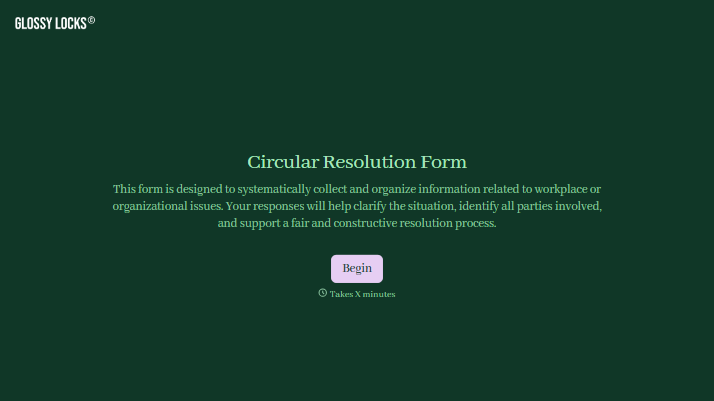
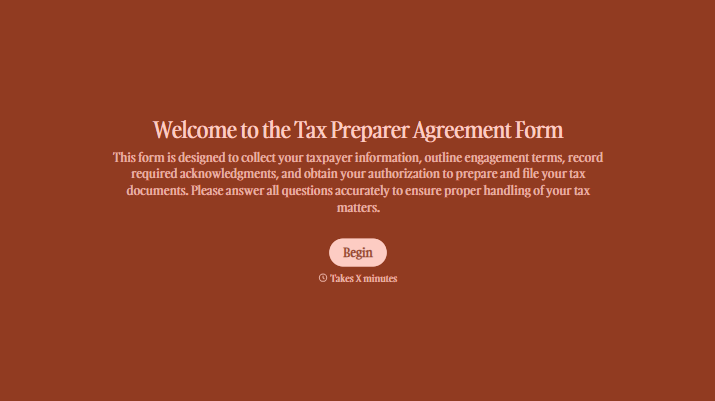
With Typeform, you can customize everything
Change text, colors, and even logos to match the look and feel of your brand. Then embed forms smoothly onto web and email.
Make forms feel effortless to fill out. Pace questions, call people by their name, and adapt the flow based on the data they share.
Stay efficient by connecting forms to your workflow. Typeform integrates with 300+ tools including Slack, Zapier, and HubSpot.


