Property Release Form Template
Using images or footage of private property for commercial purposes requires documented consent from the property owner. A clear property release form handles that.



Photographers, filmmakers, and marketing teams regularly capture images of buildings, interiors, and landscapes. What's less regularly handled: the legal paperwork. Using images of private property for commercial purposes without a property release can expose you to intellectual property and property rights claims — even if the shoot was permitted at the time.
This property release form template documents the property owner's consent to use images or footage of their property in specified contexts. It covers the scope of permitted use, the duration, and any compensation involved, giving both parties a clear record of what was agreed to before the images are published or distributed.
Customize the usage terms for your specific production or campaign, collect digital acknowledgment from the property owner, and keep a complete archive of all releases.
A property release form is a legal document in which a property owner consents to the use of images or footage of their property for commercial or editorial purposes. It specifies the permitted uses, duration, geographic scope, and any compensation involved.
Images of private property used in commercial contexts without consent can trigger legal claims from property owners. A property release documents the owner's agreement and protects the photographer, production company, or brand from disputes after the fact.
A complete property release addresses the scope and terms of consent clearly. Consider including:
- Property owner's full name and contact information
- Property address or description
- Date(s) of the shoot
- Permitted uses of images (advertising, editorial, social media, commercial print)
- Duration and geographic territory of the consent
- Whether compensation is provided and the amount
It depends on the use and jurisdiction. Generally, images of private property used in commercial advertising require a release. Editorial use is often exempt, but the line isn't always clear. Consult a legal professional familiar with media and intellectual property law in your region before using property images commercially without a release.
Specify this explicitly in the form. If your shoot covers both interior and exterior, the release should state that clearly. Some property owners may consent to exterior use but not interior — conditional logic lets you surface specific consent questions for each location type within the same form.
Get inspired by relevant templates and categories
3200+ Templates, 300+ Integrations

Bank Reference Form
A reference request faxed to a bank branch and left sitting in a queue for weeks isn't the kind of turnaround a landlord or business can wait on. Collect the applicant's signed authorization and the specific details you need confirmed before the request even reaches the bank, so a decision isn't stuck behind a letter that hasn't come back yet.
View template

Bar Inventory Form
A bottle count eyeballed at the end of a shift and scrawled on a paper sheet doesn't hold up against a pour cost report that says something doesn't add up. Collect what your bar actually needs, item, count, and variance, on a schedule you can actually compare week to week.
View template

Equipment Inventory Form
Equipment that leaves a storage room in someone's arms, with no note about where it went, doesn't show up again until someone needs it and can't find it. Collect what your team actually needs, item details, condition, and who's got it, every time something moves.
View template

Maintenance Agreement Form
A maintenance plan agreed to over the phone isn't a contract your service team can actually work from, especially when nobody's sure whether the twice-a-year tune-up was part of the deal. Collect the equipment covered, service frequency, and a signed agreement before the first visit, so your team isn't guessing at scope once they're on-site.
View template

Incentive Claim Form
A rebate claim mailed in with a stapled stack of receipts isn't the kind of paperwork that gets processed quickly, especially when a required serial number turns out to be missing from page three. Collect proof of purchase, product details, and participant information upfront, so a claim doesn't bounce back for a missing document weeks later.
View template
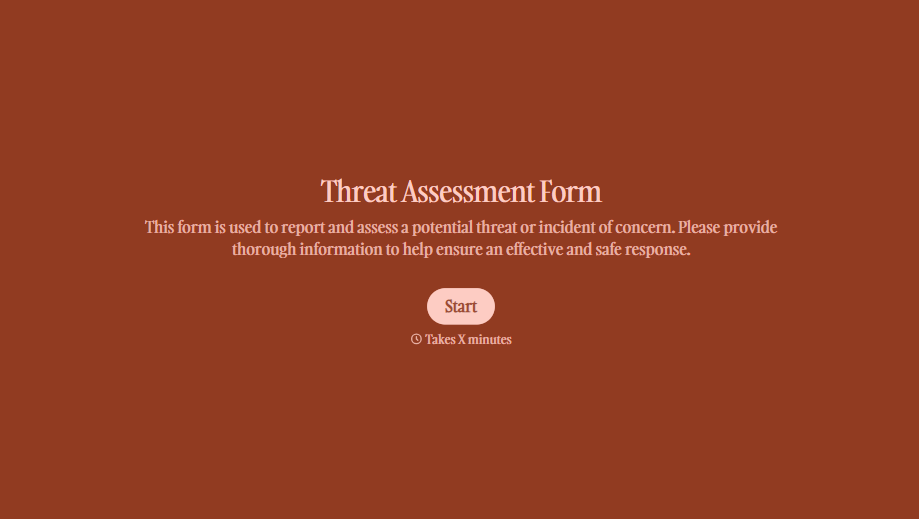
Threat Assessment Form
A concerning comment that gets passed from a teacher to a counselor to whoever's free that period loses detail with every retelling. Collect what your team actually needs, what was observed or reported, who was involved, and when, before an important detail gets dropped along the way.
View template
With Typeform, you can customize everything
Change text, colors, and even logos to match the look and feel of your brand. Then embed forms smoothly onto web and email.
Make forms feel effortless to fill out. Pace questions, call people by their name, and adapt the flow based on the data they share.
Stay efficient by connecting forms to your workflow. Typeform integrates with 300+ tools including Slack, Zapier, and HubSpot.


