Receptionist Job Application Form Template
Collect complete applications for receptionist roles so your hiring process starts organized.



Receptionist hiring moves quickly, and when applications come in through email, screening gets messy. CVs in inconsistent formats, missing contact details, and no structured way to compare candidates against role requirements slow down the process. The candidates who format their email well aren't necessarily the best fit for the role.
A Typeform receptionist job application form standardizes every submission. Communication skills, software experience, availability, and a sense of their working style come in organized, comparable form. Conditional logic can branch based on experience level, asking candidates with previous reception experience about specific systems they've used while keeping the form straightforward for entry-level applicants.
Post the form link in your job listing, set up an email notification so you're alerted to each new submission, and start every screening conversation with a complete picture of the candidate.
A receptionist job application form is a structured digital form that collects relevant experience, skills, and availability from candidates applying for a front-of-house or administrative support role. It standardizes submissions for easier screening.
Reception roles require specific interpersonal and technical skills that a CV alone may not surface clearly. A targeted application form lets you ask questions directly relevant to the role and compare all candidates on the same basis.
Focus on the skills and experience most relevant to the role:
- Full name and contact details
- Previous experience in reception, customer service, or administrative roles
- Proficiency with relevant software (phone systems, booking tools, Microsoft Office)
- Written communication sample (brief response to a common reception scenario)
- Availability and notice period
- Languages spoken (if relevant to the business)
- Why they're interested in this specific role
Include an open-text question that presents a simple scenario — like handling an upset caller or managing a double-booked meeting room — and ask how they would respond. This gives you a writing sample and a window into their judgment, both of which matter for a reception role.
Stating the salary range in the form introduction and asking applicants to confirm they're comfortable with it filters out mismatches early and saves time on both sides. If the salary is negotiable, include a salary expectations field to understand where candidates' expectations sit.
Get inspired by relevant templates and categories
3200+ Templates, 300+ Integrations

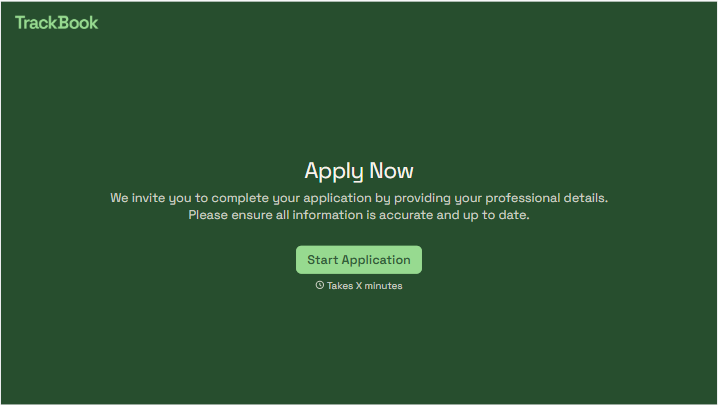
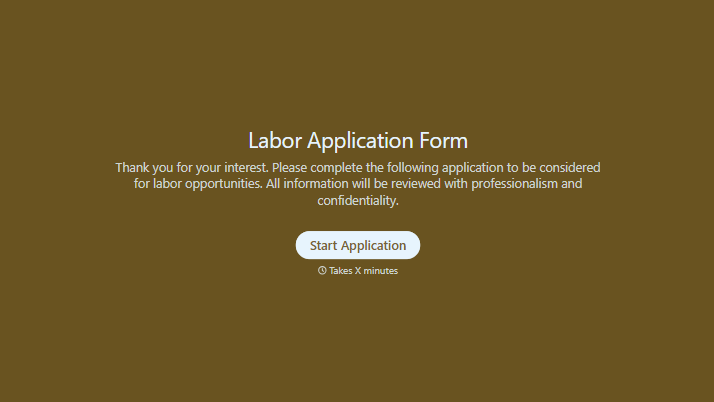
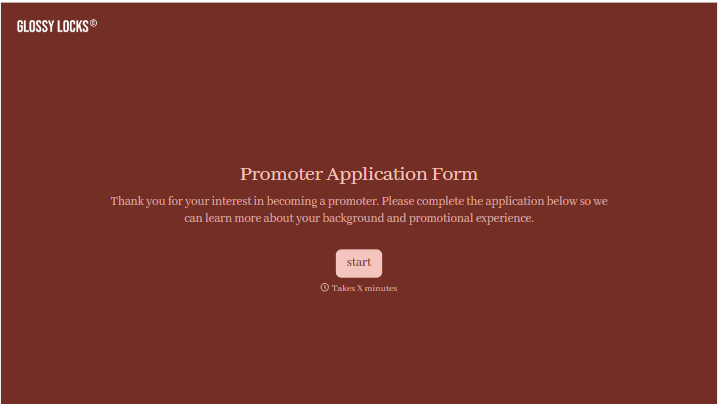
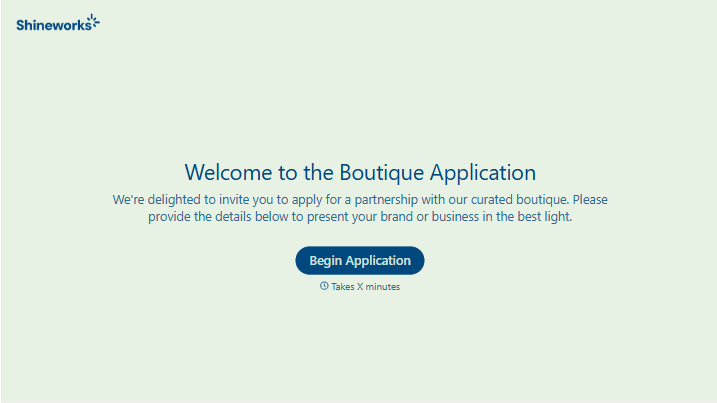
With Typeform, you can customize everything
Change text, colors, and even logos to match the look and feel of your brand. Then embed forms smoothly onto web and email.
Make forms feel effortless to fill out. Pace questions, call people by their name, and adapt the flow based on the data they share.
Stay efficient by connecting forms to your workflow. Typeform integrates with 300+ tools including Slack, Zapier, and HubSpot.


