Recruitment Requisition Form Template
Start every hire with a clear, approved requisition — so recruiting knows exactly who you need.



Hiring without a completed requisition wastes everyone's time. This form ensures that every new position or backfill request comes with the information recruiting needs to find the right person — role details, budget, timeline, and the business justification — before sourcing begins.
The template covers the hiring manager's name and department, the job title and level, whether it's a new headcount or replacement, the primary responsibilities, required qualifications, the budgeted salary range, the target start date, and the approval chain. Attachments can be added for job descriptions or org charts.
With a structured requisition process, recruiting teams can prioritize intelligently, hiring managers get faster results, and finance has clear visibility into headcount commitments.
Job title, department, manager, new or replacement headcount, key responsibilities, required experience and qualifications, budgeted compensation range, expected start date, and approval sign-off. A job description attachment helps recruiters get started faster.
Typically the hiring manager's direct supervisor and a finance or HR representative, especially for new headcount. Define approval thresholds in your policy — senior roles or new positions may require executive sign-off.
Before any recruiting activity begins — before posting the role, engaging an agency, or briefing an internal recruiter. The requisition is the start of the hiring process, not an afterthought.
Yes. Include a file upload field for job description documents. This saves the hiring manager from re-entering details and gives recruiters ready-to-use job posting language.
Connect the form to a spreadsheet or your ATS. Each submission creates a record that HR and finance can use to monitor open headcount, track time-to-fill, and manage budget exposure.
Get inspired by relevant templates and categories
3200+ Templates, 300+ Integrations
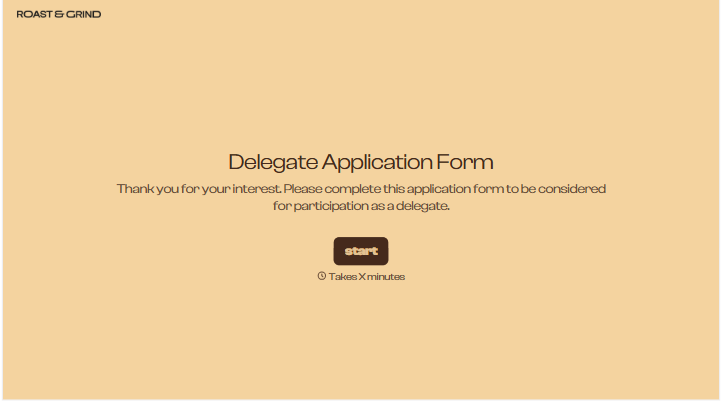
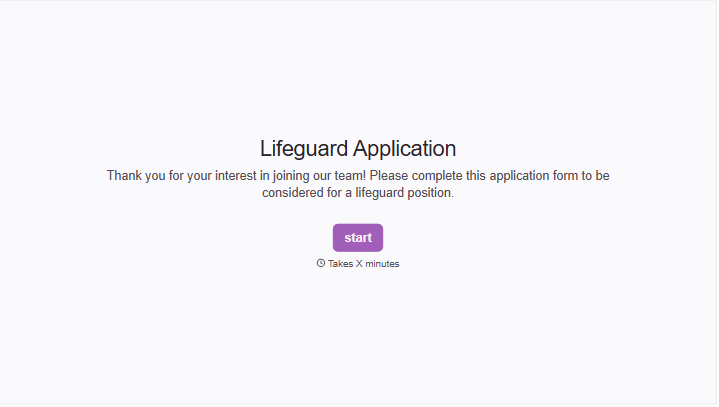
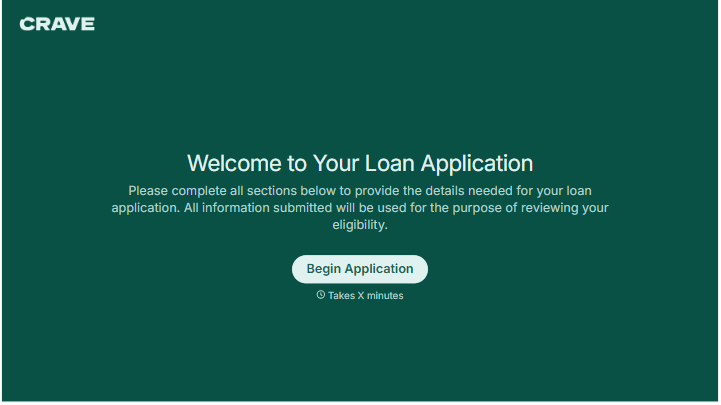
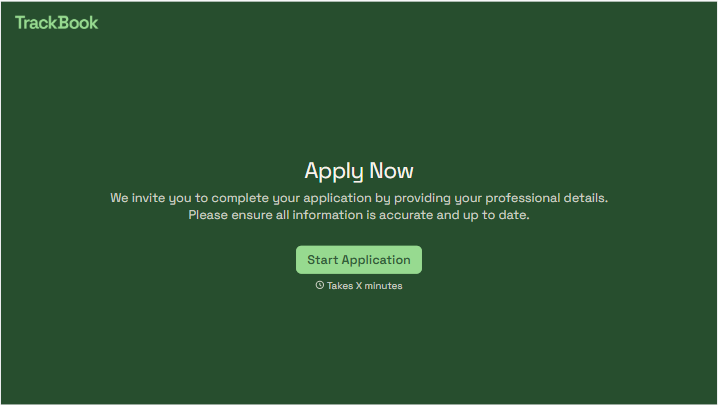
With Typeform, you can customize everything
Change text, colors, and even logos to match the look and feel of your brand. Then embed forms smoothly onto web and email.
Make forms feel effortless to fill out. Pace questions, call people by their name, and adapt the flow based on the data they share.
Stay efficient by connecting forms to your workflow. Typeform integrates with 300+ tools including Slack, Zapier, and HubSpot.


