Resume collection form template
Collect every resume in one place with the same details attached to each, so you can compare candidates instead of digging through your inbox.



Resumes sent to a shared inbox pile up as loose attachments with no structure. One candidate links a portfolio, another forgets a phone number, a third buries the role they're after inside a cover letter. Comparing them means opening every file and hunting for the same key details you need to qualify candidates, over and over. Typeform's resume collection form gathers the resume and the key details in one place, so every applicant arrives in the same shape.
Candidates upload their resume, share their contact details, and answer a few questions about the role and their experience, all in one submission. Conditional logic adapts the form to the applicant, so someone applying for a senior role gets asked about leadership experience, while an entry-level candidate skips ahead. Every submission comes back with the same fields filled in.
With each resume attached to the same set of details, you can scan, sort, and shortlist from one place instead of a cluttered inbox. The details you'd normally hunt down are already there, so screening starts the moment applications come in.
A resume collection form is an online form recruiters and hiring teams use to gather candidate resumes and application details in one place. It captures each applicant's contact information, the position they're after, and the resume file itself in one submission. Recruiters and hiring teams that field applications regularly, can keep every candidate side by side and easy to compare instead of scattered across an inbox.
Without a resume collection form, you're relying on each candidate to email the right details, and they often don't. One leaves off their notice period, another sends a resume with no mention of the role, and you're back in your inbox asking follow-ups before you can even screen them. A resume collection form asks everyone the same questions up front, so each application lands in your inbox, complete and ready to review.
Capture what you need to screen a candidate:
- Name and contact details
- The role they're applying for
- The resume file itself
- Years and area of experience
- Portfolio or LinkedIn links
Candidates can upload their resume as a PDF or document up to 10MB each, using File Upload on paid Typeform plans. Every resume arrives attached to the candidate's answers, so you get the file and their details together, not in separate emails.
Yes. You can use conditional logic to route applicants based on the role they choose, so each candidate answers questions tailored to that position. Their responses stay tagged to the role, so you can filter one opening's applicants from another or build a talent pool you can return to later.
Get inspired by relevant templates and categories
3200+ Templates, 300+ Integrations
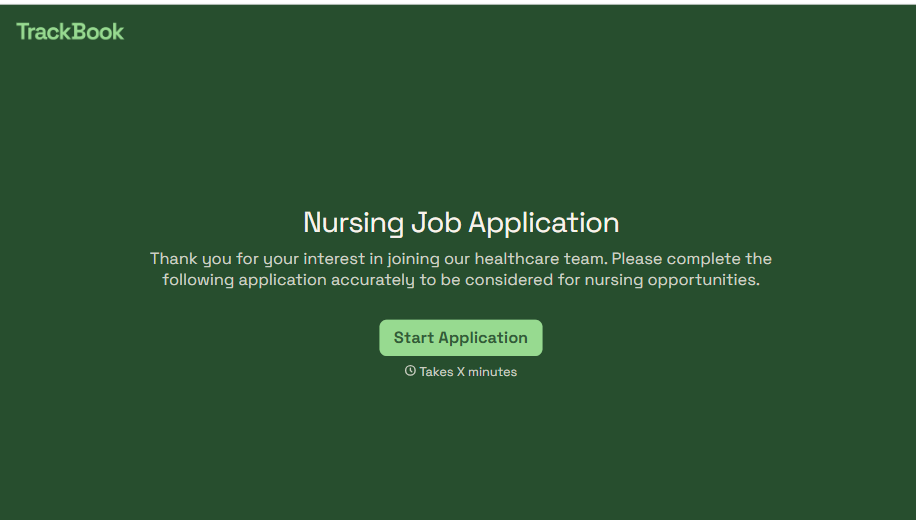
Nursing Job Application Form
A generic job application that doesn't ask for a license number isn't a nursing application, it's a formality a recruiter has to follow up on before they can even screen the candidate. Collect license and certification details, specialty experience, and availability before the resume gets reviewed, so recruiters aren't chasing down credentials mid-process.
View template

Work From Home Request Form
A Slack message asking to work from home on Thursday isn't a request anyone can track, especially once the same employee has asked five different ways over a month. Collect the request type, dates or schedule, and manager approval in one place, so HR isn't reconstructing who's working where from a scattered inbox.
View template

Return of Property Form
A property checklist stapled to an exit interview packet isn't a record anyone can rely on when a laptop turns up missing three weeks later. Collect itemized equipment details, condition at return, and a signed acknowledgment before an employee's last day, so IT isn't chasing down a laptop that already walked out the door.
View template

Early Retirement Form
A retirement mentioned to a manager in conversation doesn't give HR anything to actually process, and if there's an incentive deadline attached, the date that conversation happened can matter more than anyone realized at the time. Collect what your HR team actually needs, employee information, requested date, and benefit elections, before a window closes.
View template
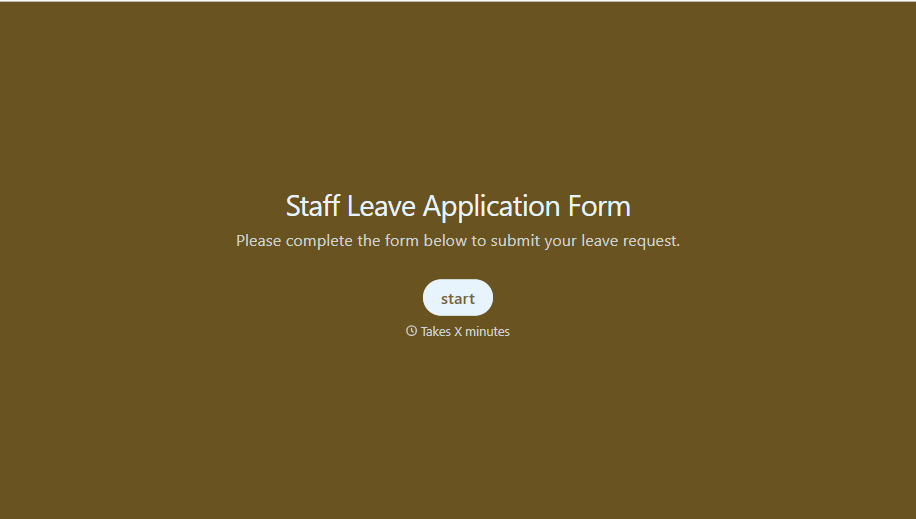
Staff Leave Application Form
A vacation request approved with a thumbs-up emoji in Slack isn't the kind of record payroll can work from when it's time to reconcile someone's leave balance. Collect the leave type, dates, and manager approval in one place, so a team doesn't accidentally double-book someone's time off.
View template
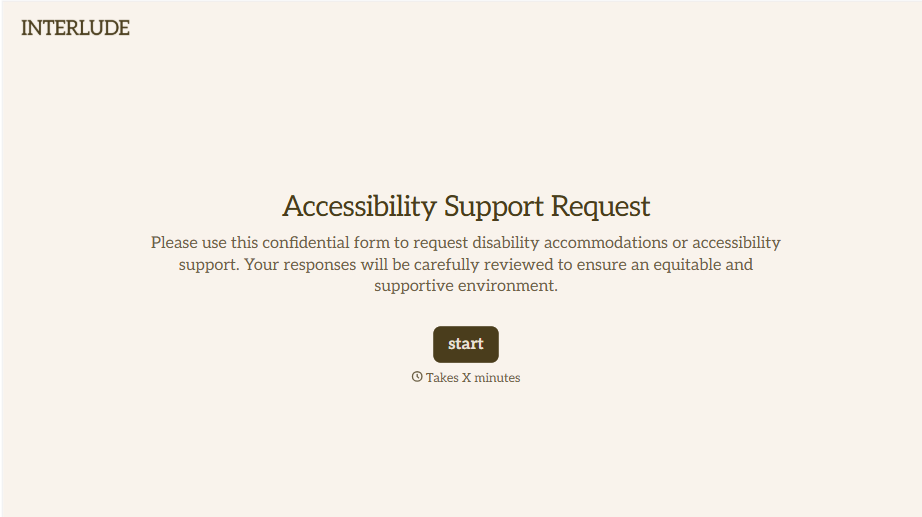
Disability Accommodation Request Form
A quiet word to a manager about needing a different desk setup isn't the kind of request that starts a documented process. Collect the specific accommodation needed and any supporting information before a decision gets made informally, so a request doesn't get lost between a hallway conversation and HR's desk.
View template
With Typeform, you can customize everything
Change text, colors, and even logos to match the look and feel of your brand. Then embed forms smoothly onto web and email.
Make forms feel effortless to fill out. Pace questions, call people by their name, and adapt the flow based on the data they share.
Stay efficient by connecting forms to your workflow. Typeform integrates with 300+ tools including Slack, Zapier, and HubSpot.


