School Enrollment Form Template
Enroll students without the paper avalanche. Give families a form that's fast, clear, and complete.



Enrollment season at any school is a logistical marathon. Families are filling out forms while juggling work schedules and multiple children. Administrative staff are processing stacks of paperwork while fielding calls from parents who can't find page 3 of the packet. Documents get lost, fields get skipped, and by the time classes start, someone's emergency contact is still listed as "see attached" — with nothing attached.
This school enrollment form template digitizes the entire process into a single, guided flow. It captures student information, parent or guardian details, medical history, emergency contacts, previous school records, and program preferences — all presented one question at a time so families aren't overwhelmed by a 10-page packet. Conditional logic adapts the form based on grade level, new vs. returning student status, and special program enrollment (gifted, ESL, special education).
Share the link on your school website, email it to prospective families, or include it in your welcome packet. Connect it to your student information system through integrations so enrollment data populates student records automatically. No re-keying required.
A school enrollment form is an official document that parents or guardians complete to register a student at an educational institution. It collects the student's personal and demographic information, parent contact details, health and immunization records, previous school history, and program or course preferences. It initiates the student's official record within the school's administrative system.
Digital enrollment forms have higher completion rates because parents can fill them out at their convenience from any device. Required fields prevent incomplete submissions. No more chasing down missing immunization records or unsigned consent forms. Data flows directly into your student information system, eliminating manual data entry and the errors that come with it. And you can track enrollment progress in real time instead of counting paper packets.
- Student's full legal name, date of birth, and gender
- Home address and district verification (if applicable)
- Parent or guardian names, relationship, and contact information
- Emergency contacts (minimum 2, not listed as parents)
- Medical conditions, allergies, medications, and immunization records
- Previous school attended and most recent grade completed
Use conditional logic to surface additional sections when a parent indicates their child has an IEP (Individualized Education Program), 504 plan, or requires specialized services. Collect information about current accommodations, therapies, and support services, and include a file upload field for existing documentation. Route these submissions to your special education coordinator in addition to the standard enrollment team so services can be arranged before the student's first day.
Display enrollment windows clearly on the form. Open date, priority deadline, and final deadline. If your school has capacity limits by grade, use conditional logic to show available grades and waitlist options for grades that are full. Set the form to close automatically when the enrollment period ends, and use the thank-you screen to communicate next steps: orientation dates, document verification appointments, and first-day logistics.
Get inspired by relevant templates and categories
3200+ Templates, 300+ Integrations
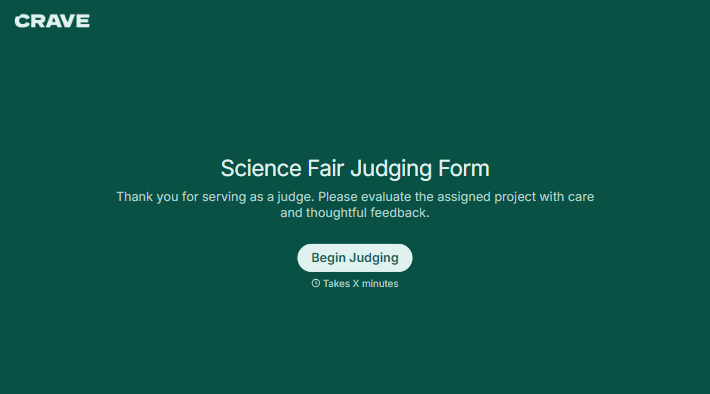
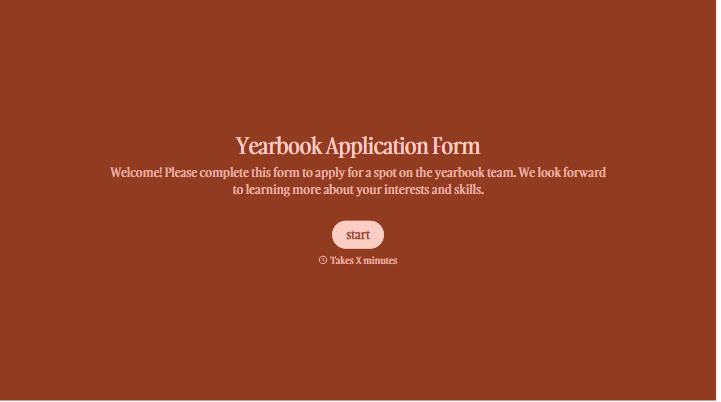
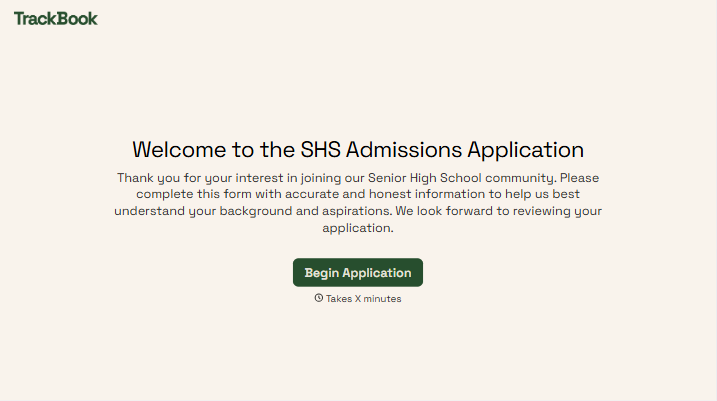
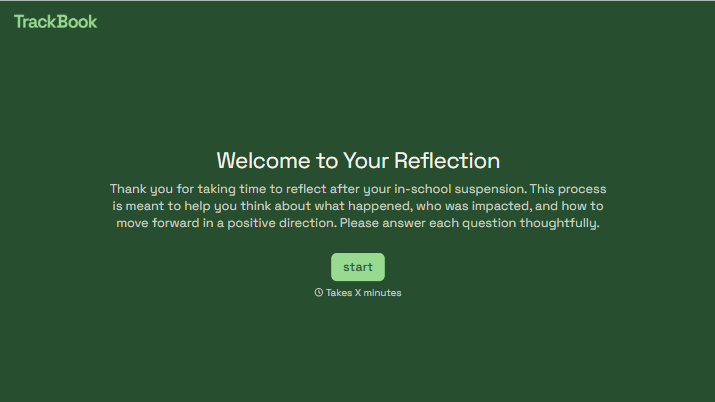
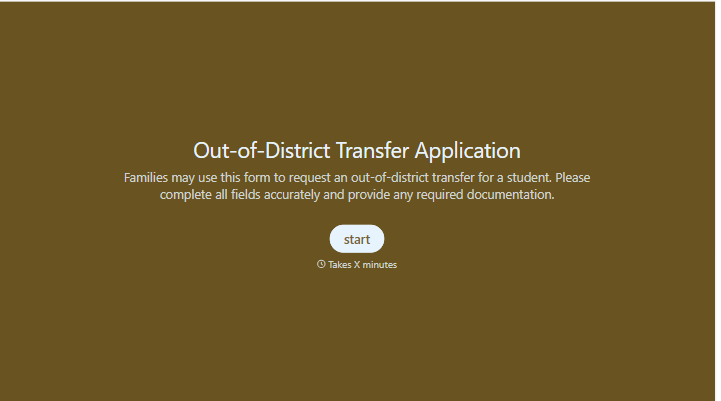
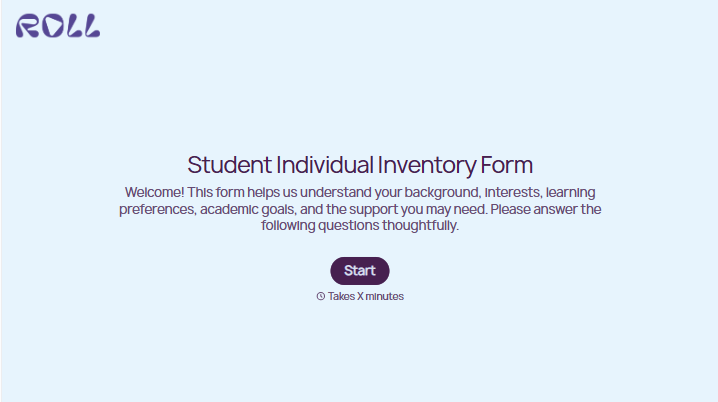
With Typeform, you can customize everything
Change text, colors, and even logos to match the look and feel of your brand. Then embed forms smoothly onto web and email.
Make forms feel effortless to fill out. Pace questions, call people by their name, and adapt the flow based on the data they share.
Stay efficient by connecting forms to your workflow. Typeform integrates with 300+ tools including Slack, Zapier, and HubSpot.


