Security Guard Job Application Form Template
Collect complete applications from security guard candidates without chasing missing information.



Security guard roles come with specific requirements — licensing, certifications, physical fitness, background check consent, availability for shifts. When those details arrive through a generic job application or an uploaded resume, you spend time hunting for information that should have been captured upfront.
A dedicated job application form fixes that. Typeform's security guard application template is built around the specific qualifications and disclosures your hiring process requires. Conditional logic adapts the form based on candidate responses — for example, someone with an existing security license gets different follow-up questions than someone who is newly certified. You get complete, usable information from every applicant without a single follow-up email.
Add your company branding, adjust the required certifications and shifts, and connect to your ATS or spreadsheet to keep applications organized from day one.
A security guard job application form is a structured questionnaire that collects the specific information needed to evaluate candidates for security roles. It goes beyond a standard resume by capturing licensing status, certifications, shift availability, physical requirements consent, and background check authorization.
Because security roles have requirements that generic application forms don't capture well. A purpose-built form ensures you collect the right compliance and qualification information from every applicant — reducing back-and-forth and helping you move the right candidates forward faster.
A strong security guard application typically includes:
- Full name, contact information, and eligibility to work
- Current security license or certification status and license number
- Type of security experience (armed, unarmed, patrol, event, etc.)
- Availability for shifts (days, nights, weekends, holidays)
- Physical fitness requirements acknowledgment
- Consent to background check and drug screening
- Previous employers and references
The form can capture license numbers and issuing authorities, which your team can verify independently through your state's licensing database. You can also add a field for candidates to upload a copy of their license directly in the form to speed up verification.
Background check consent forms have specific legal requirements that vary by jurisdiction. Collect the consent acknowledgment through the form, but make sure your background check process also provides the required written disclosures that apply in your state or country — a form field alone may not meet full legal compliance requirements.
Get inspired by relevant templates and categories
3200+ Templates, 300+ Integrations
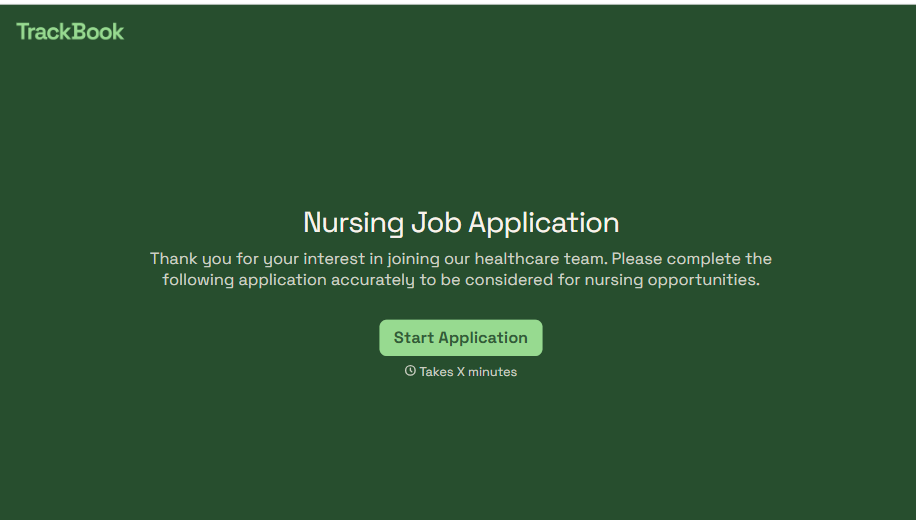
Nursing Job Application Form
A generic job application that doesn't ask for a license number isn't a nursing application, it's a formality a recruiter has to follow up on before they can even screen the candidate. Collect license and certification details, specialty experience, and availability before the resume gets reviewed, so recruiters aren't chasing down credentials mid-process.
View template
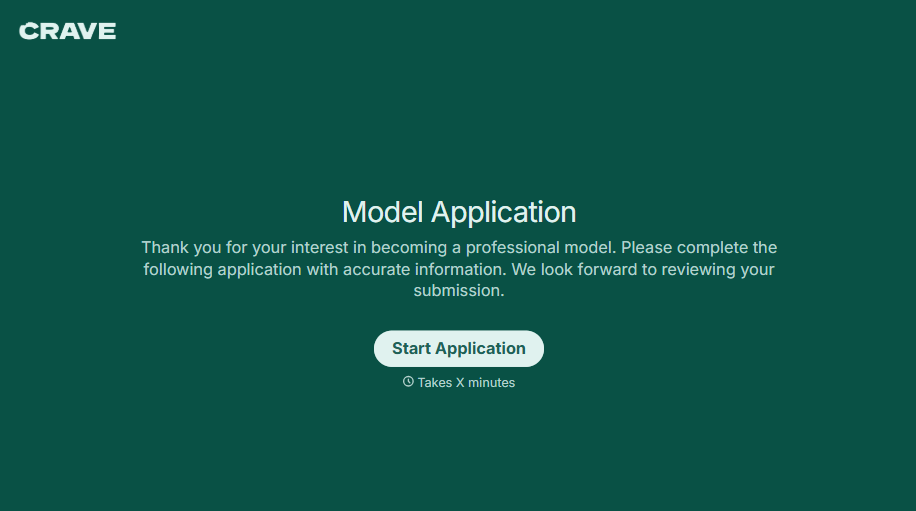
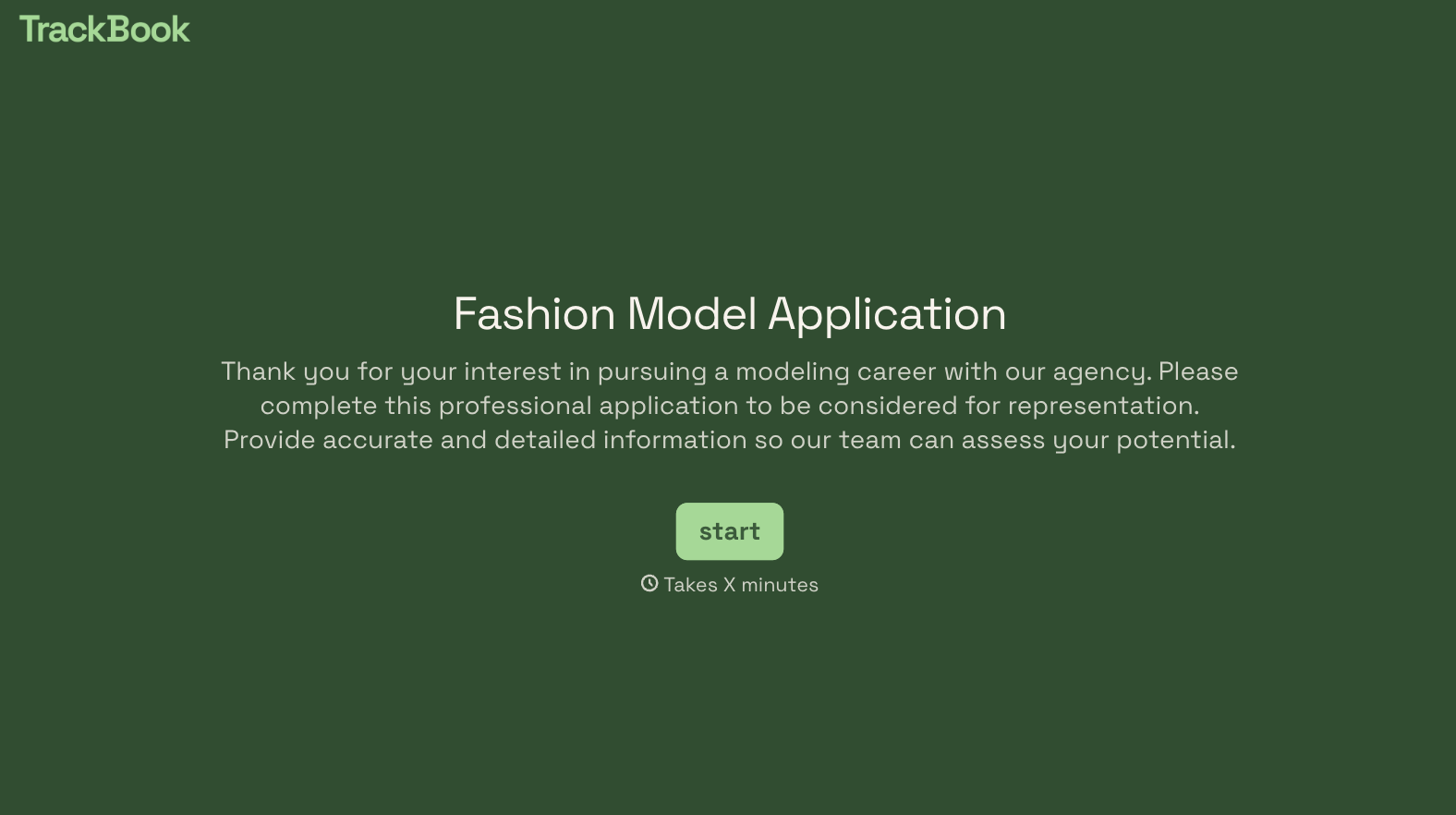
Female Model Application Form
A portfolio submitted through a DM slide doesn't give a casting team enough to actually evaluate someone, and it doesn't give the applicant much confidence about who's actually on the other end of it either. Collect what your agency actually needs, measurements, photos, and experience, through a process both sides can trust.
View template
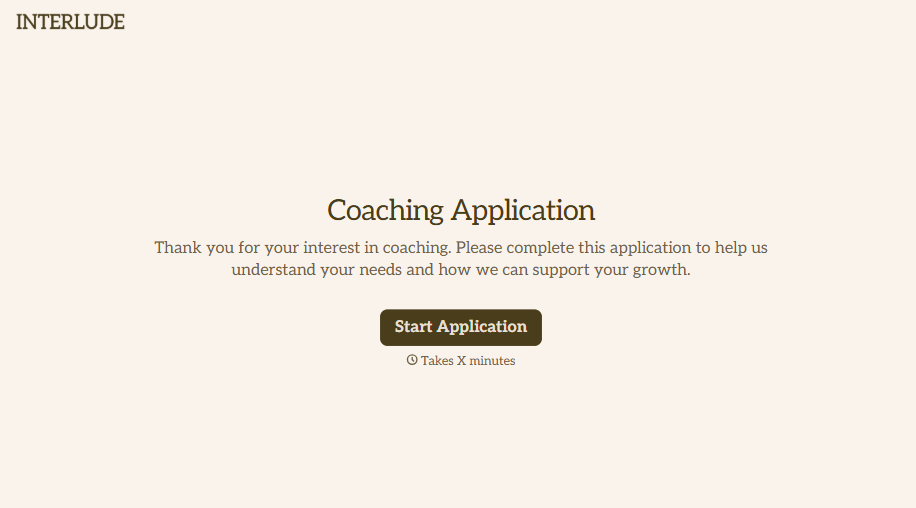
Coaching Application Form
Almost anyone can put "certified life coach" on a resume, because almost nowhere requires a license to use that title. A resume and a cover letter won't tell you whether the person you're about to hire actually has a credential behind that claim, or years of client results, or neither. Ask for the specifics upfront, not after they've already started with clients.
View template
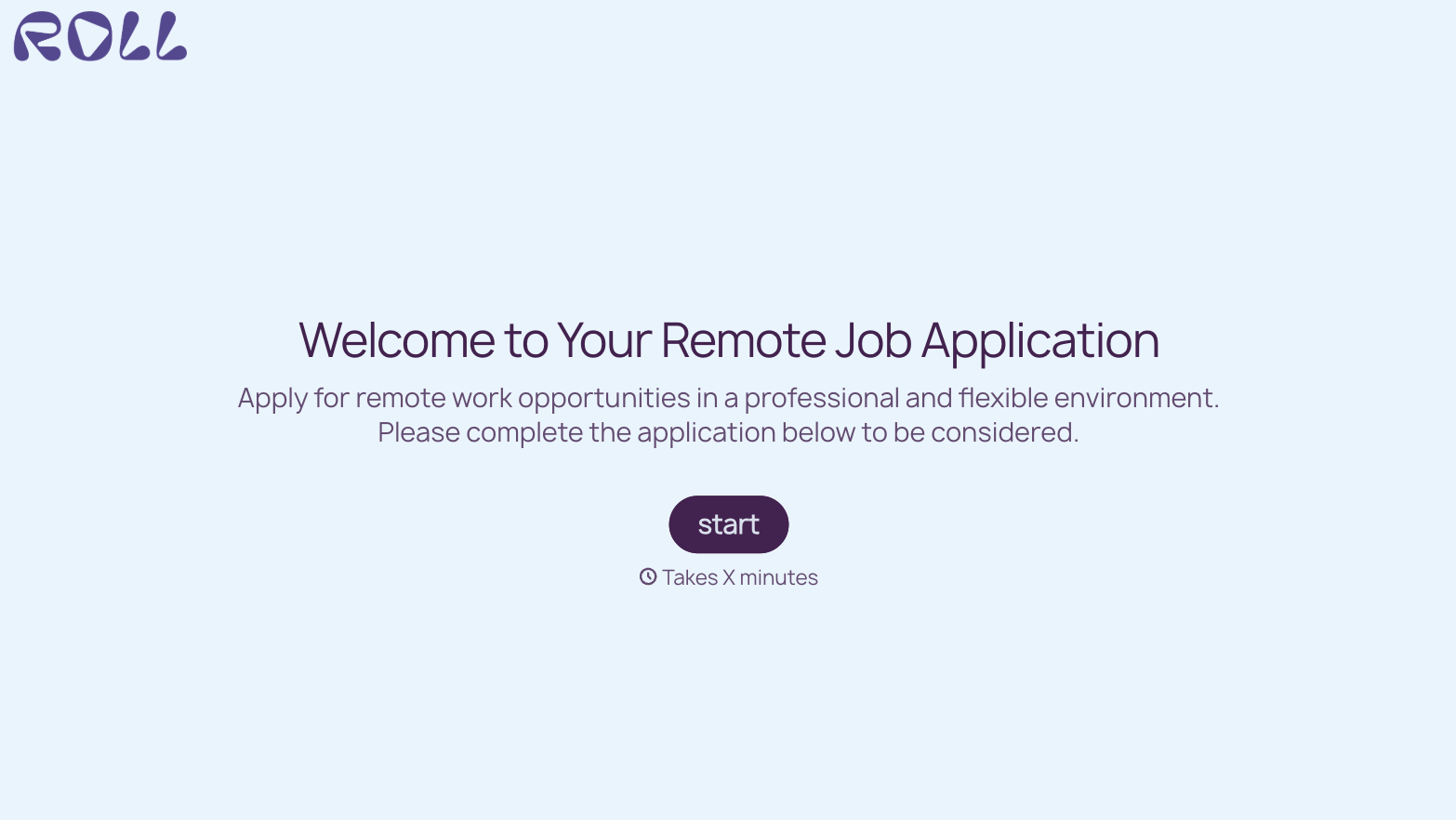
With Typeform, you can customize everything
Change text, colors, and even logos to match the look and feel of your brand. Then embed forms smoothly onto web and email.
Make forms feel effortless to fill out. Pace questions, call people by their name, and adapt the flow based on the data they share.
Stay efficient by connecting forms to your workflow. Typeform integrates with 300+ tools including Slack, Zapier, and HubSpot.


