Service Agreement Form Template
Get the scope, terms, and expectations documented before the work starts, not after the first disagreement.



Service agreements set the rules of engagement between a provider and a client. When those rules live in email threads, verbal conversations, or assumptions, disputes are inevitable. "That wasn't included in the scope" and "I thought it was" are the two most expensive sentences in business.
This service agreement form template captures everything both parties need to be aligned on before work begins. It walks through scope of services, deliverables, timeline, payment terms, and liability provisions in a structured, step-by-step flow. Conditional logic adapts based on the type of engagement — a retainer agreement surfaces different fields than a fixed-price project.
Use the completed form as the basis for your formal contract. Every submission is timestamped and stored, giving you a clear record of what was agreed from the start.
A service agreement form collects the terms and conditions under which a service provider agrees to perform work for a client. It covers scope, deliverables, timeline, compensation, liability, termination clauses, and any other provisions relevant to the engagement.
Because starting from a blank document every time leads to inconsistency and omissions. A structured form prompts both parties to address every critical term — scope boundaries, payment schedules, revision limits, and liability caps — before drafting the formal contract, which leads to fewer surprises later.
- Client's name, company, and contact information
- Service provider's name, company, and contact information
- Detailed description of services to be provided
- Project deliverables, milestones, and deadlines
- Total fee, payment schedule, and payment method
- Terms for scope changes, cancellation, and dispute resolution
No — it collects the information needed to prepare one. The completed form gives your attorney (or contract template) all the key terms in an organized format. The formal agreement should still be drafted, reviewed, and signed by both parties.
Yes. Use conditional logic to show retainer-specific fields when the engagement type is "ongoing," such as: monthly hours, rollover policies, retainer fee, and renewal terms. This keeps the same form useful for both project-based and retainer-based work.
Get inspired by relevant templates and categories
3200+ Templates, 300+ Integrations
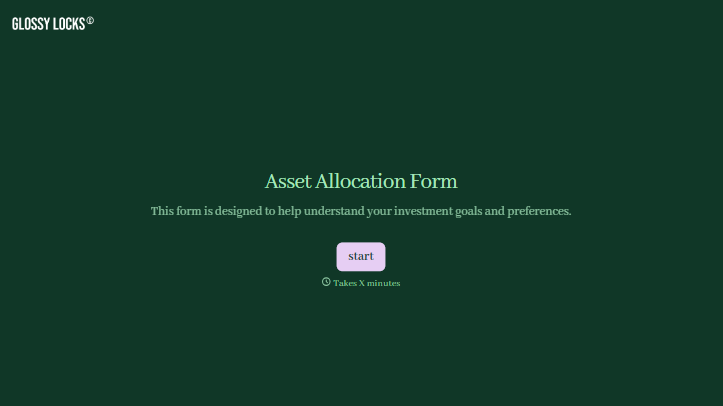
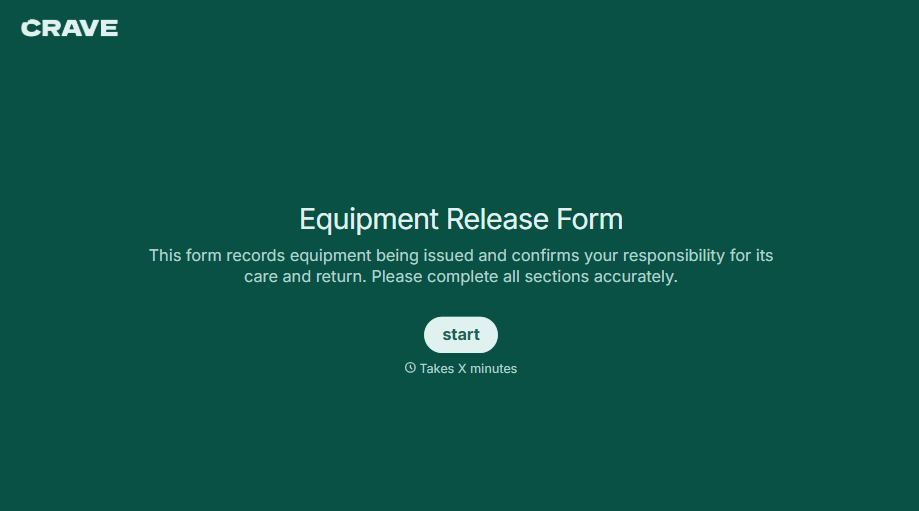
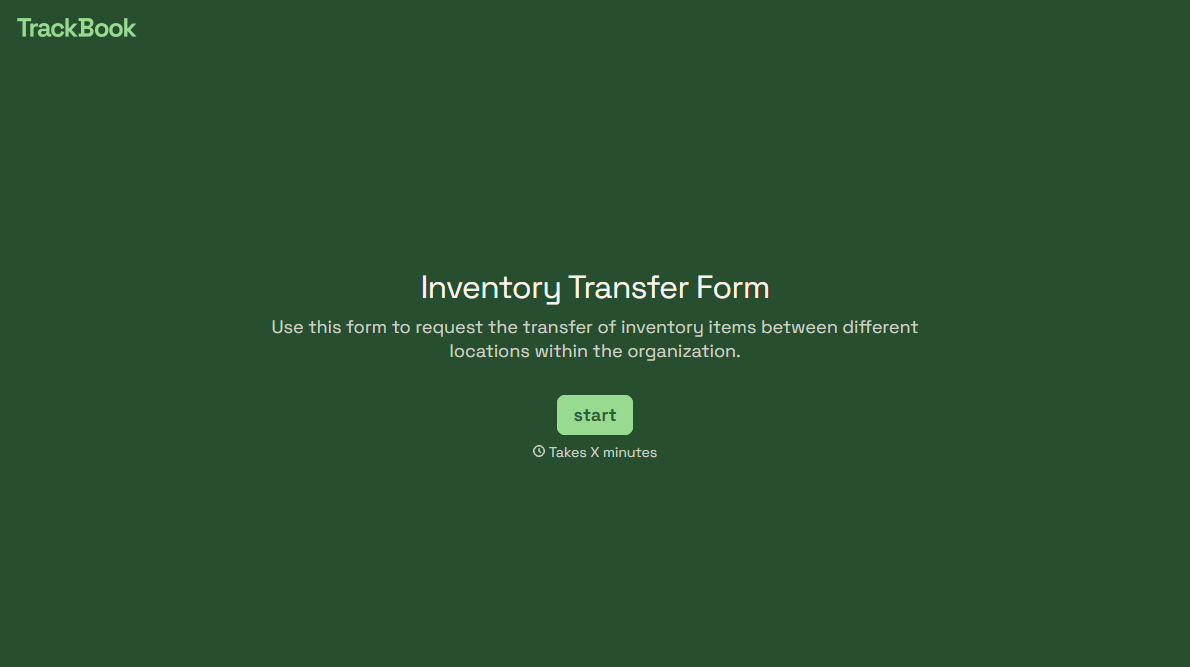
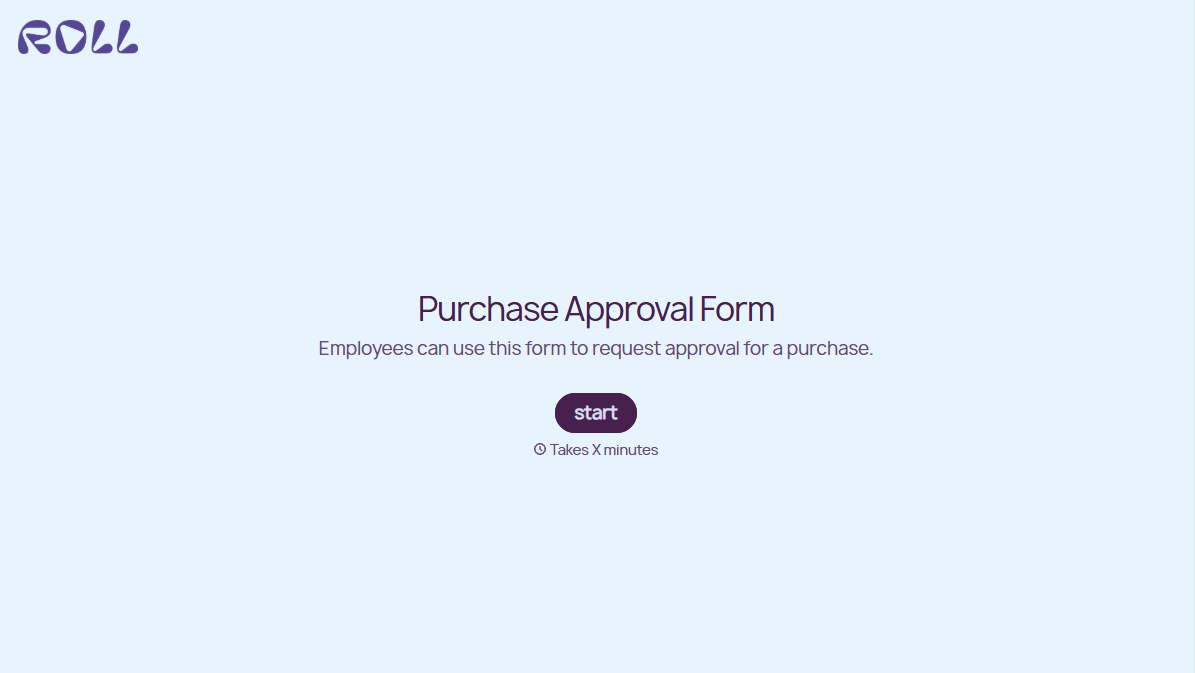
With Typeform, you can customize everything
Change text, colors, and even logos to match the look and feel of your brand. Then embed forms smoothly onto web and email.
Make forms feel effortless to fill out. Pace questions, call people by their name, and adapt the flow based on the data they share.
Stay efficient by connecting forms to your workflow. Typeform integrates with 300+ tools including Slack, Zapier, and HubSpot.


