Service report form template
Create service reports simply with an online form



Collect the information you need to monitor and measure your service reports. Ask for names, email addresses and phone numbers. You can also use drop-down menus or multiple-choice selectors to make your form easier (and more fun) to complete.
Our service report form template is completely customizable so you can add or remove the questions until you create a form that works for you.
Let’s face it, nobody likes filling in paperwork. But, completing a report is an essential task following a service. So, how can we make it easier?
Our online forms are intuitive, fun to complete and provide you with reports that you can easily store and manage.
Simply provide a link or embed the form on a webpage. Typeforms can be filled in from any device, so they can be completed wherever, whenever.
Get inspired by relevant templates and categories
3200+ Templates, 300+ Integrations
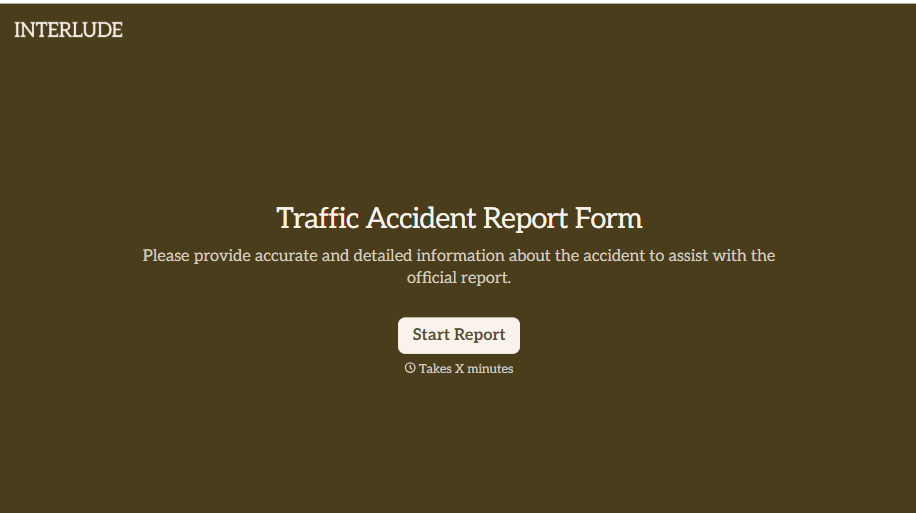
Traffic Accident Report Form
A phone call to a supervisor from the side of the road isn't the kind of record an insurance claim can be built on. Collect the accident details, the other party's information, and photos of the scene before memory starts to fade, so a claim doesn't sit unfiled for days waiting on someone to write it up.
View template


With Typeform, you can customize everything
Change text, colors, and even logos to match the look and feel of your brand. Then embed forms smoothly onto web and email.
Make forms feel effortless to fill out. Pace questions, call people by their name, and adapt the flow based on the data they share.
Stay efficient by connecting forms to your workflow. Typeform integrates with 300+ tools including Slack, Zapier, and HubSpot.


