Sickness Leave Form Template
Give staff a straightforward way to notify their employer of sick leave with all the details needed for HR records.



Every organization handles sick leave a little differently, but the goal is the same: know who's out, when, and have a record for payroll and HR. When that process runs through informal channels, records are inconsistent and managers spend time piecing together information that should be centralized.
A sickness leave notification form gives employees a simple, private way to report an absence from any device. It captures the key details in a consistent format: name, absence dates, general reason, and any information relevant to handover or coverage. Managers receive automatic notification and HR has a timestamped record from the moment the form is submitted.
Adjust the form to match your leave policy terminology, add your company branding, and share the link in your employee handbook or internal HR portal so employees know where to go when they're unwell.
It's a form used by employees to formally notify their employer of an absence due to illness. It creates a consistent record for HR, supports payroll processing, and gives managers the context they need to plan for coverage.
Informal reporting through calls or messages creates inconsistent records that make HR administration harder and create ambiguity about leave balances. A consistent form ensures every absence is documented the same way.
The form should be brief and easy to complete when someone is genuinely unwell. Key fields include:
- Employee name and department
- First day of absence and expected return date
- Type of absence (self-illness, caring for a dependent, medical appointment)
- Whether a medical certificate will be required based on your policy
- Any urgent work items that need attention during the absence
- Emergency contact for the duration of the absence (optional)
In practice, they serve the same purpose. "Sickness leave" is the more common term in British English and some Commonwealth countries, while "sick leave" is more common in American English. The form content and function are essentially the same regardless of the terminology used.
Frame it as a straightforward process that makes things easier for everyone. When employees don't have to track down a manager to call in sick and managers don't have to piece together coverage information, the process is genuinely smoother for both sides. Including a brief note in your introduction text that responses are confidential and go directly to HR also helps.
Get inspired by relevant templates and categories
3200+ Templates, 300+ Integrations
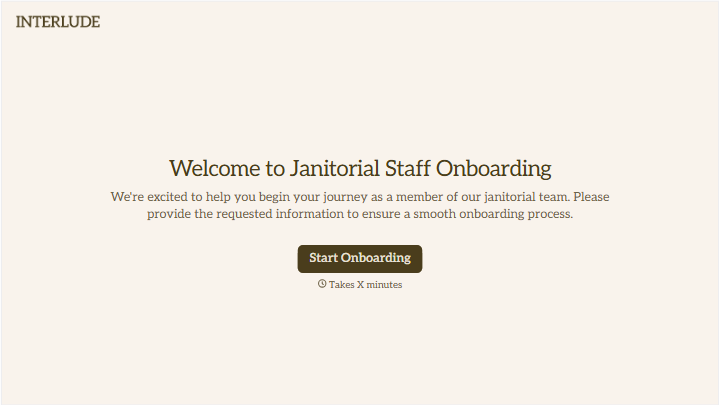
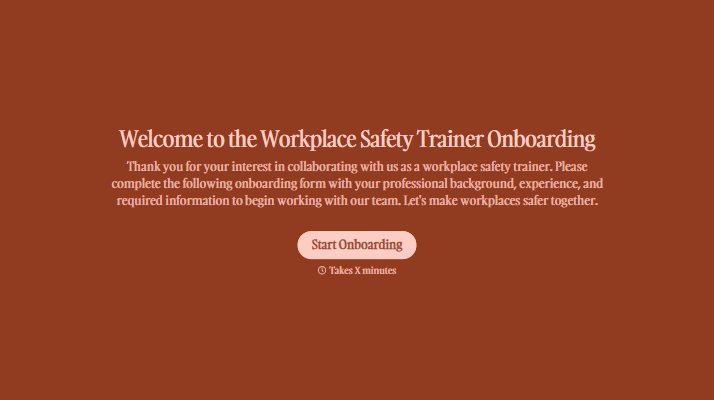
With Typeform, you can customize everything
Change text, colors, and even logos to match the look and feel of your brand. Then embed forms smoothly onto web and email.
Make forms feel effortless to fill out. Pace questions, call people by their name, and adapt the flow based on the data they share.
Stay efficient by connecting forms to your workflow. Typeform integrates with 300+ tools including Slack, Zapier, and HubSpot.


